A parachute lets you descend safely from rooftops and high places in GTA 6, as well as jump out of a plane in flight. There are two ways to get this equipment: buy it at a gun store or pick one up for free in Key Lento. However, simply adding the item to your inventory is not enough—you need to select it in the item wheel and activate it before jumping.
Where to Get a Parachute in GTA 6
You can get this equipment early in the game while exploring the state of Leonida.
Buy One at a Gun Store
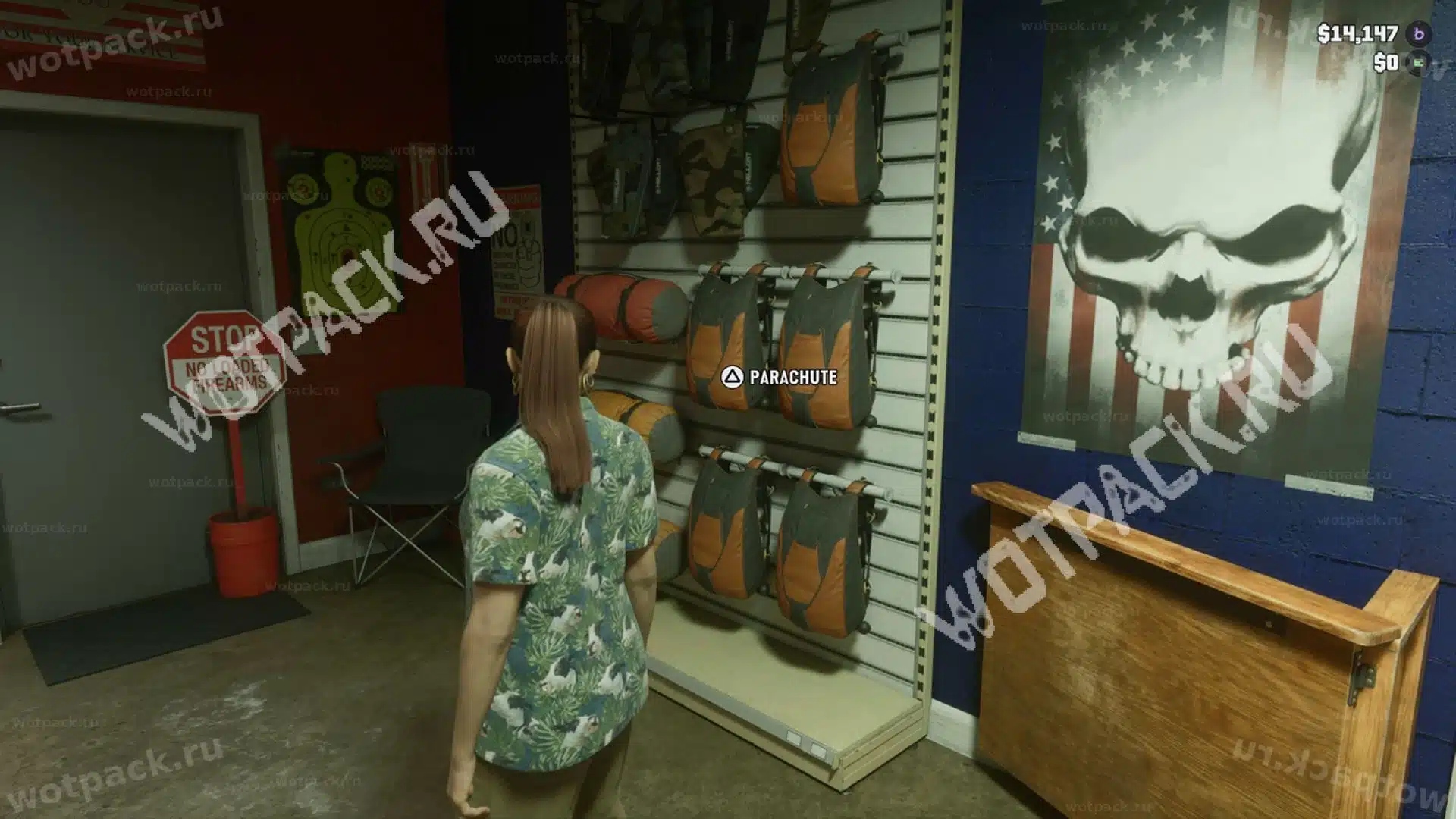
You can buy a parachute at an Ammu-Nation gun store. One of the first stores available is in Key Lento, where the story takes the protagonists.
- Enter Ammu-Nation and check the far wall on the left—the parachutes are displayed there.
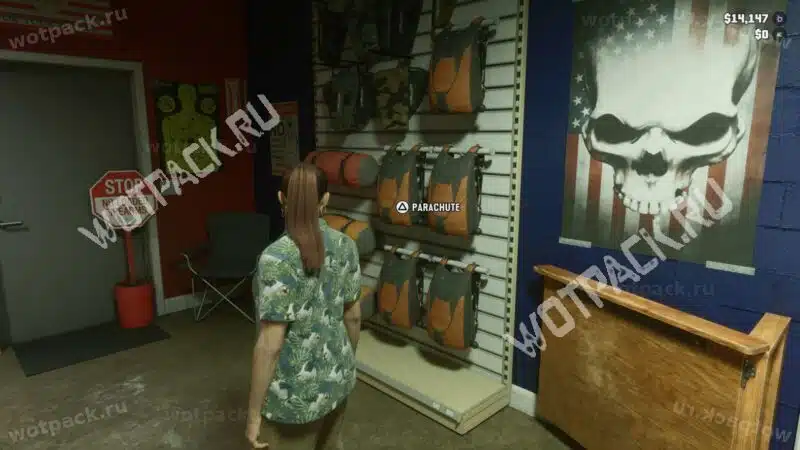
- Approach the equipment stand and take the item.
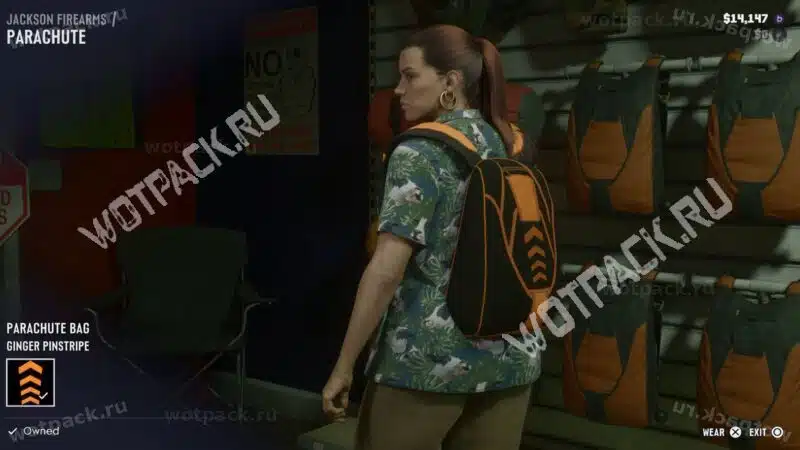
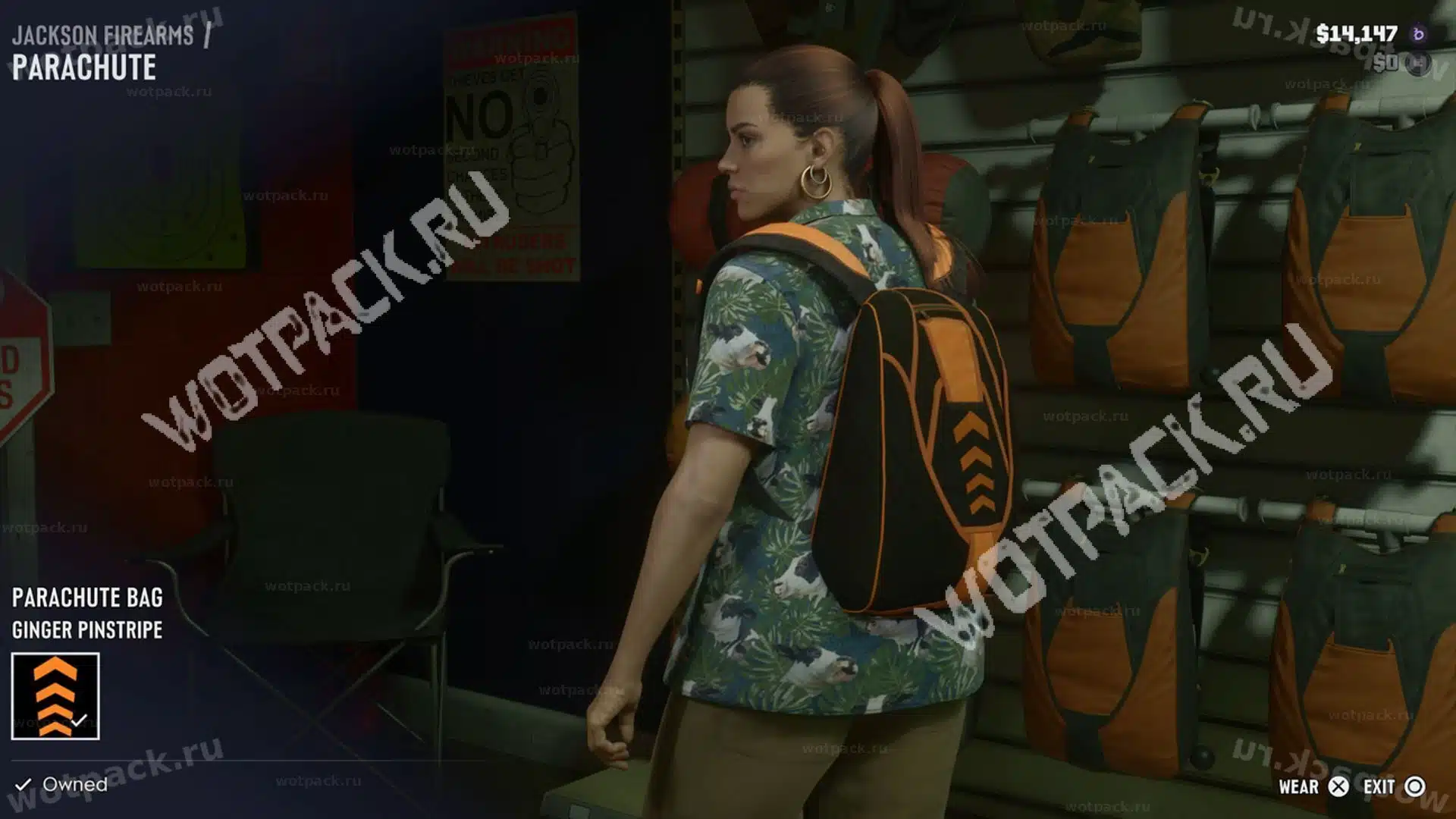
- Alternatively, speak to the clerk and open the Equipment section.
- After buying it, open the item wheel to prepare the equipment for your jump.
Find One for Free on the Tower in Key Lento
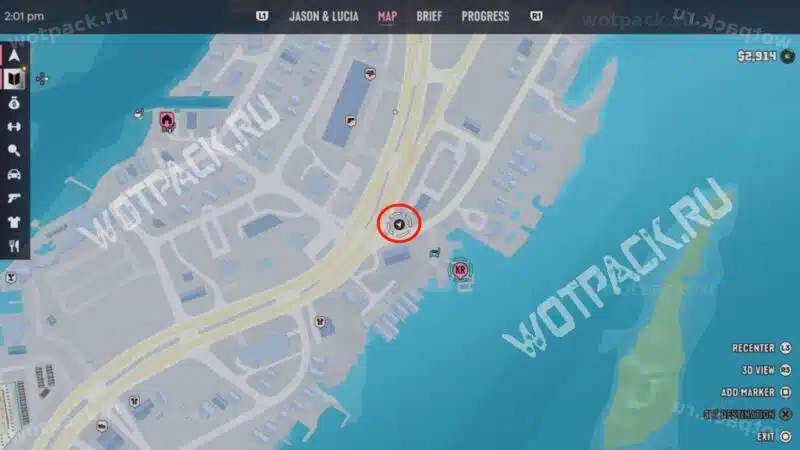
If you do not want to spend money, pick up the equipment on the tower in Key Lento near the location of Kenton Reese's first mission. The spot is east of the main road and northwest of the KR marker near the pier.
- Open the map and find the tower in Key Lento.
- Head to the structure and climb the ladder to the upper platform.
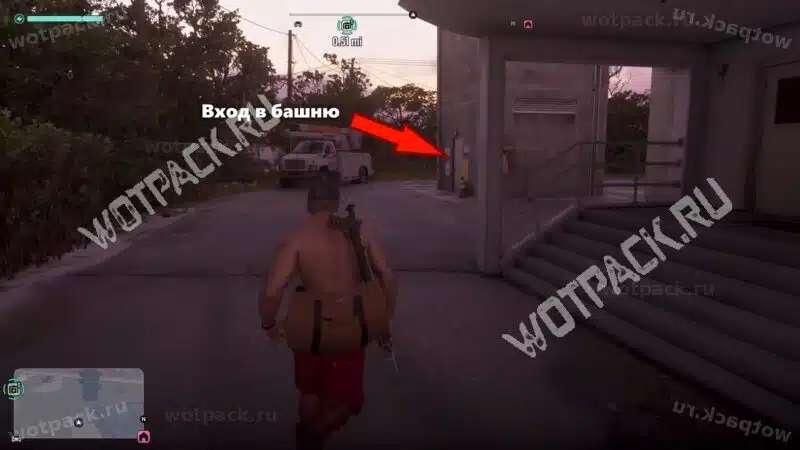
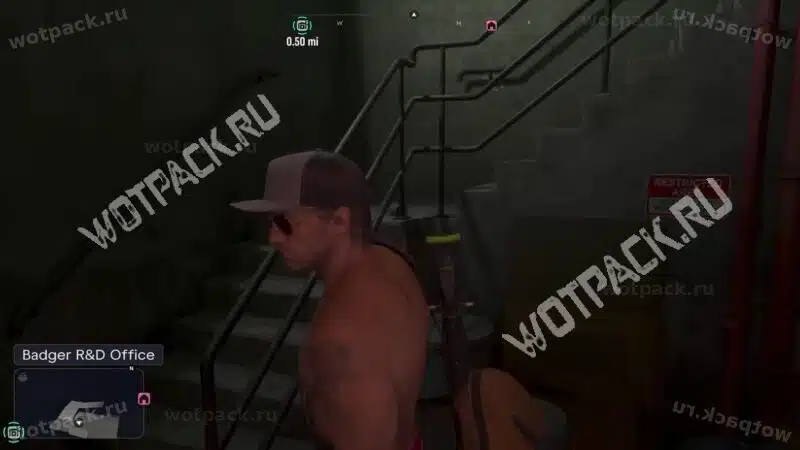
- Check the corner of the platform—there is an item labeled “Parachute” lying there.
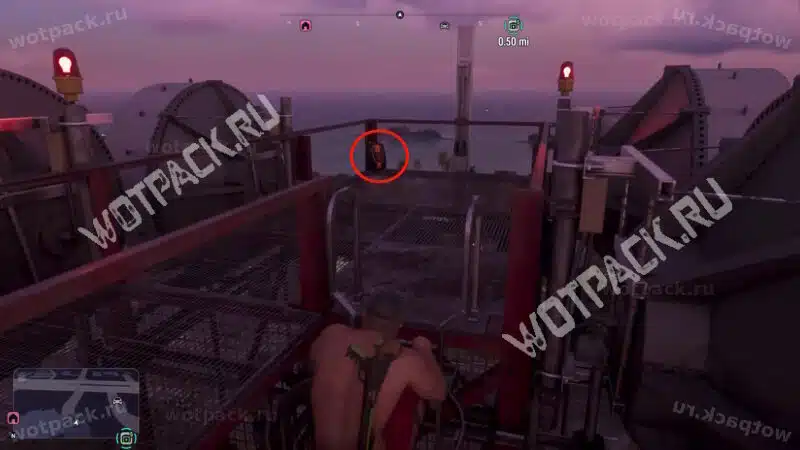
- Pick it up, then prepare your equipment.

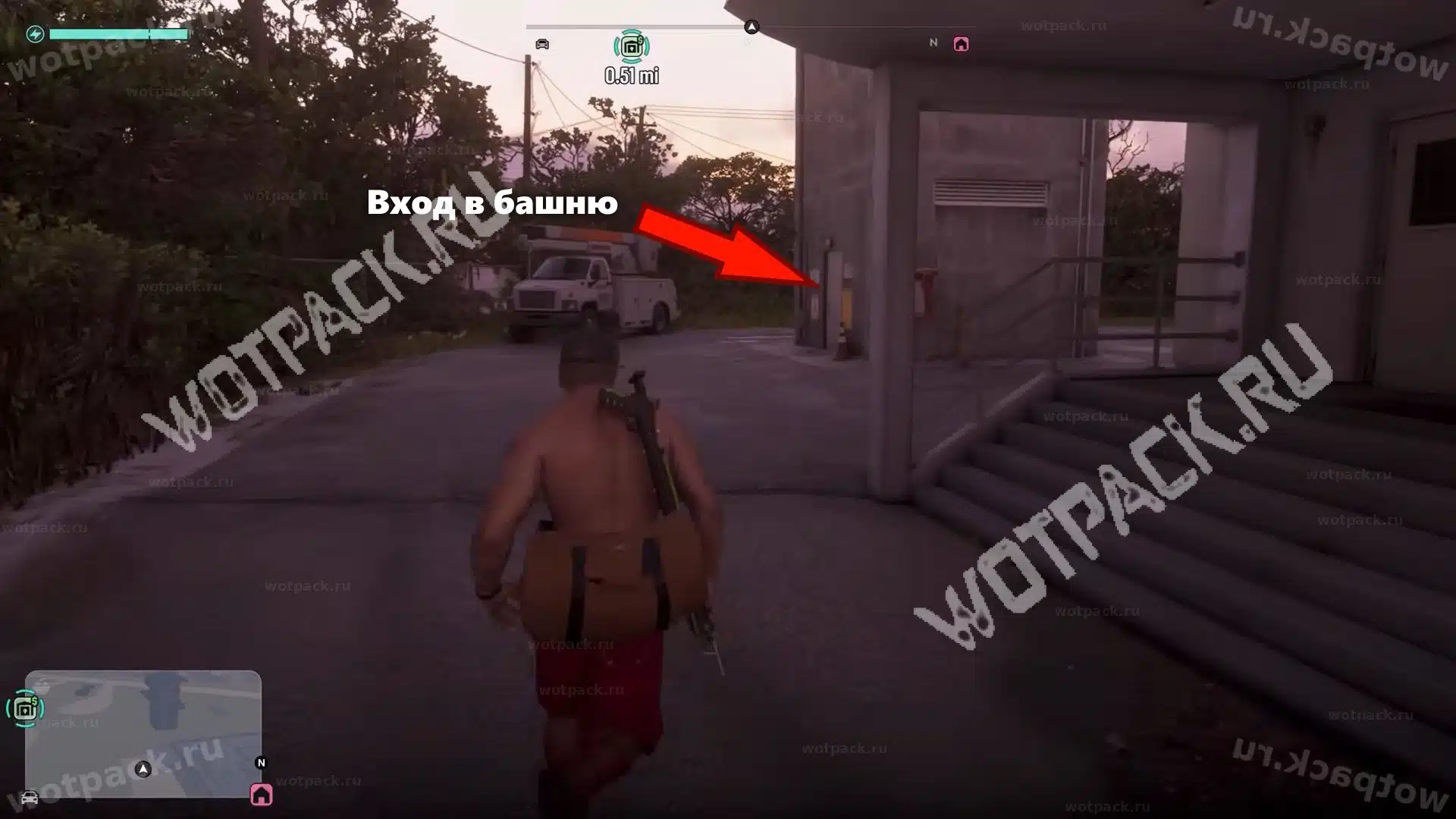
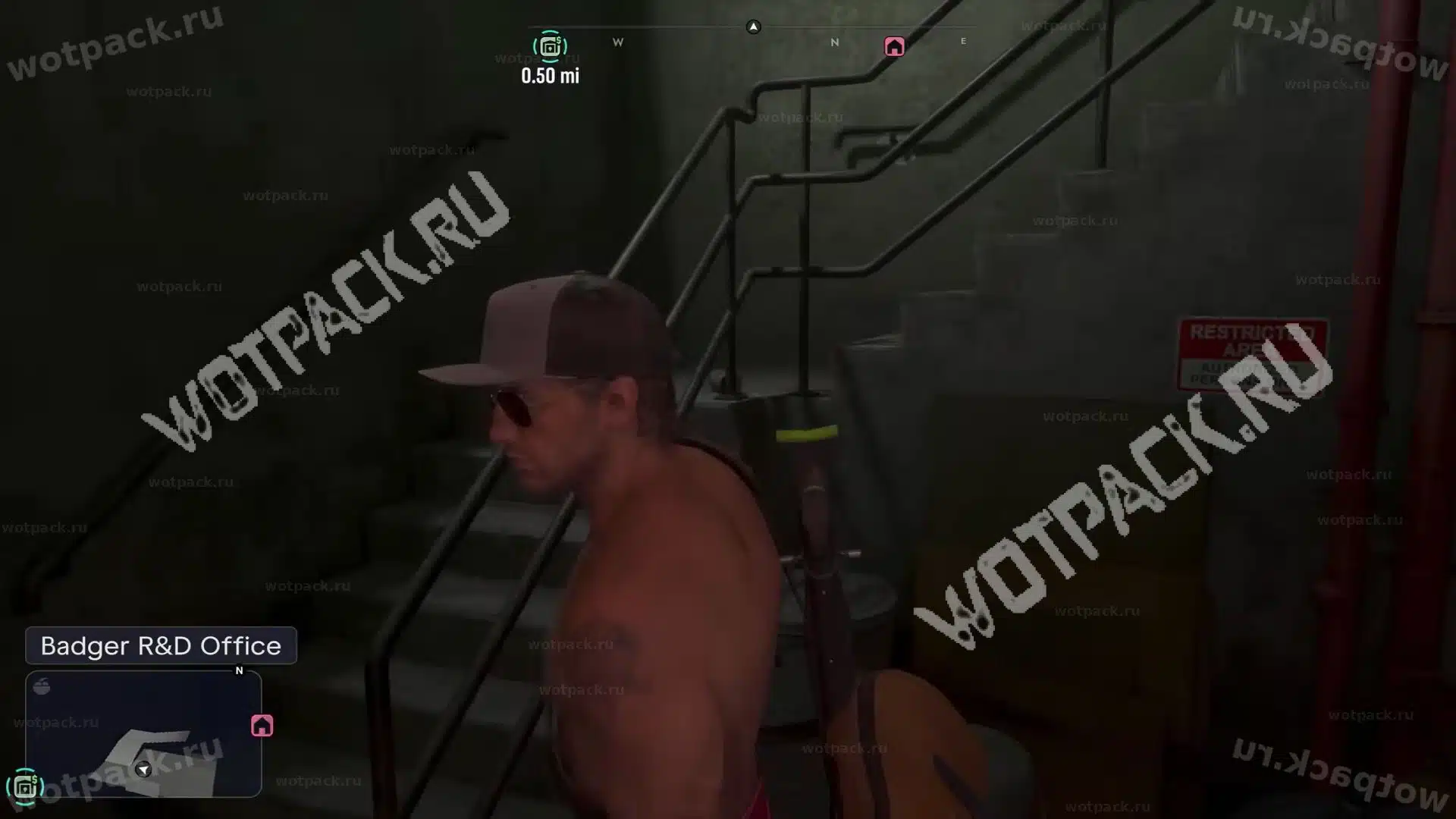
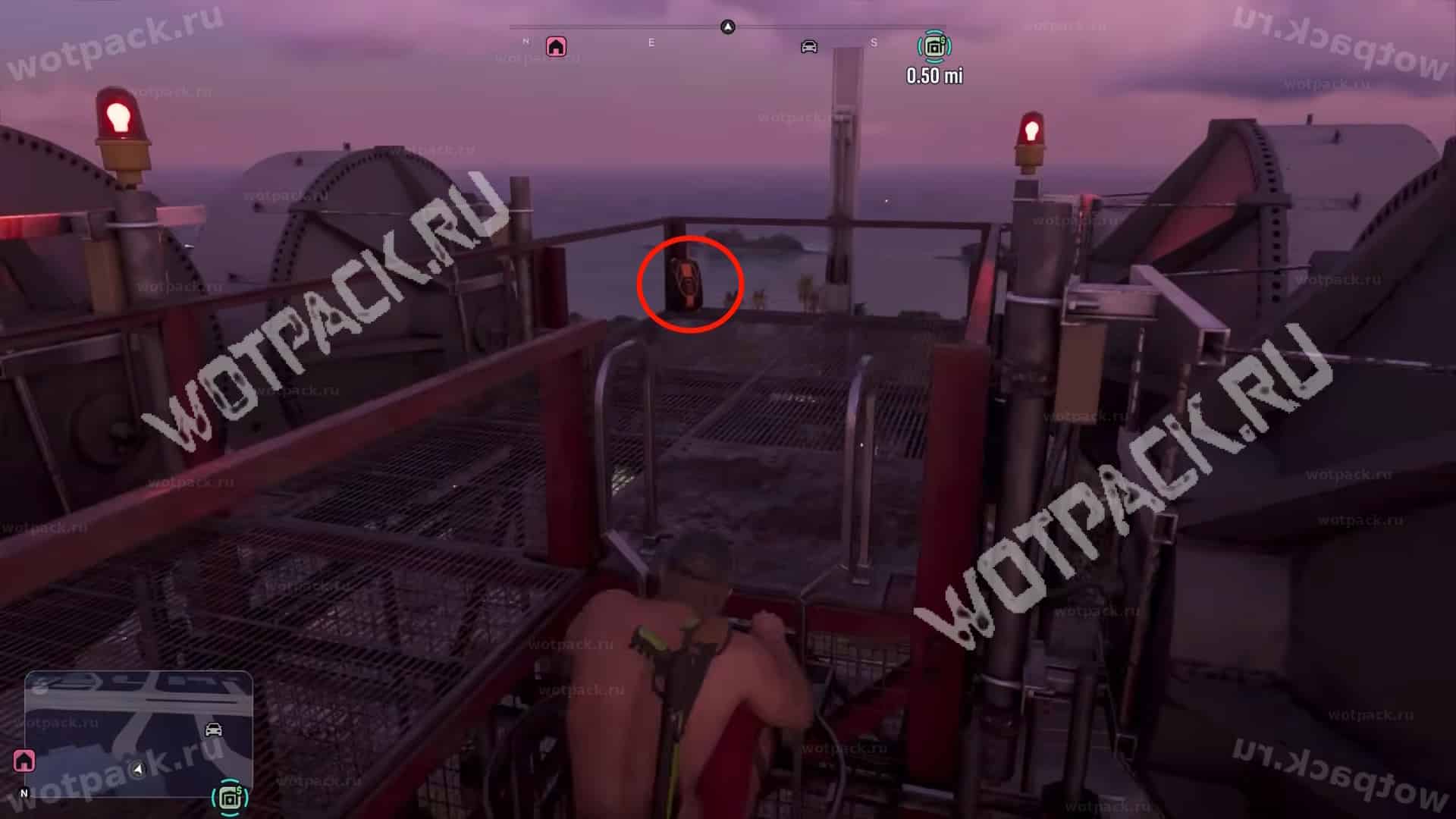
You do not need to complete Kenton Reese's mission for the item to appear: simply climb the tower and collect it.
How to Equip a Parachute
After buying or picking up the equipment, activate it through the item wheel:
- Hold L1 on PS5 or LB on Xbox.
- While holding the button, press R1/RB to switch to items.
- Select the bottom-left slot.
- If the slot shows body armor, switch it to the parachute by pressing R2 or RT.
- Set the parachute to “On.”
The pack itself may not appear on your character's back when wearing regular clothes, so check its status in the item wheel to make sure the equipment is ready.
How to Deploy a Parachute and Control Your Descent
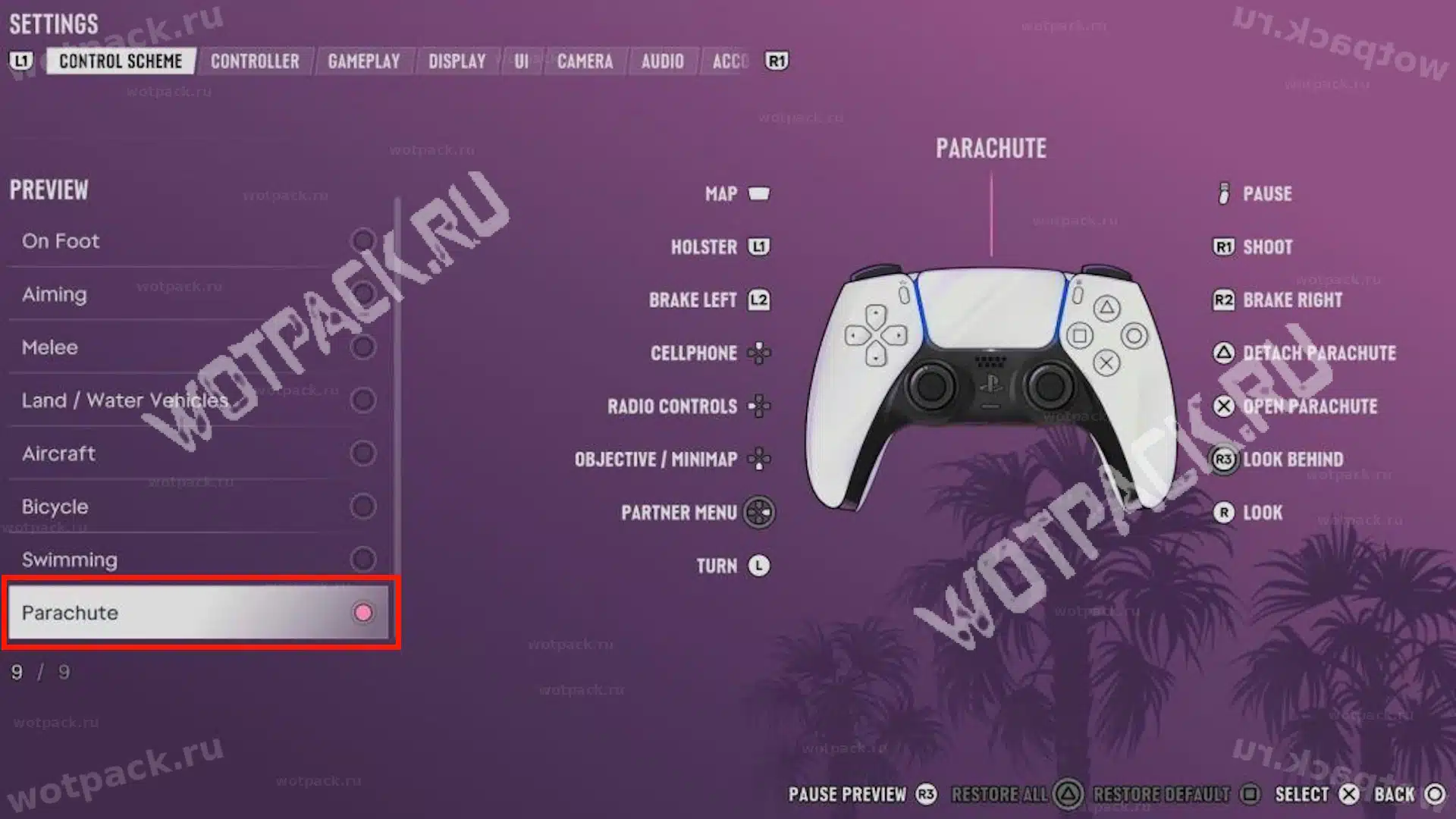
Activate the parachute in your inventory beforehand, then jump from a suitable height or exit a plane and press the deploy button while in freefall. Do not wait too long: at a lower altitude, you have less time for the canopy to open.
| Action | PS5 | Xbox Series X|S |
| Deploy the parachute in midair | ✕ (cross) | A |
| Change flight direction | Left stick | Left stick |
| Dive (descend faster) | Left stick forward | Left stick forward |
| Glide (slow your descent) | Left stick back | Left stick back |
| Pull the left line (sharp left turn) | L2 | LT |
| Pull the right line (sharp right turn) | R2 | RT |
| Rotate the camera around the character | Right stick | Right stick |
If you plan to jump from an aircraft, first get a suitable aircraft.
What to Do Before Jumping Again
You only need to buy a parachute once, but after using it, you may need to pick up another one at a gun store. To do this, return to Ammu-Nation and take a parachute from the stand—you do not need to pay, as it will be marked as already purchased in the menu.
Before your next jump, open the item wheel again and check that the parachute is in its slot and set to “On.”