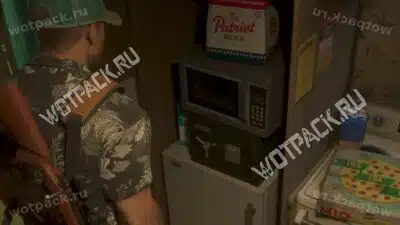
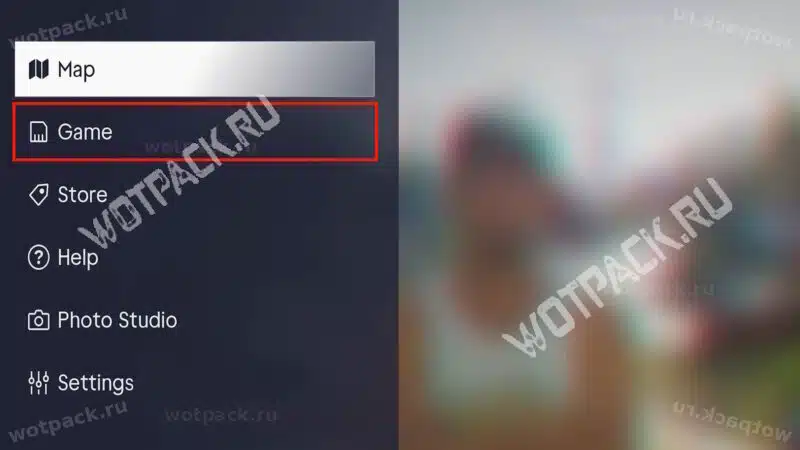
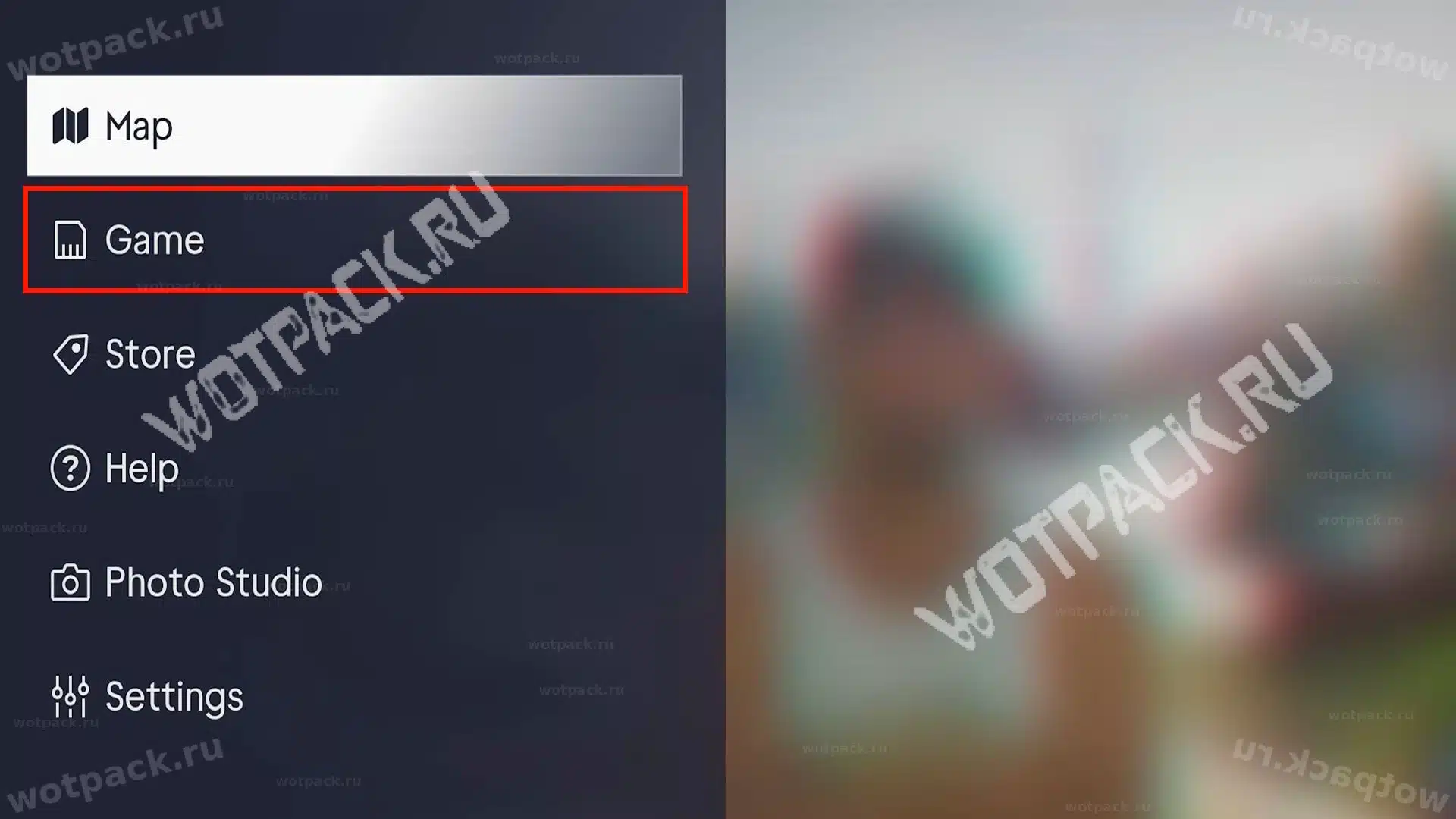
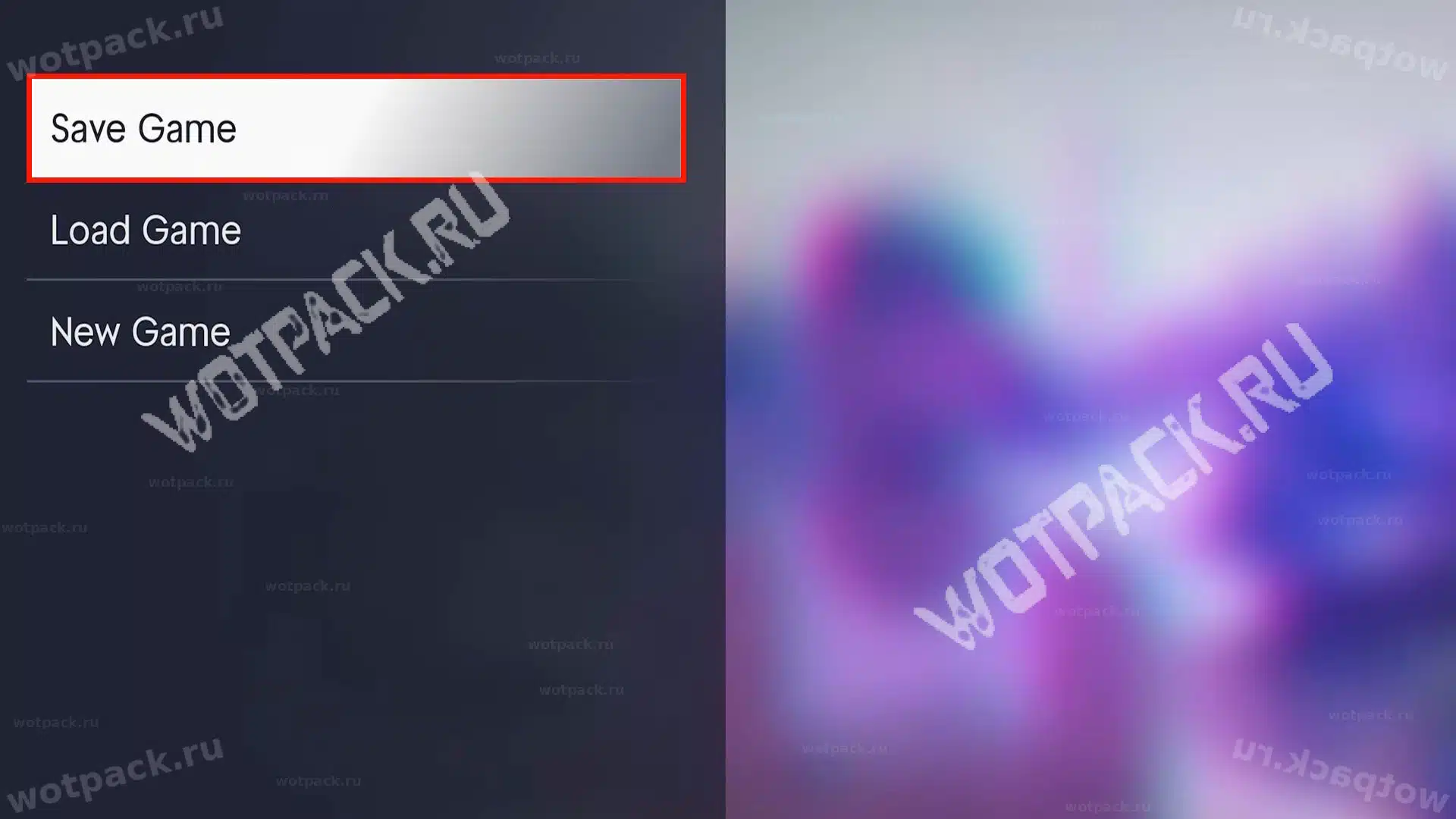
GTA 6 supports both manual saves and autosaves. To save your progress manually, open the pause menu by pressing Options on PS5 or Menu on Xbox Series X|S, go to “Game,” and select “Save Game.” Manual saving is not available in every situation, and autosave does not record every action, so it is best to use both methods to protect your progress.
How to Save the Game Manually
The feature unlocks after the introduction, when Jason arrives at the house by the dock. After that, you do not need to return home: you can save in GTA 6 through the pause menu at any time during free roam, provided no restrictions apply.
To create a save file, follow these steps:
- Open the pause menu by pressing Options on PS5 or Menu on Xbox Series X|S.
- Go to “Game” and select “Save Game.”
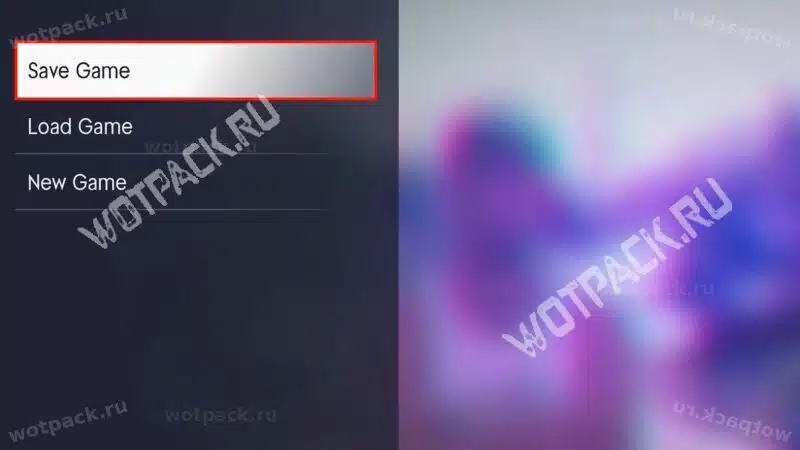
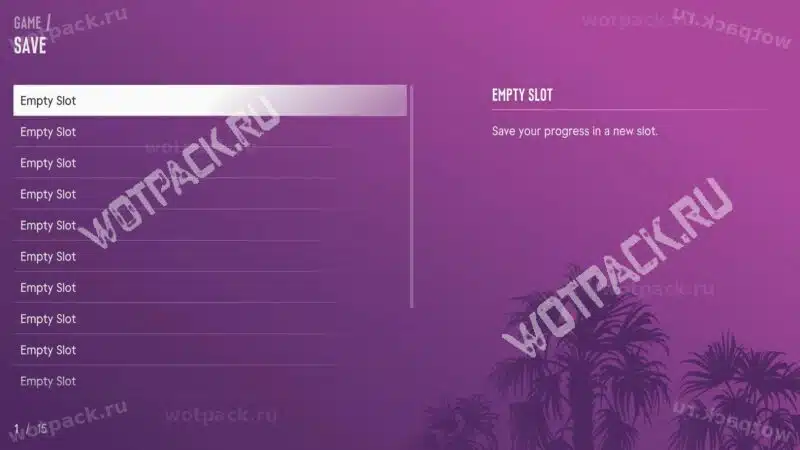
- Choose an empty slot to create a new save or an occupied slot to overwrite an existing one.
- Confirm your choice by pressing × on PS5 or A on Xbox, then wait for the process to finish.
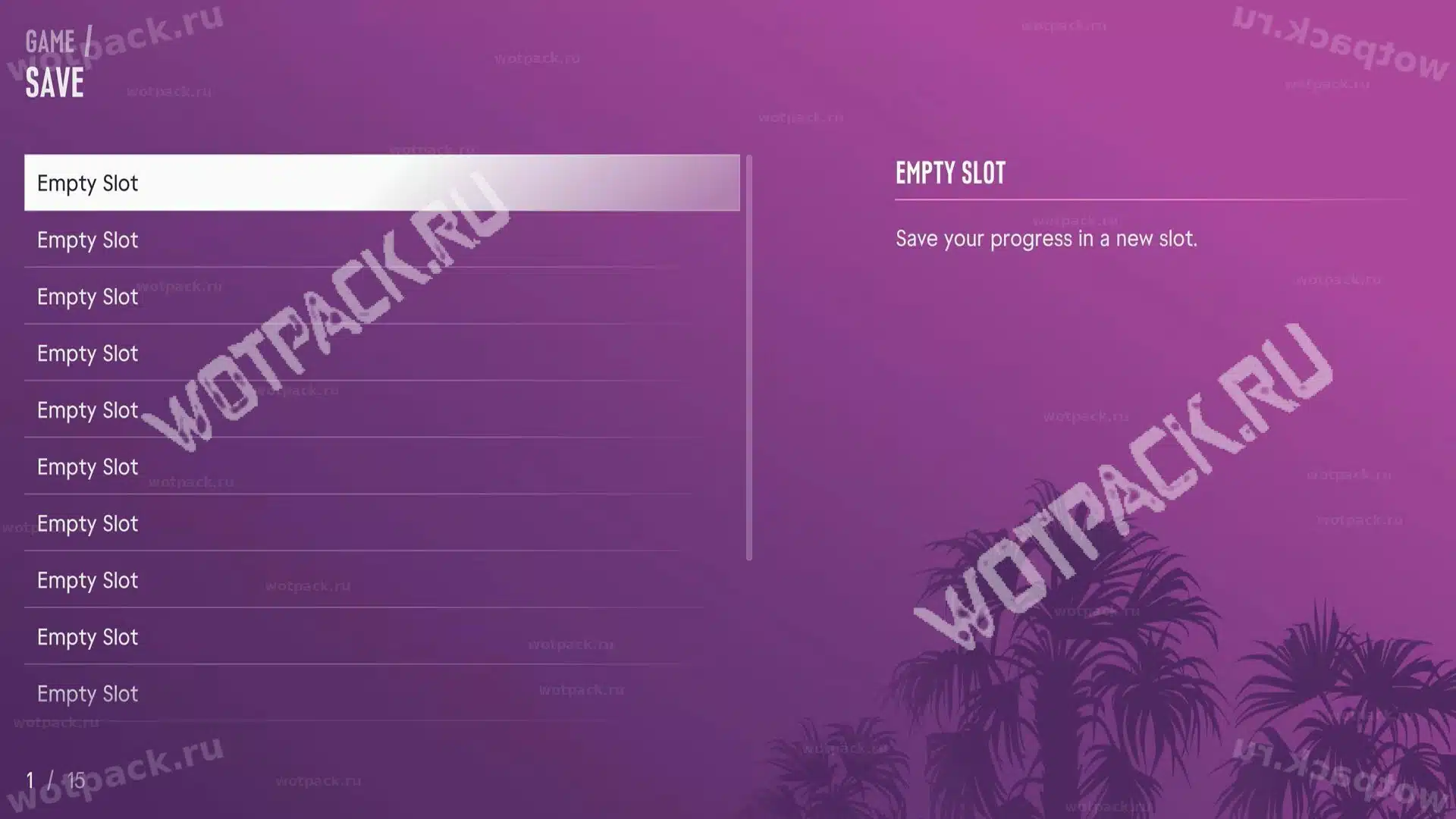
Players have 15 manual save slots. Overwriting a save replaces the old data, so rotate between several slots and create a separate copy before important story events. The mission name, completion percentage, date, and time will help you find the file you need in the list.
To load a save, open the pause menu, go to “Game,” select “Load Game,” choose the save you want, and press “Load.” Your playthrough will resume from that point. Keep in mind that loading an older manual save overwrites the autosave. Before going back, save your current progress in an empty slot.
Why Manual Saving May Be Unavailable
If the save option is grayed out, check whether any of these restrictions apply:
- The introduction is not complete. Play through the opening section of the story until saving unlocks.
- A mission is in progress. Finish the mission and try again during free roam.
- You are in combat or being chased. Leave combat or lose your pursuers, then try again.
- Cheat codes are active. Entering them disables saving for the rest of the session. Save your progress manually beforehand. To remove the restriction, restart GTA 6 and load a save created before you used the codes.
If saving remains unavailable during free roam, leave the building or exit your vehicle and try again. This may help if the problem occurred immediately after a phone call or completing an objective.
How Autosave Works
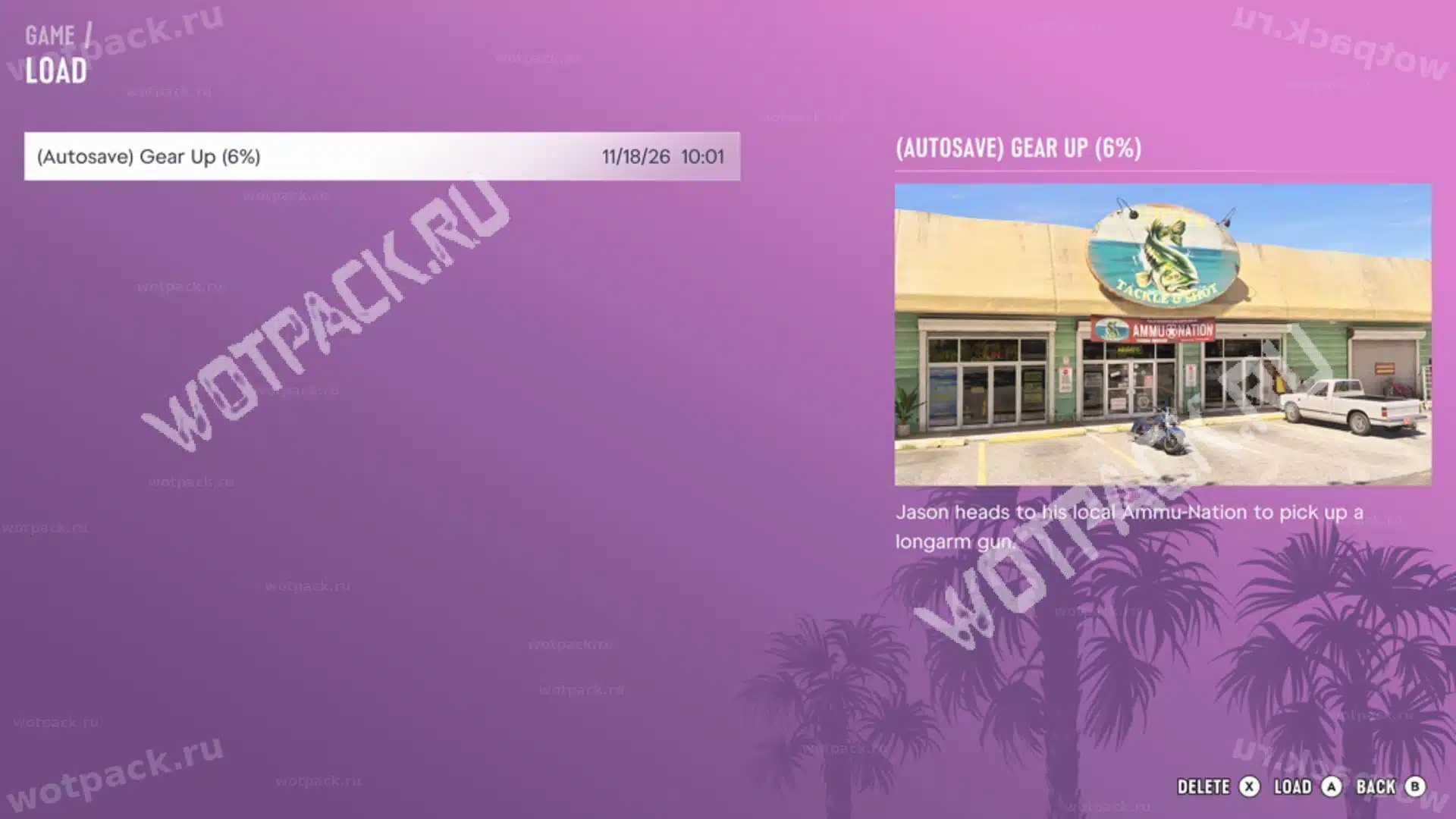
Autosave usually triggers after completing missions and in certain other situations, but it does not record every action or intermediate objective. Do not rely on continuous saving between missions.
Autosave has one dedicated slot, separate from the 15 manual save slots. Each new save replaces the previous one, so there is no autosave history. You can find the file under “Load Game.” Manual saving lets you create a specific point to return to and record your progress before quitting.
What to Do If Your Saves Are Missing
Players report losing progress after crashes or console shutdowns, although the causes of specific failures are not always known. If you have lost some progress, check your save files:
- Check your saves. Open the “Game” menu and find “Load Game.” Compare the dates, times, and completion percentages of your manual saves and autosave.
- Check your profile. Make sure you launched the game using the same account.
- Avoid guest mode on PS5. Temporary guest data is deleted when the session ends, so use a permanent profile.
- Check your PS5 cloud saves. If you have PS Plus, open “Settings” and go to “Saved Data and Game/App Settings.” Then open “Saved Data (PS5).” Compare the files’ dates and times before downloading a cloud copy.
- Check Xbox synchronization. Connect to the internet, sign in with your previous account, and wait for synchronization to finish. If prompted to choose between local and cloud copies, compare their dates.
Keep two things in mind: a PS Plus subscription is required only for cloud saves, and you can still save the game on your console without it; cloud synchronization does not guarantee that you can recover an older version if a file with missing progress has already been uploaded. Rotate between manual save slots, check the time of the latest save, and wait for saving to finish before closing the game.