
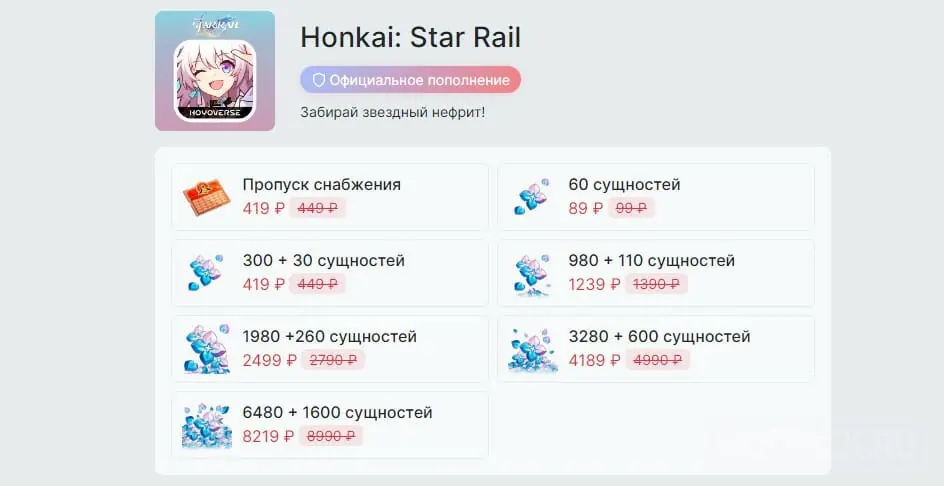
In Honkai: Star Rail, Oneiric Shards, Stellar Jade, and the Nameless Glory Battle Pass are in-game items you can spend money on. Buying a monthly subscription, special Trailblaze Aid bundles, material contracts from The Herta, or items from the Oneiric Network makes high-level content easier to clear by helping you assemble the current season’s meta teams.
Every item can be purchased from the in-game store. To save money, consider partner sites that offer discounted top-ups.
| official top-up | topami | donatov.net | |
| Oneiric Shards (without the double bonus for the first purchase) |
|
12-21% below official prices:
|
3-11% below official prices:
|
| Express Supply Pass | 449 RUB | 12% less → 393 RUB | 3% less → 434 RUB |
| Nameless Glory |
|
10-12% less:
|
— |
Discounted Top-Ups in Honkai: Star Rail

You can buy Oneiric Shards below the official price through:
| topami |
A service launched in October 2026. Purchases here require logging into the user's account, meaning you will need to share your game account's login and password. However, it provides a guarantee against data theft, so there is no risk of losing your account.
The main advantage is 10-25% discounts on all services. Each user can also use two promo codes that reduce the price by another 10%:
Each coupon can only be used once. |
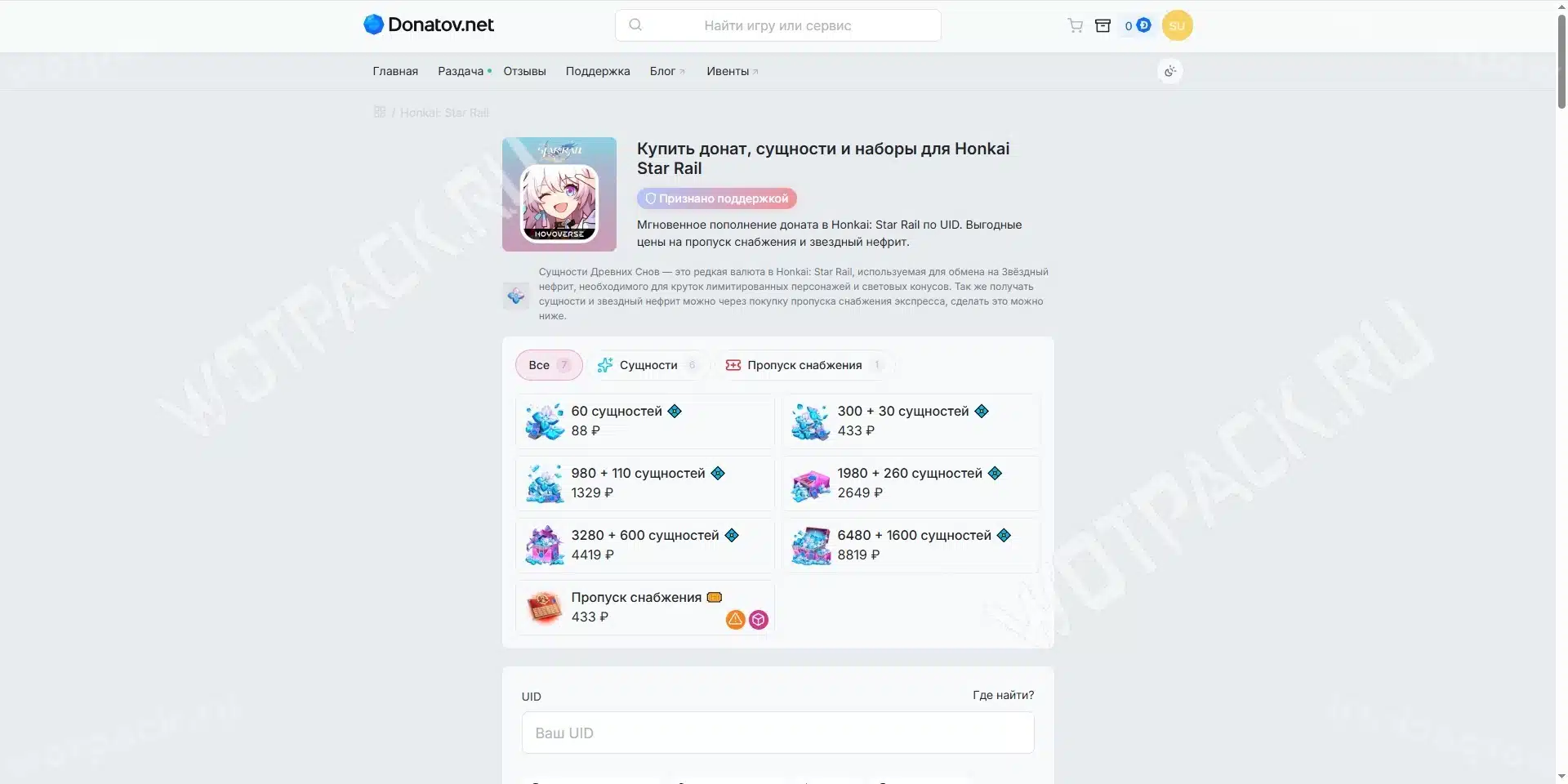
| donatov.net | A major service with many positive reviews. Its prices are slightly higher (discounts of up to 3-11%), but this is because top-ups are made using your UID — you do not need to share your account details. This partner also regularly publishes new promo codes and offers a rewarding cashback system. |
Both services offer convenient payment options, including Russian bank cards. Orders take 5 to 10 minutes to process.
Through topami
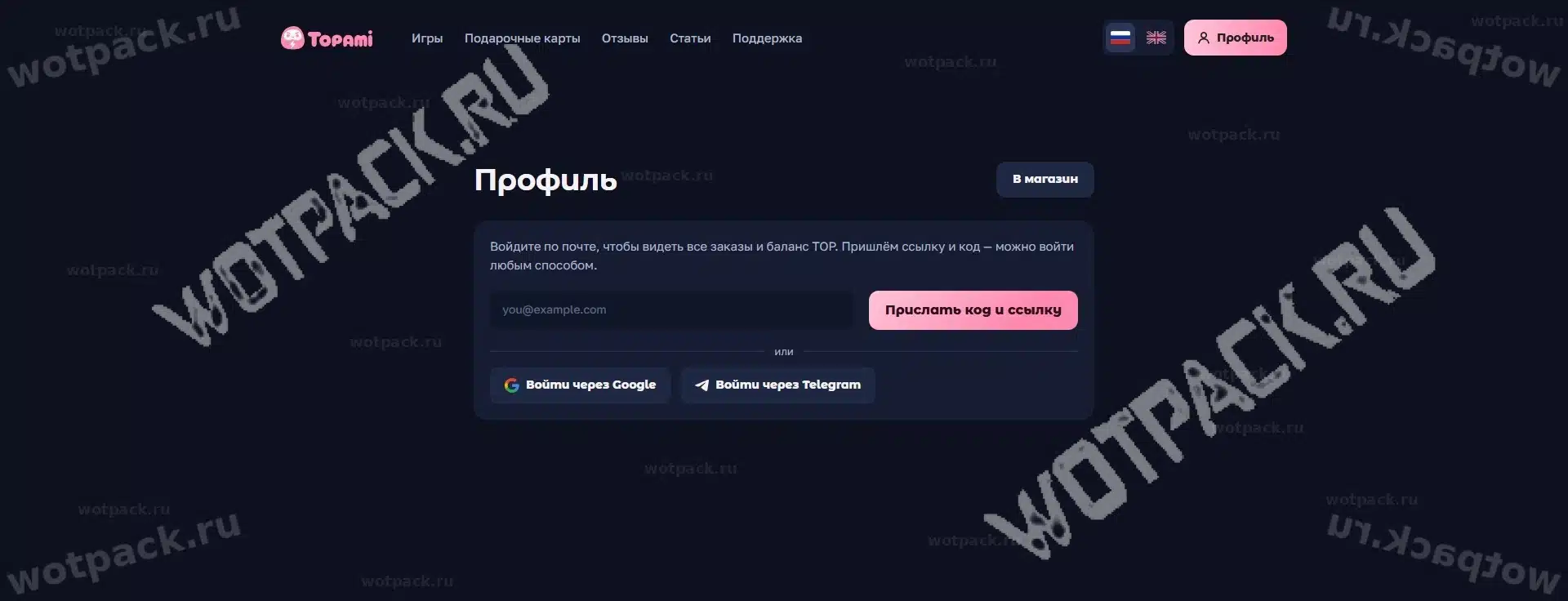
Before using topami, we recommend registering on the site to make tracking your order easier. To do this, click “Profile” in the upper-right corner and choose your preferred sign-in method.
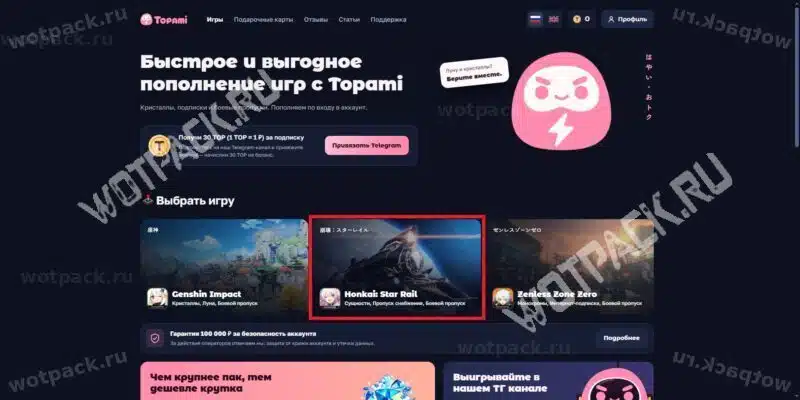
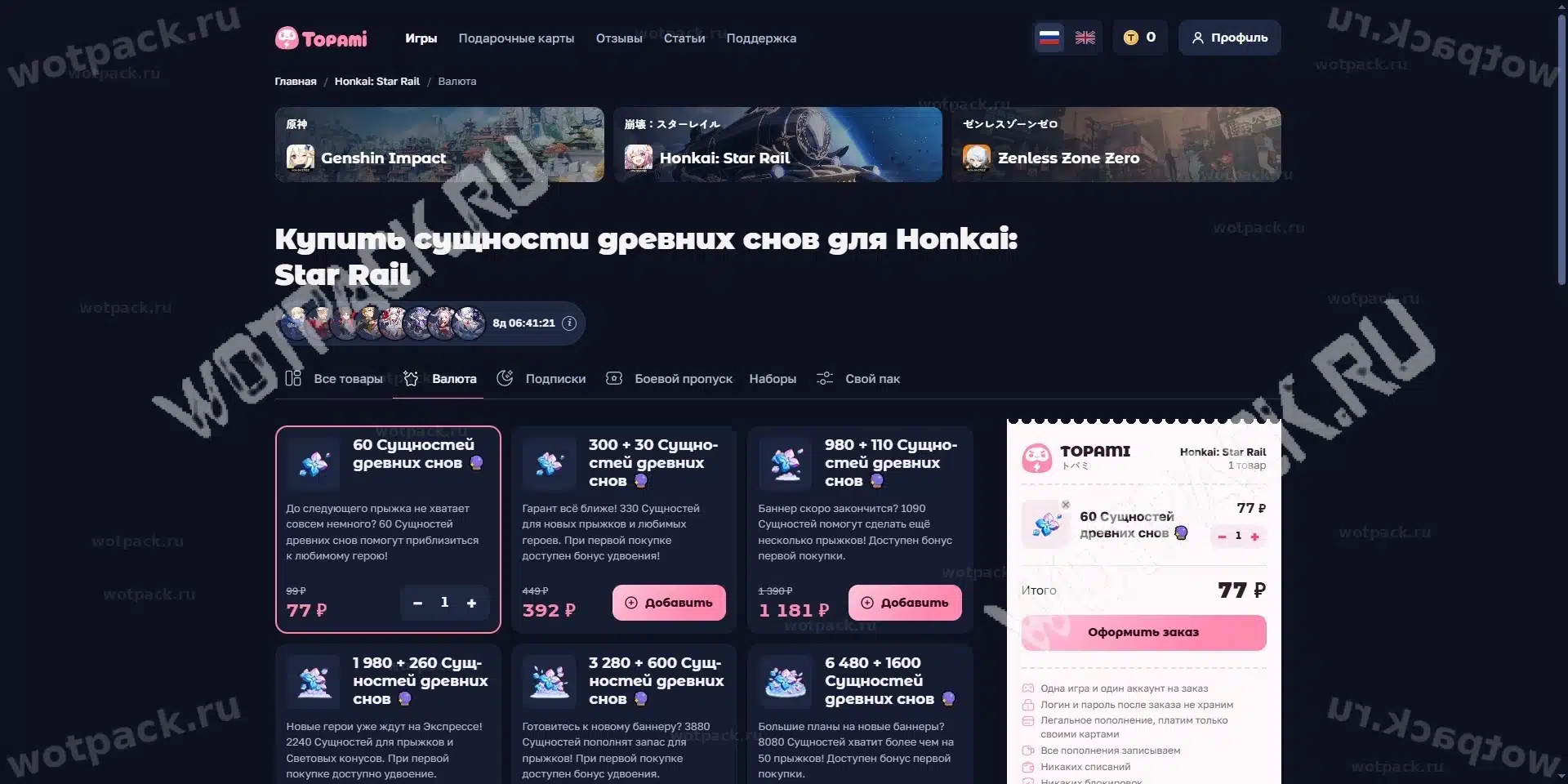
- Open the HSR section on the homepage. In the “Currency” tab, add the desired item to your cart, then proceed to checkout.
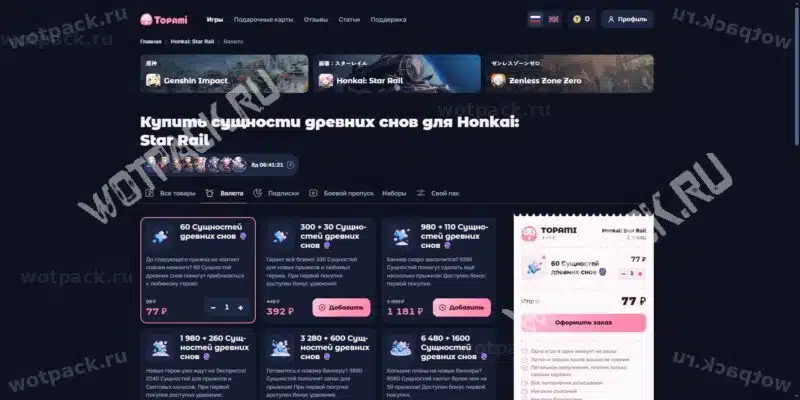
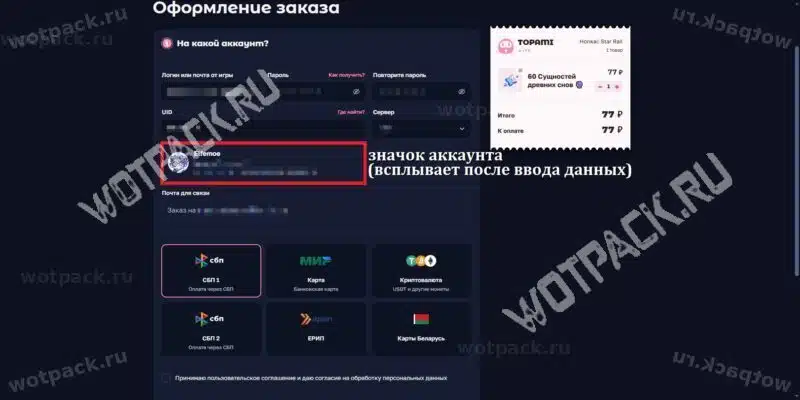
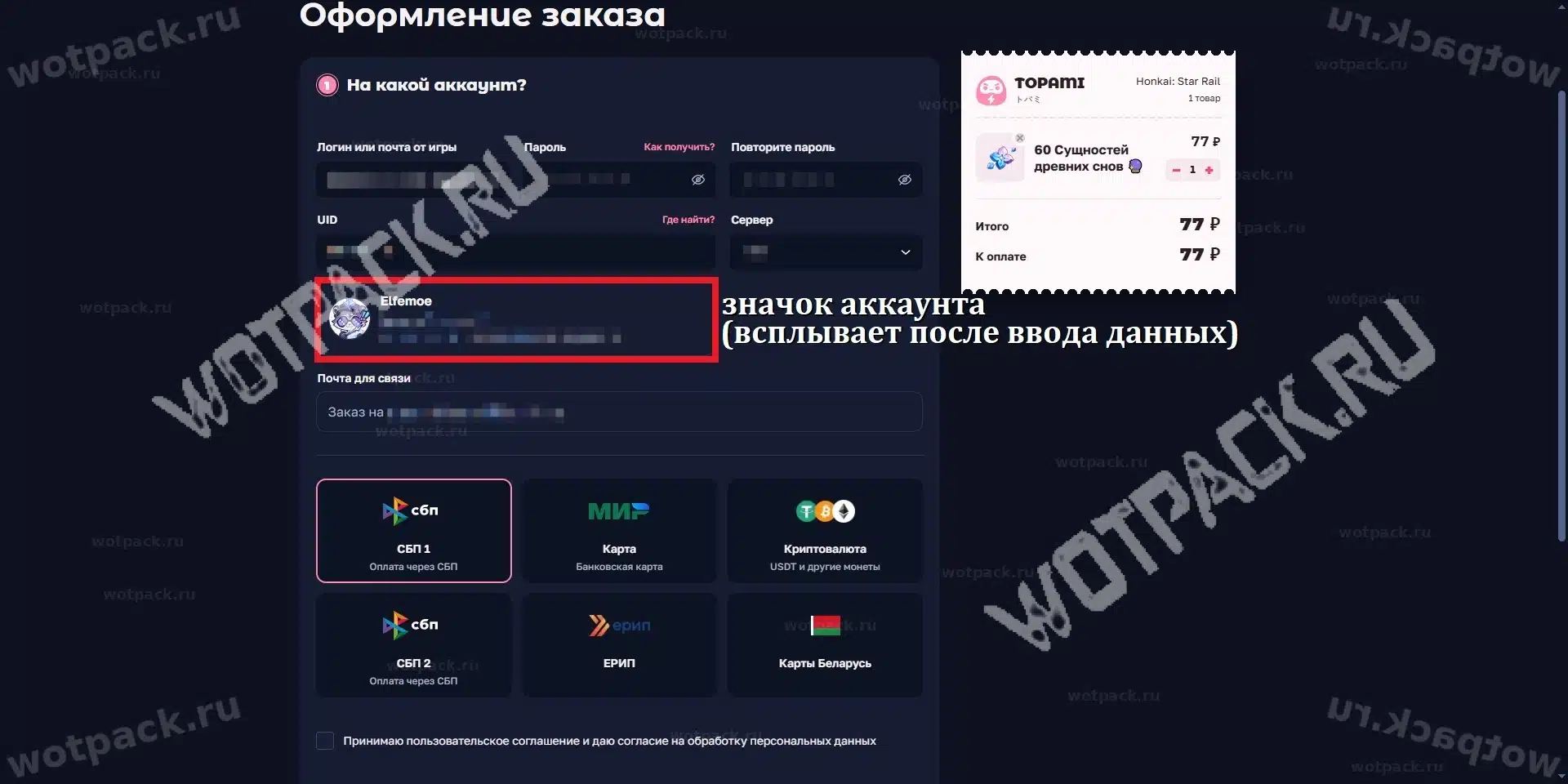
- Enter your account details: login, password, and UID. Select the correct server and check the information shown in the account icon that appears after you fill out the form.
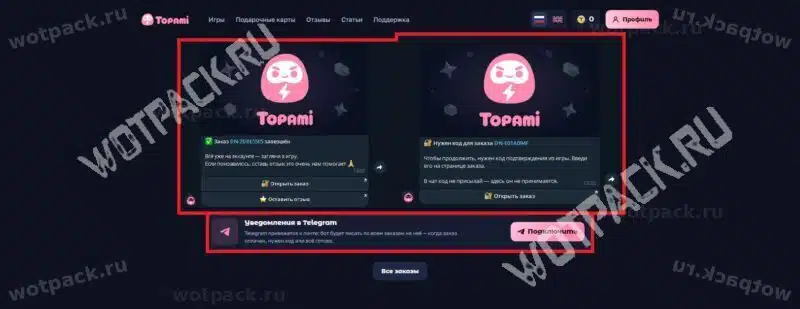
- Be sure to provide a contact email or link your profile on the site to your Telegram account. The bot will send messages when your order is being processed, a code is needed, or everything is ready.
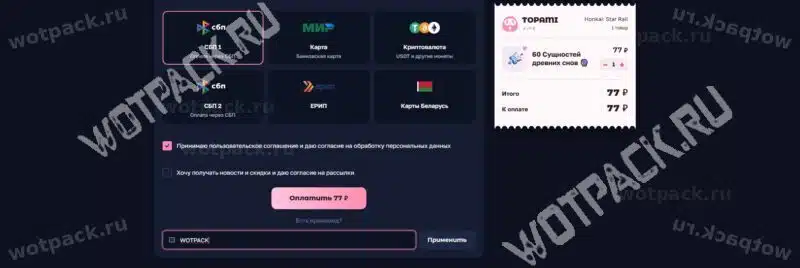
- Then choose your preferred payment method and check the box next to “I accept the User Agreement and consent to the processing of personal data”. Enter the promo code FIRST10 or WOTPACK if you have not already done so.
- After paying, send the verification code to the operator so they can log into your account and complete the transaction. The process takes 5 to 10 minutes on average, but it can take up to 20 if many orders are queued.
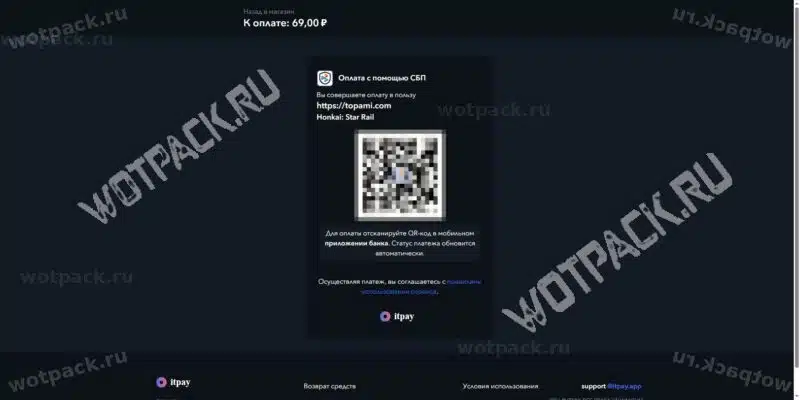
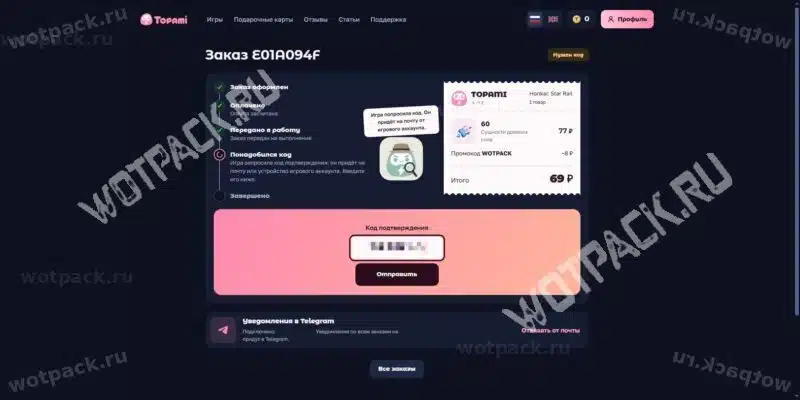

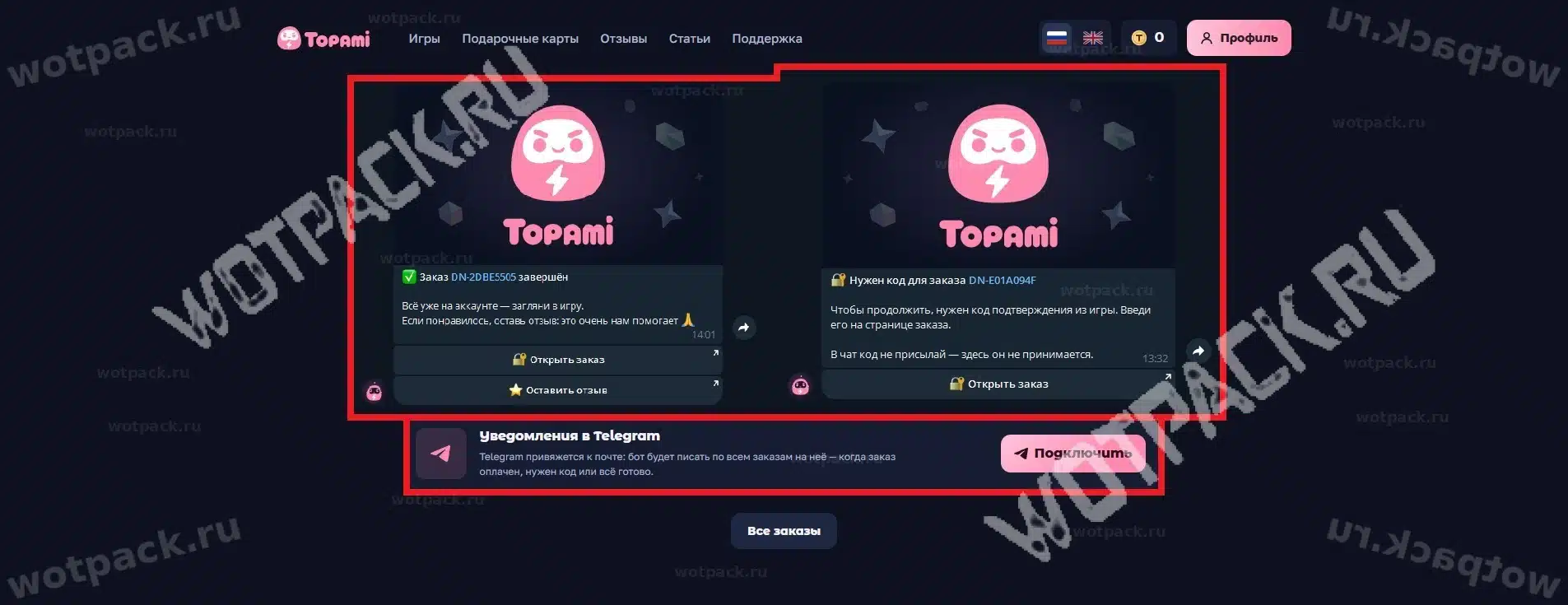
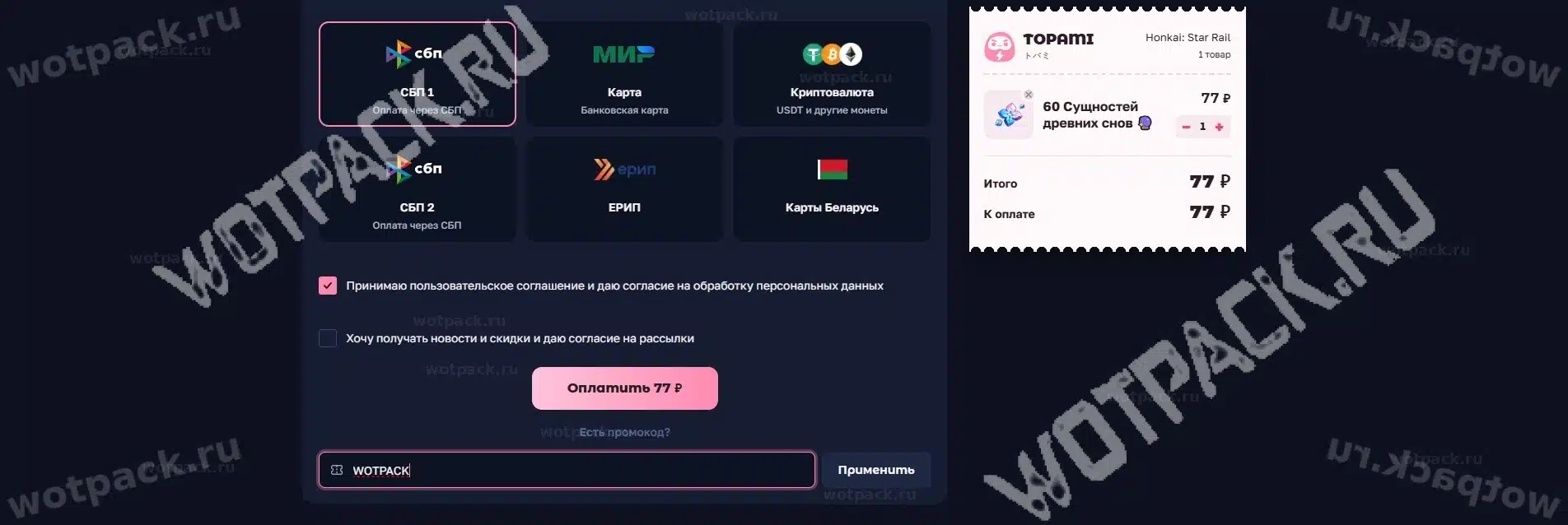
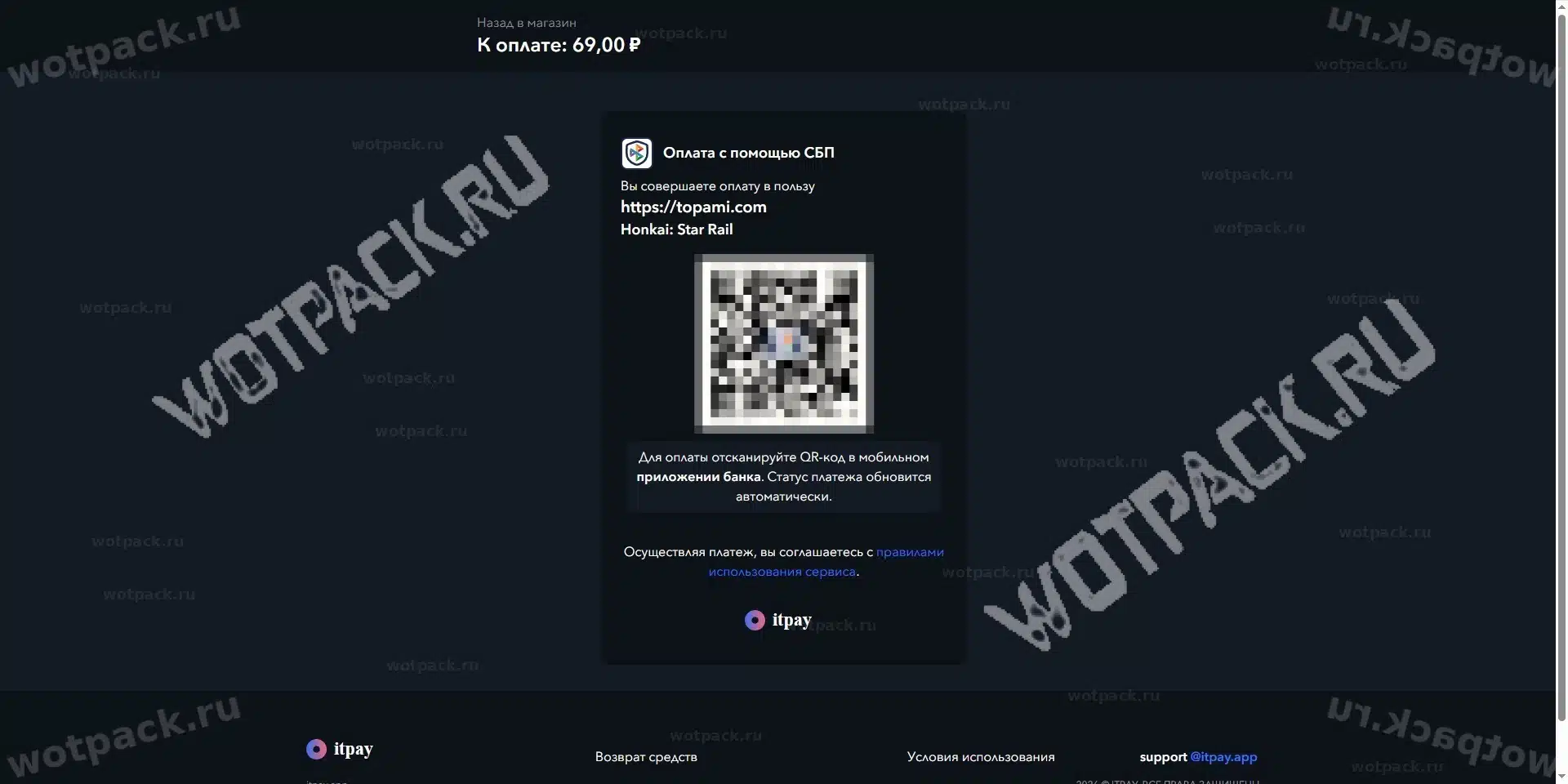
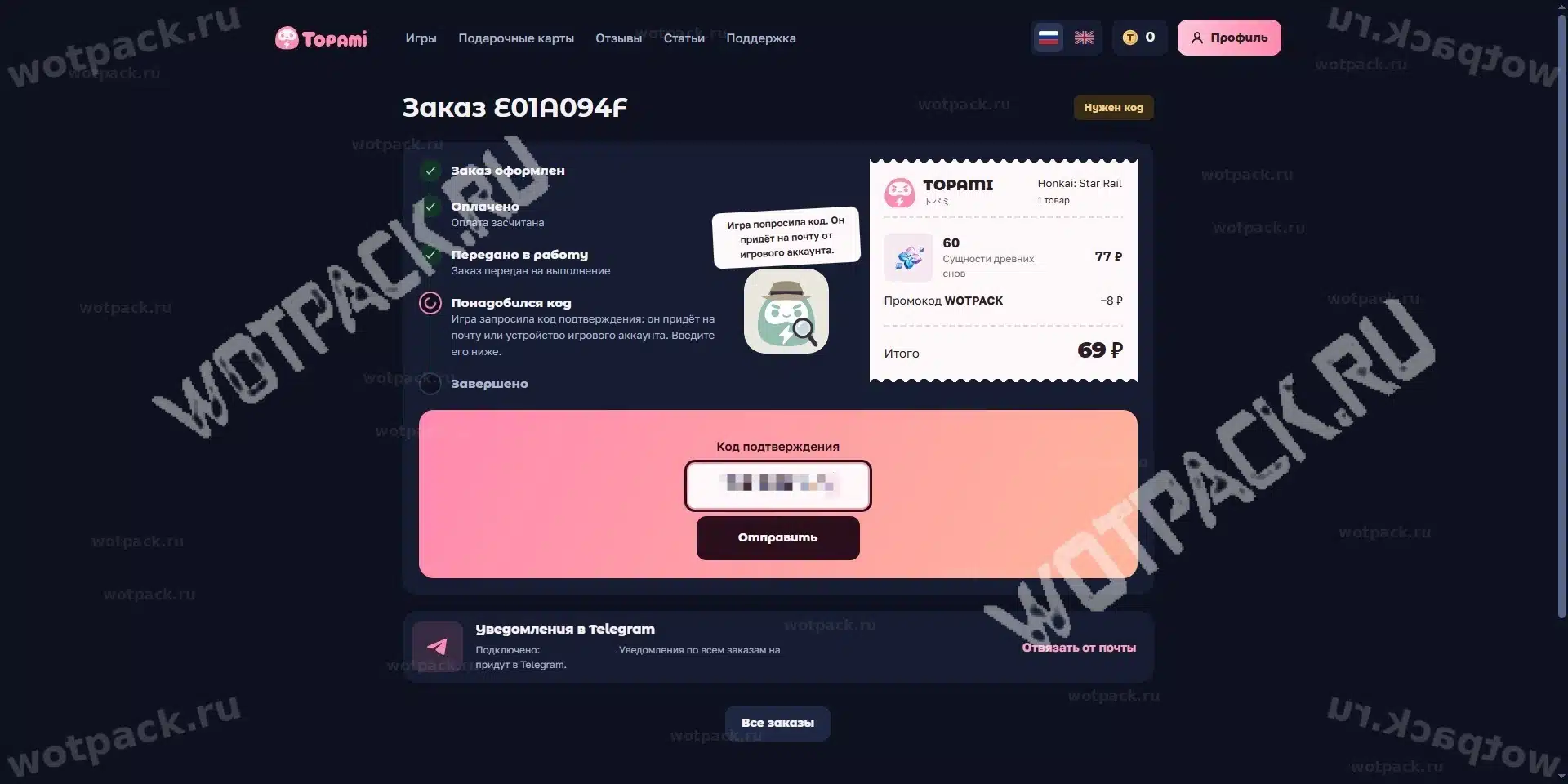
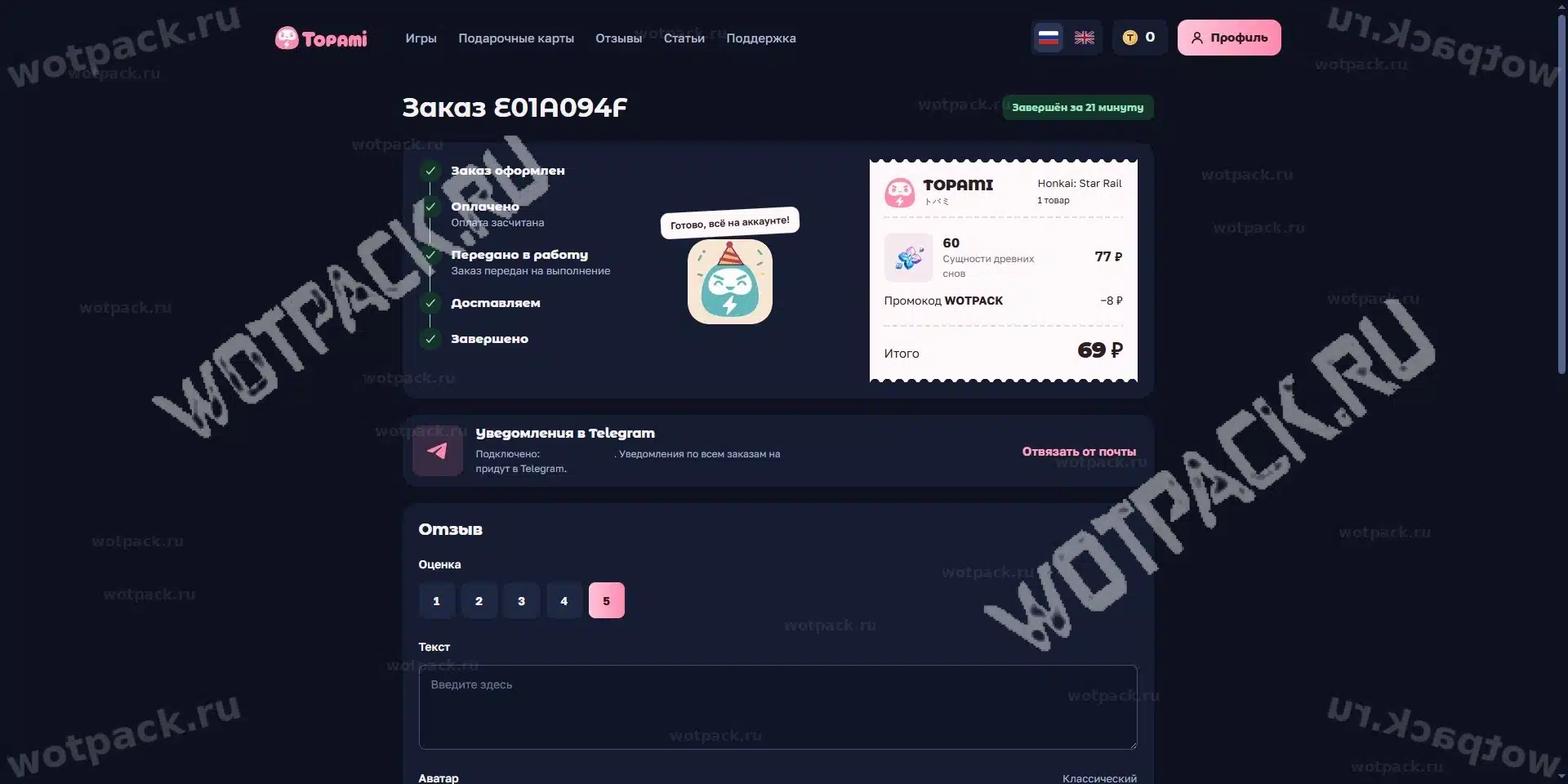
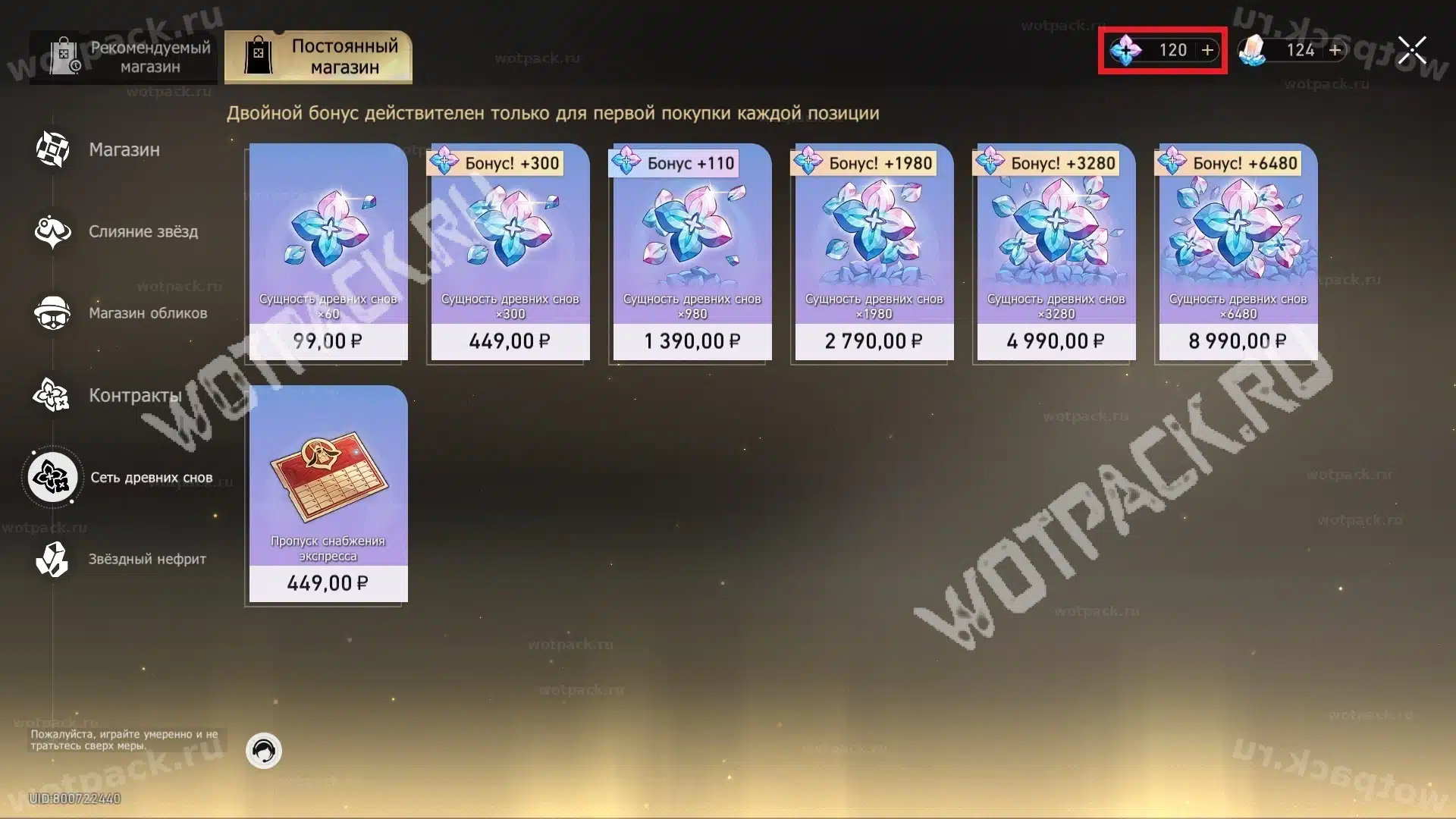
When the status changes to “Completed”, log into the game and check that everything has arrived. If this is your first purchase of premium currency, you will also see a bonus in your balance.
Afterward, remember to remove the operator's device from your trusted devices on the official hoyoverse.com website.
Through donatov.net
Let's go through the entire process using donatov.net, where you don't need to share your account login details:
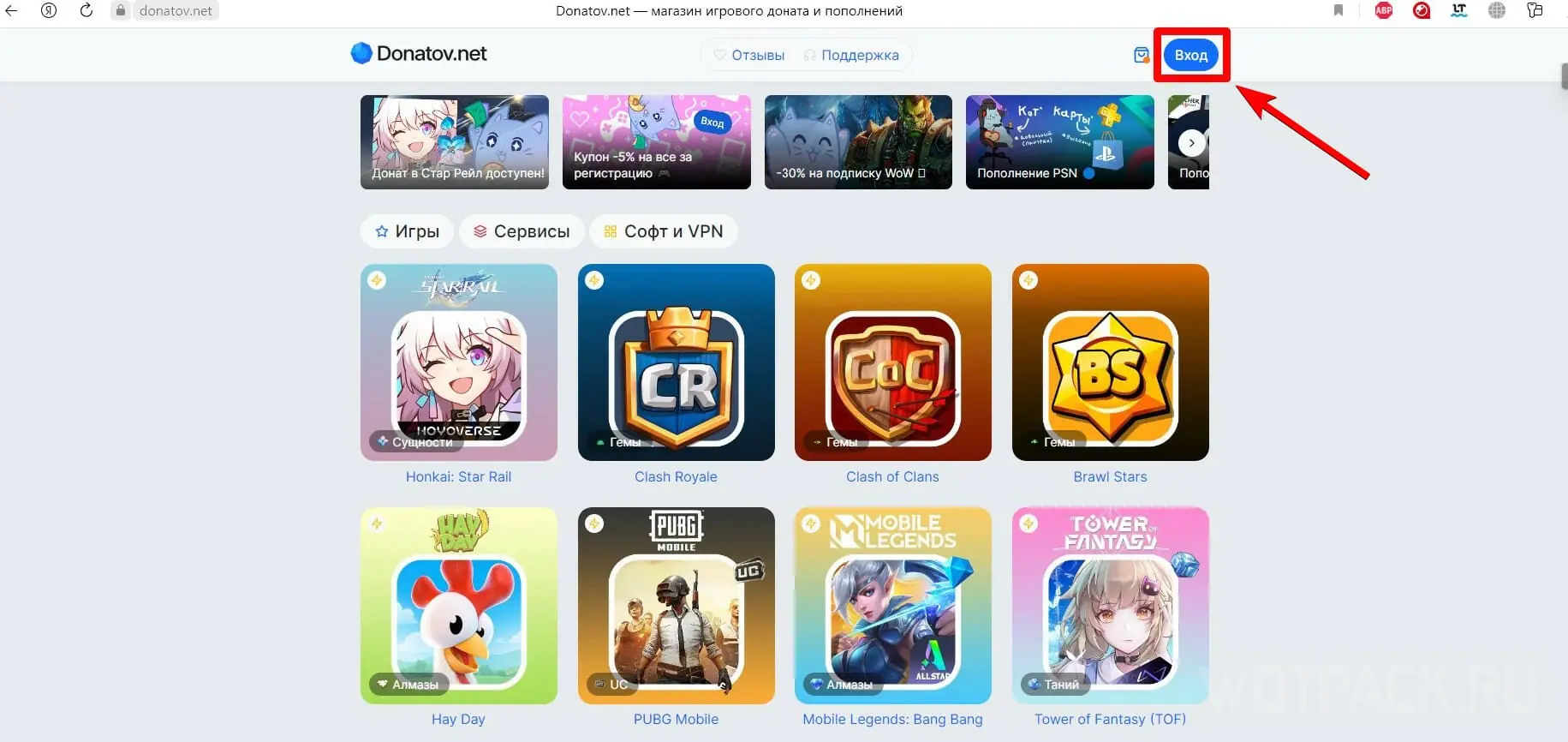
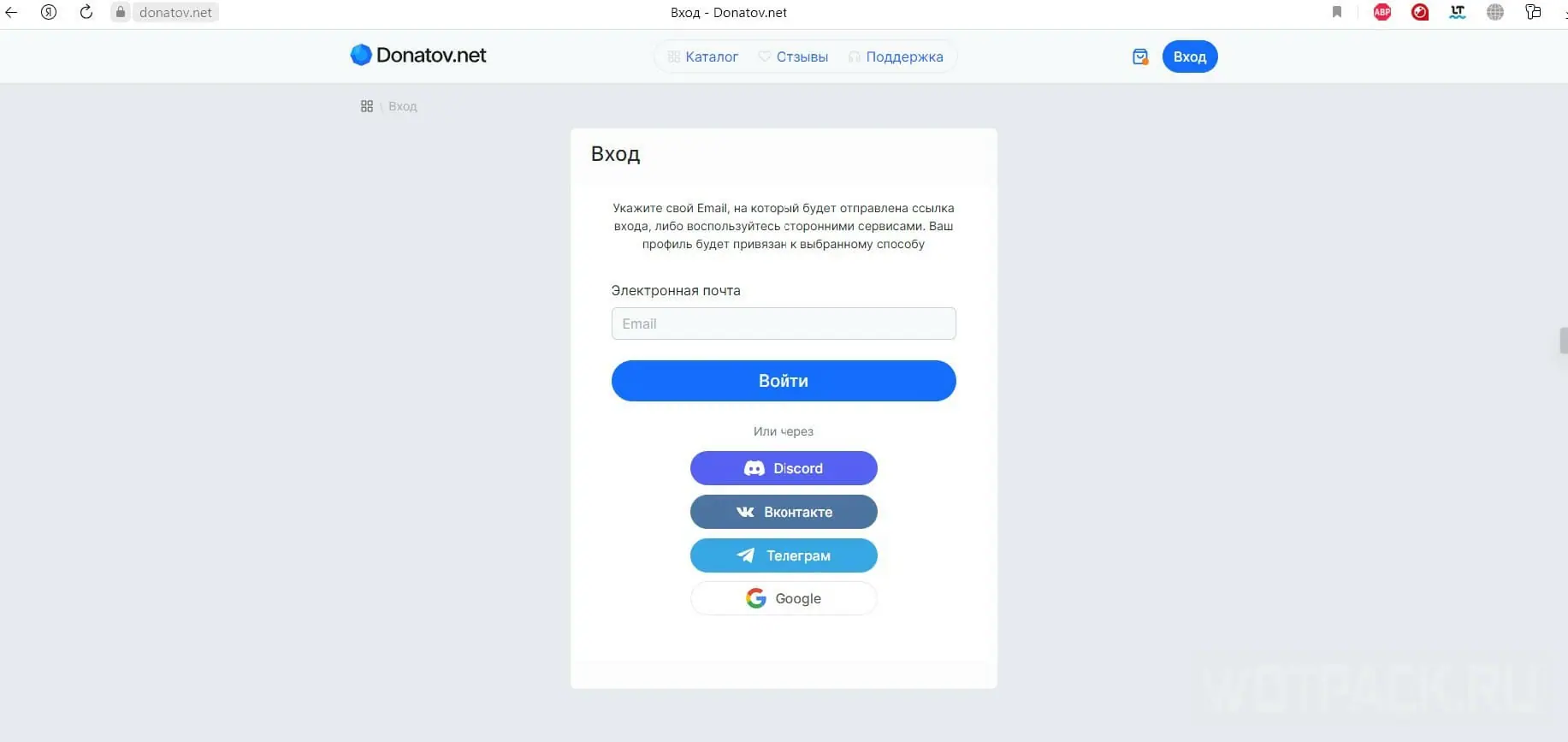
- Open the website and register by clicking the “Log In” button in the upper-right corner. Creating an account earns you a 5% discount coupon.
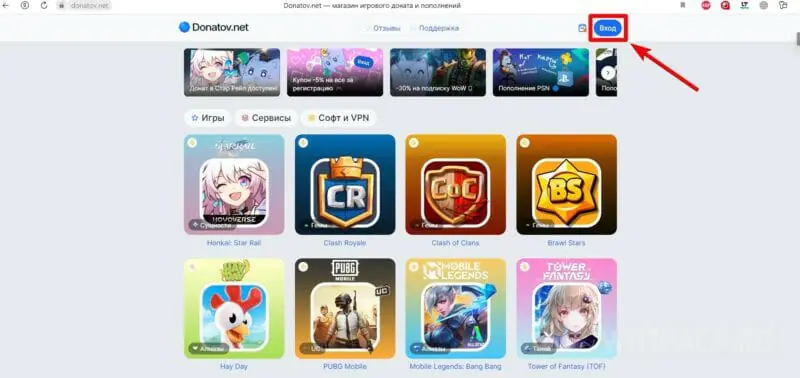
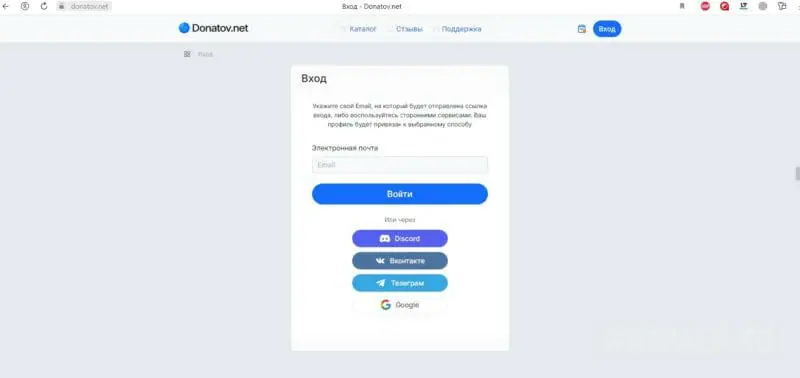
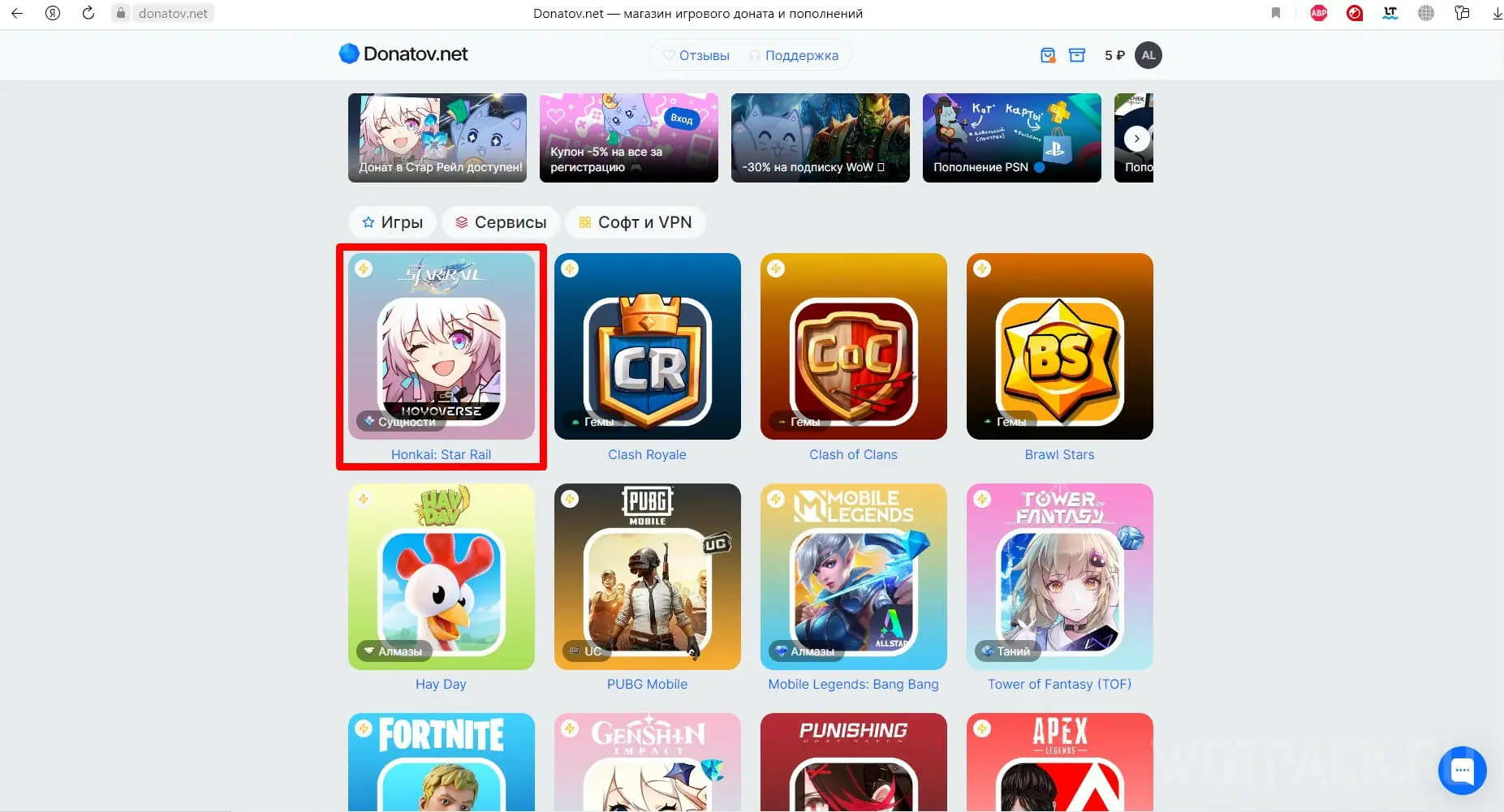
- On the homepage, click the game's icon to proceed to checkout. You can also use the search bar if the app isn't listed under “Games.”
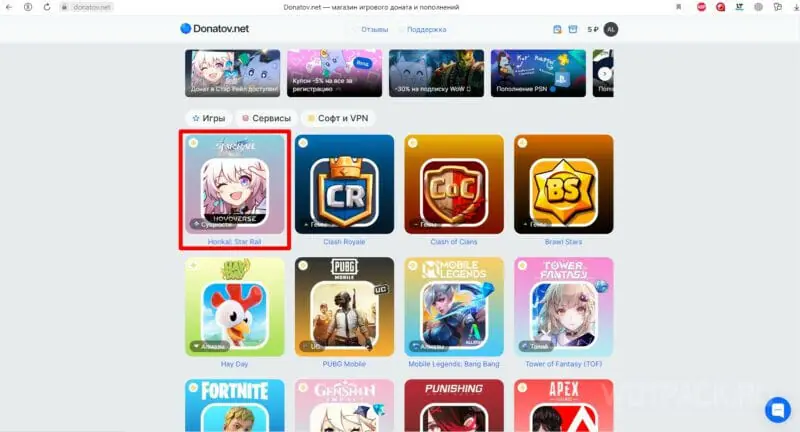
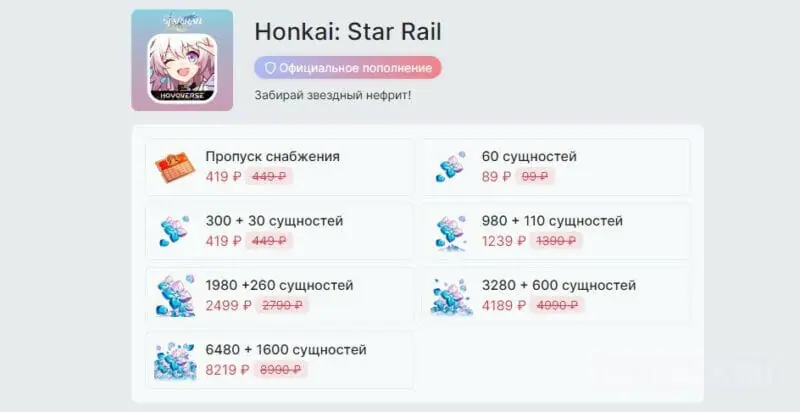
- Select the desired quantity of Oneiric Shards from the list.
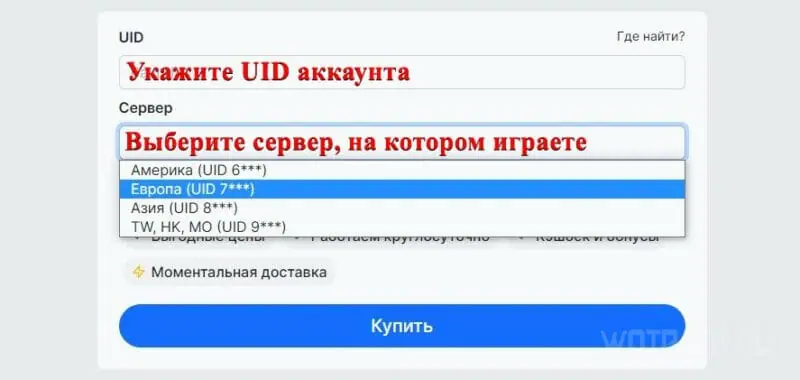
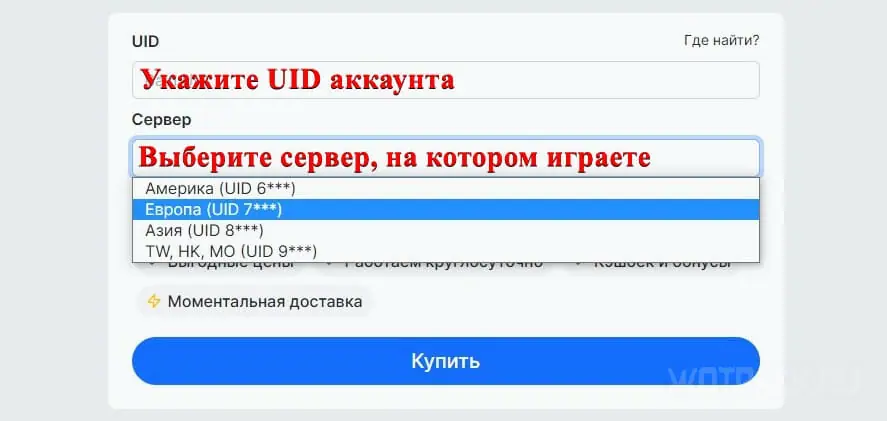
- Below, enter your UID and the server you want to top up. Then click “Buy” to open the purchase page.
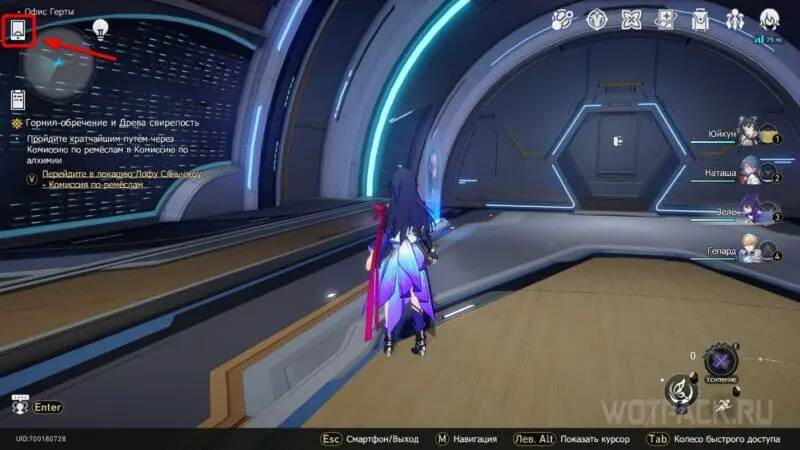
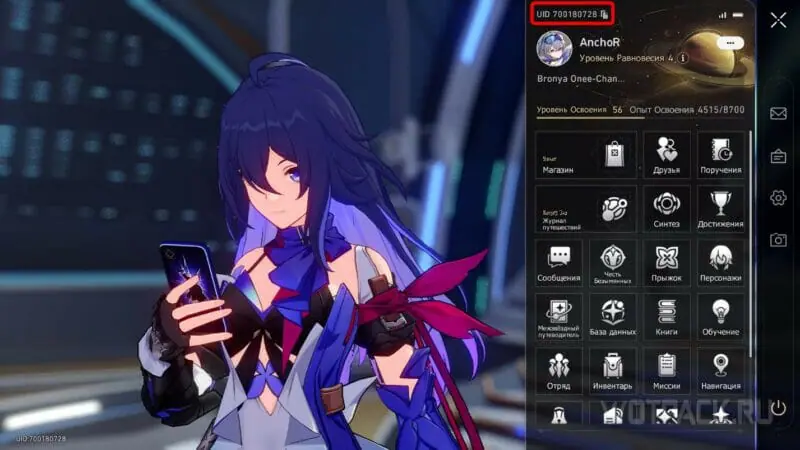
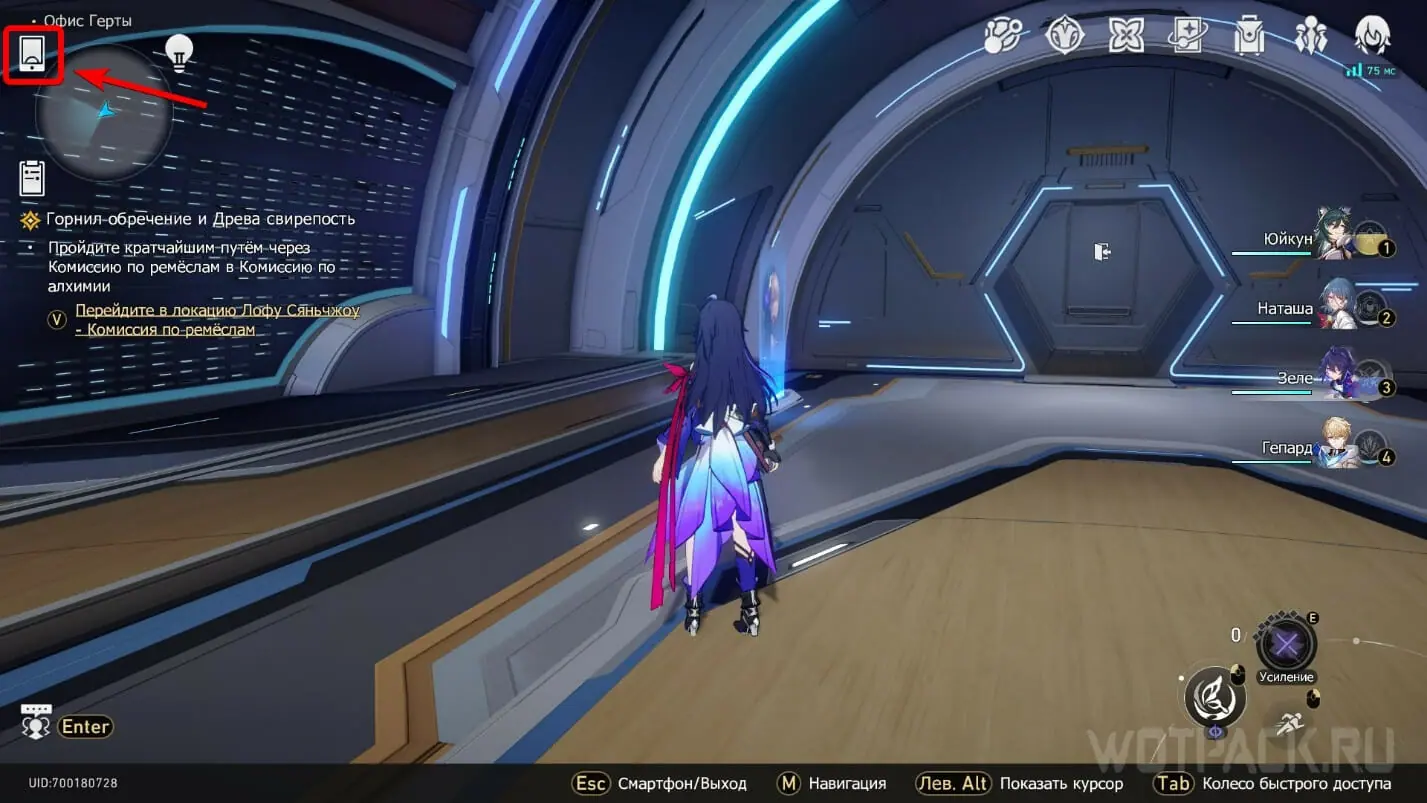
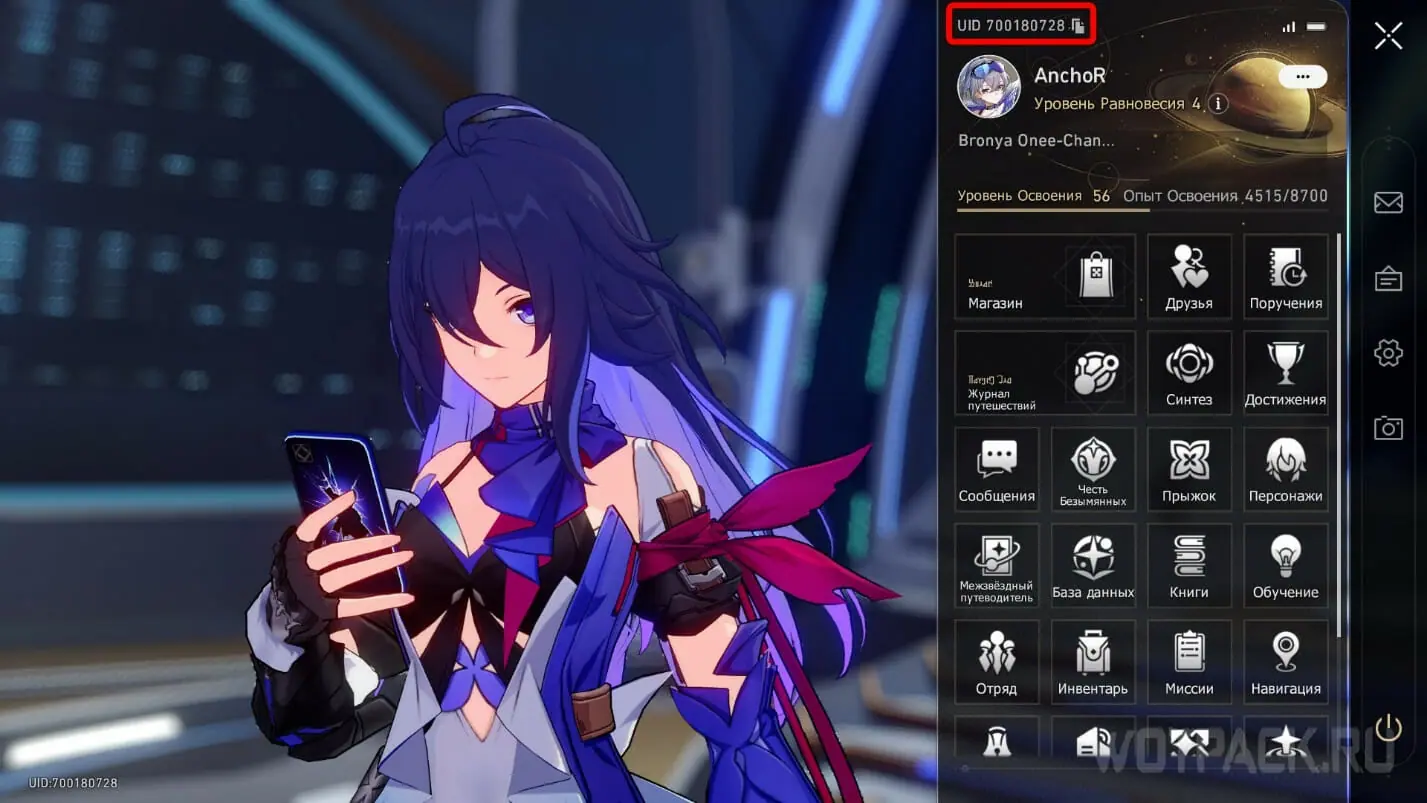
- You can find your UID in the profile menu. Click the smartphone icon in the upper-left corner (or press ESP on PC) and copy the UID displayed above your nickname.
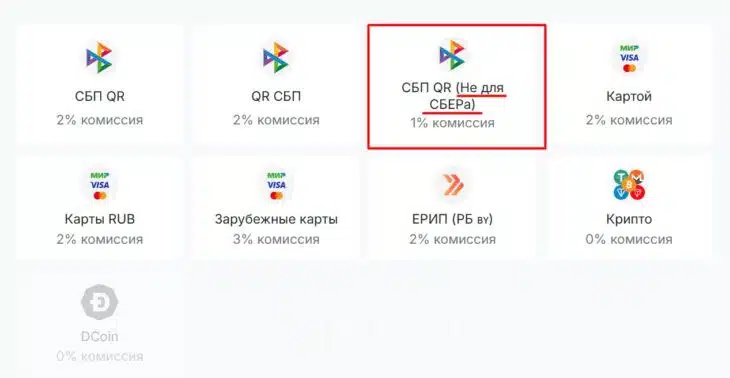
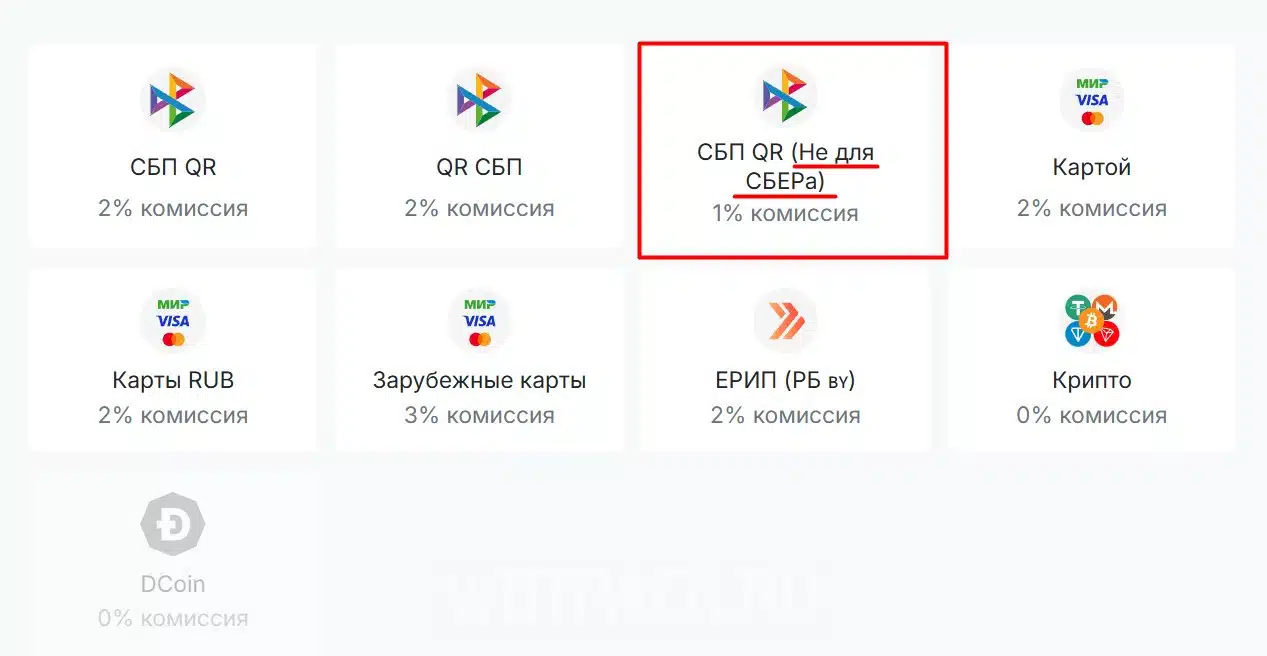
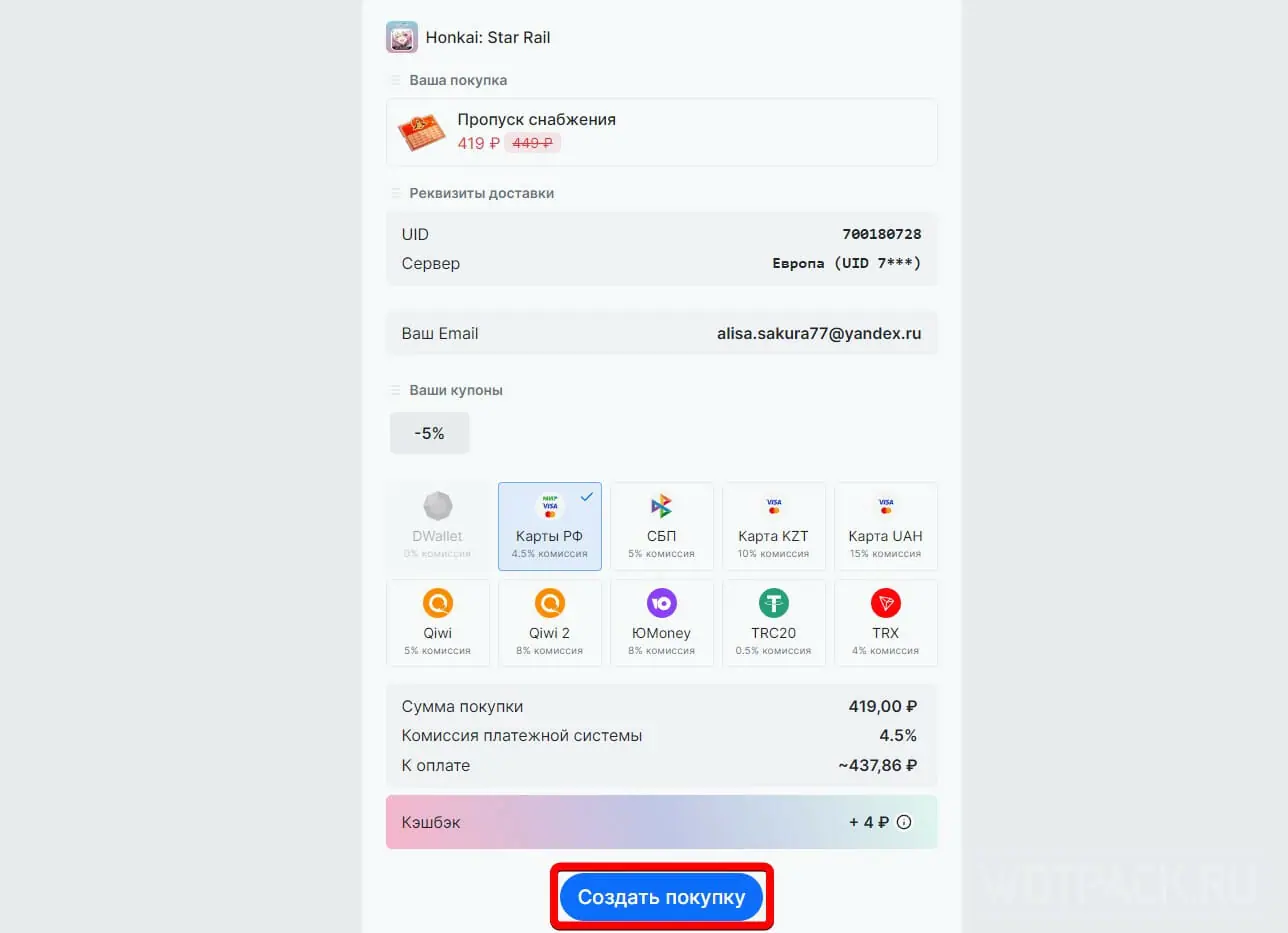
- Make sure the details are correct. Note that one of the listed payment methods does not support Sberbank cards (highlighted in red). You can pay with any other card or choose another option, then click “Create Purchase”.
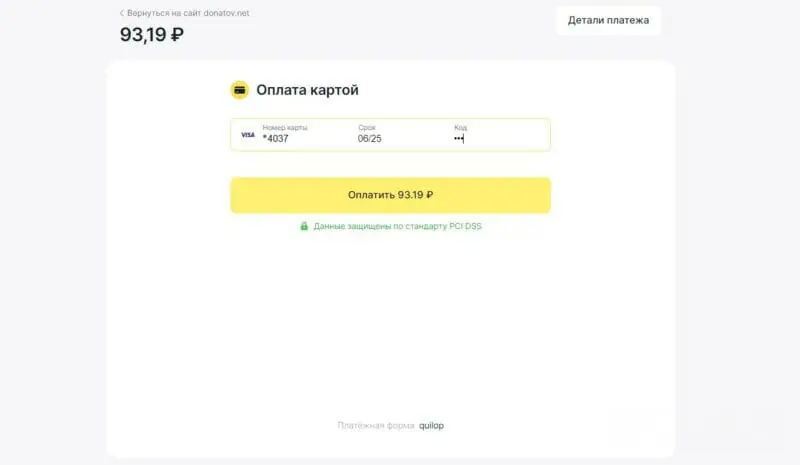
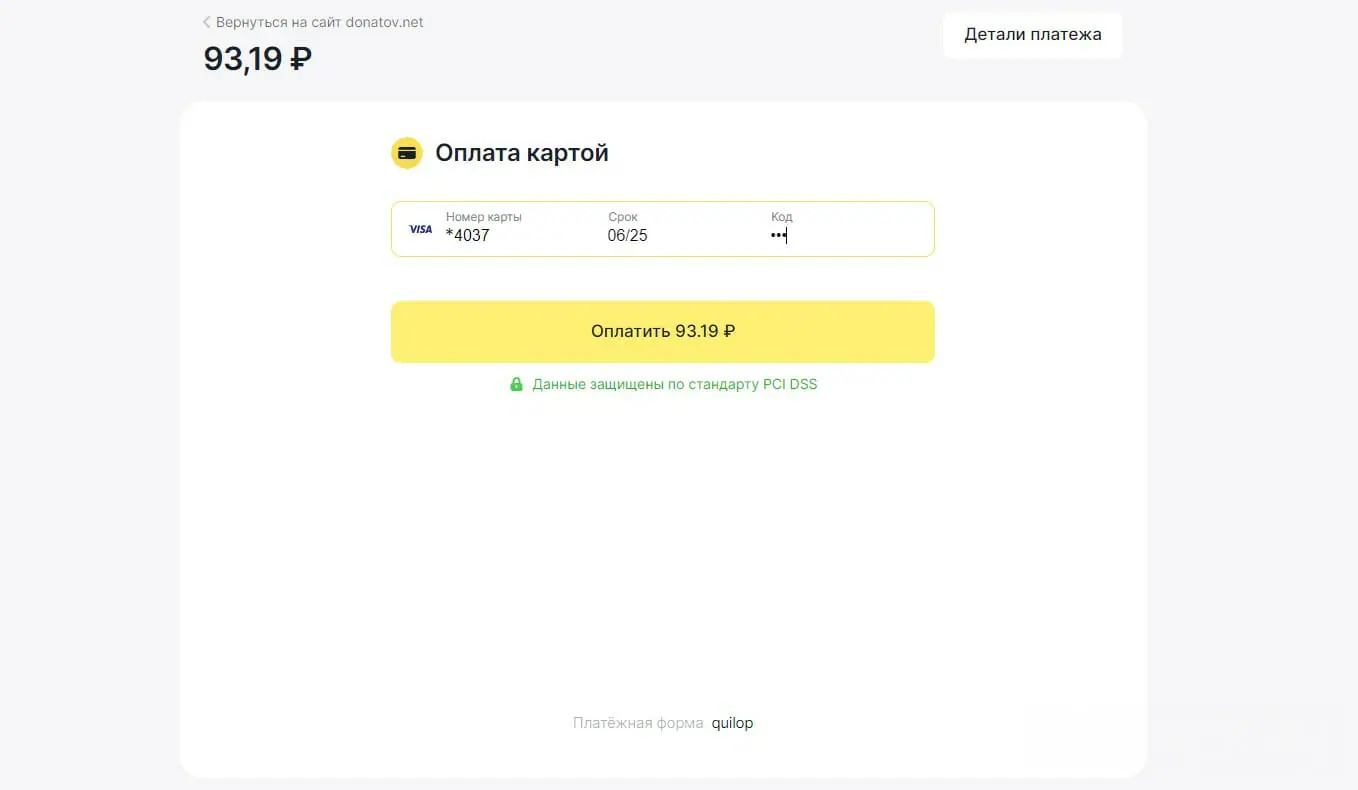
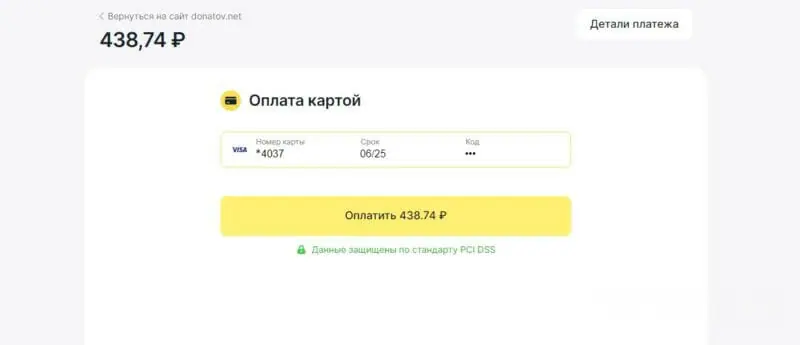
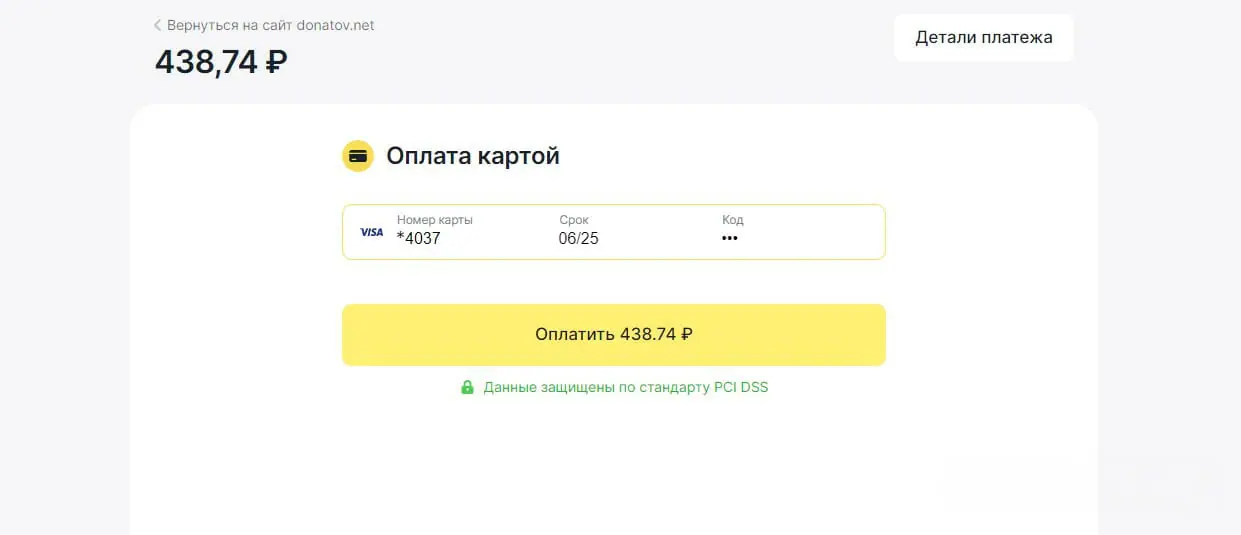
- Enter your card or selected wallet details. Then enter the code sent to your phone.
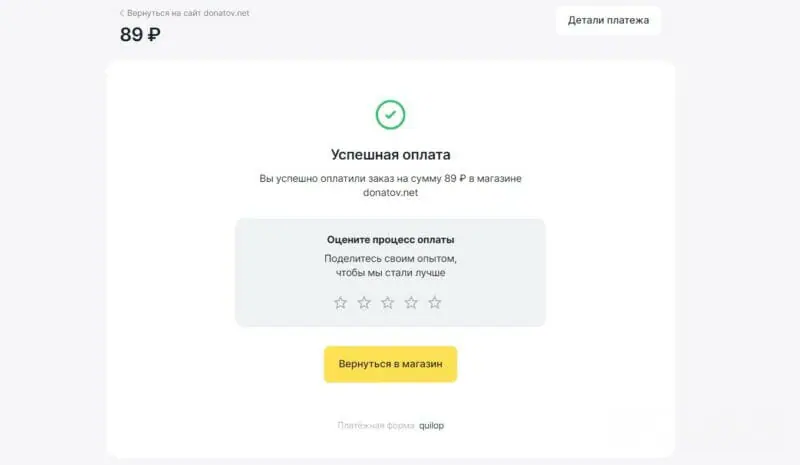
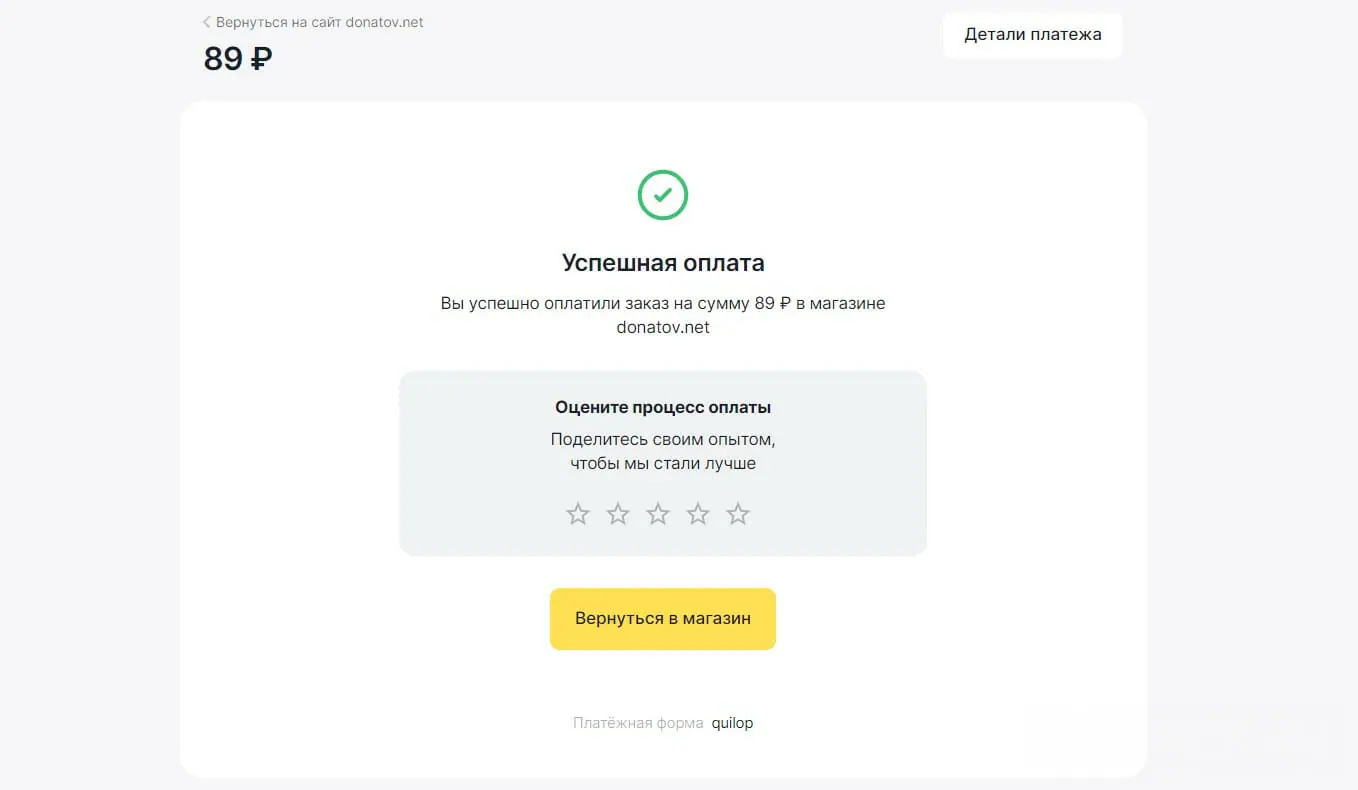
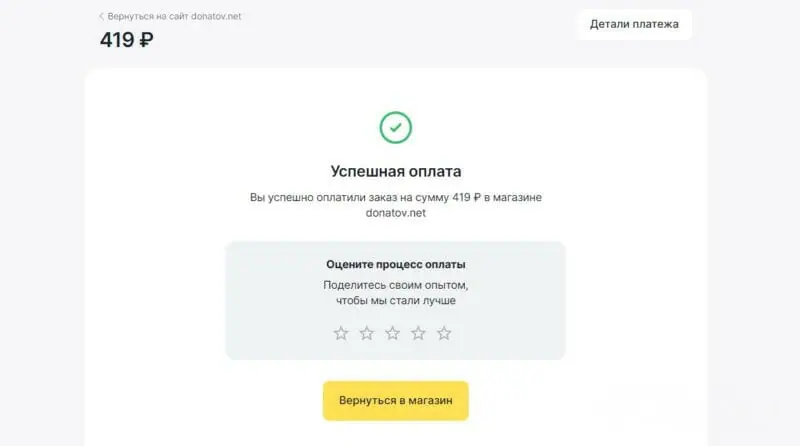
- A window will appear confirming successful payment.
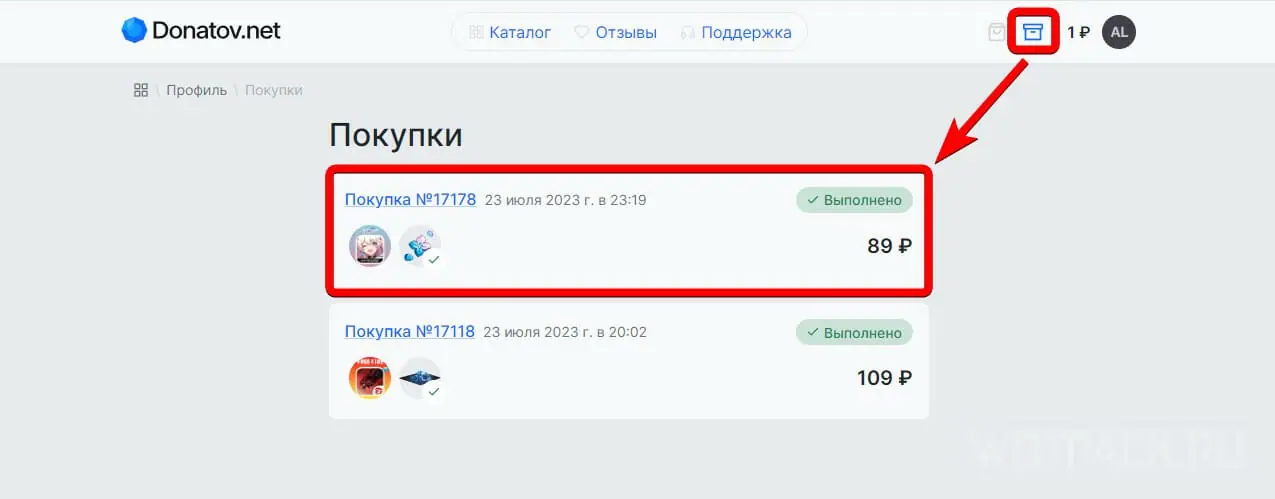
- Return to the store and open the page that tracks your purchase status. You can also access it through the tab beside your avatar in the upper-right corner.
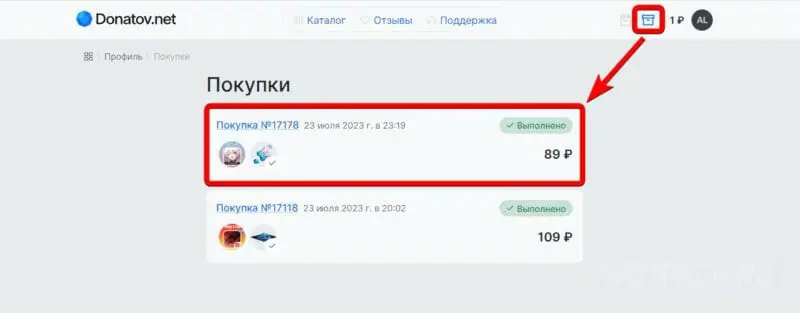
- If the status changes to “Completed”, the top-up has been sent to your account.
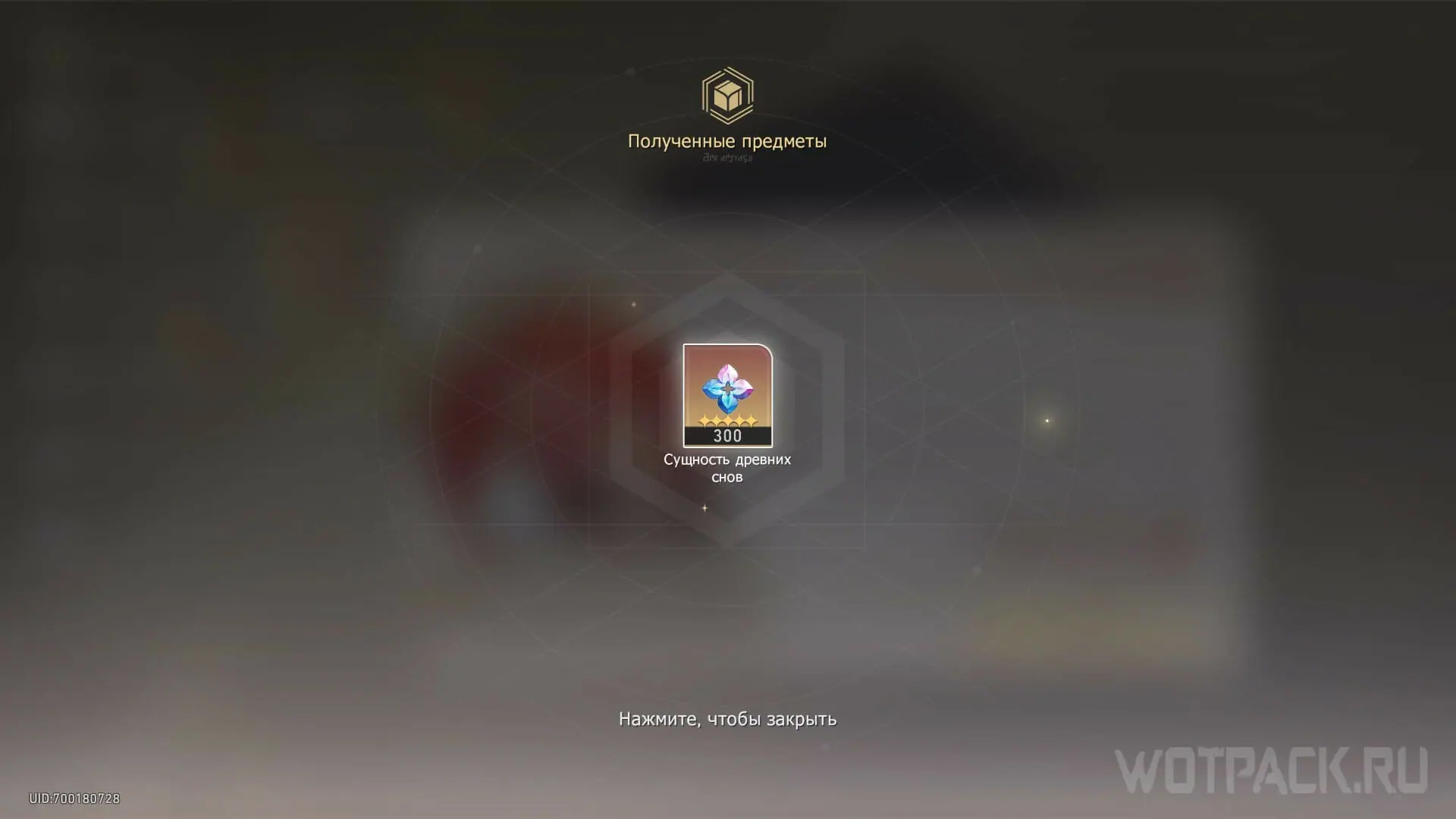
When you log into the game, a notification will appear confirming that the Oneiric Shards have been credited.
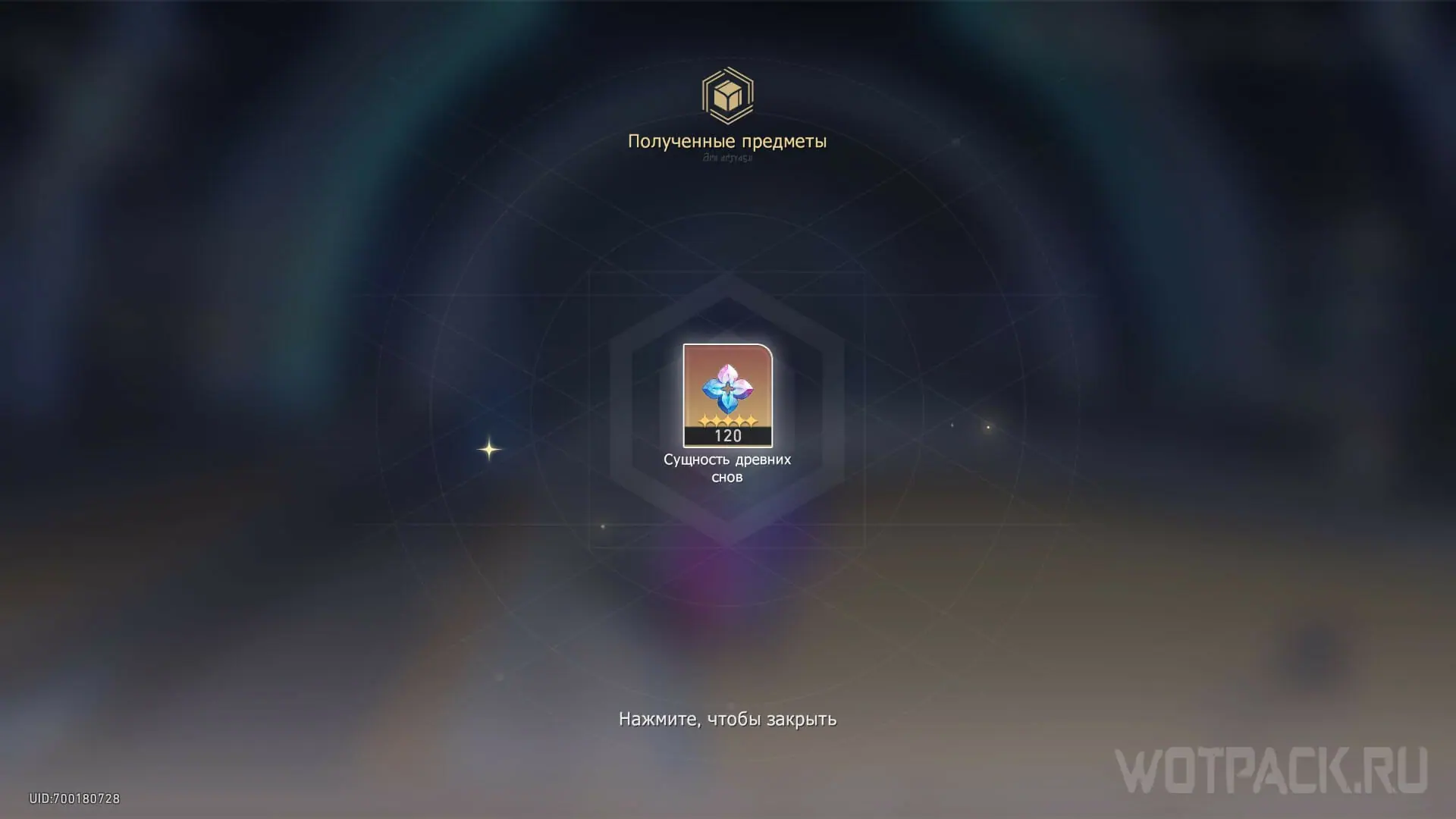
For comparison, here are screenshots from before and after the purchase. The double bonus for the first top-up also applied:
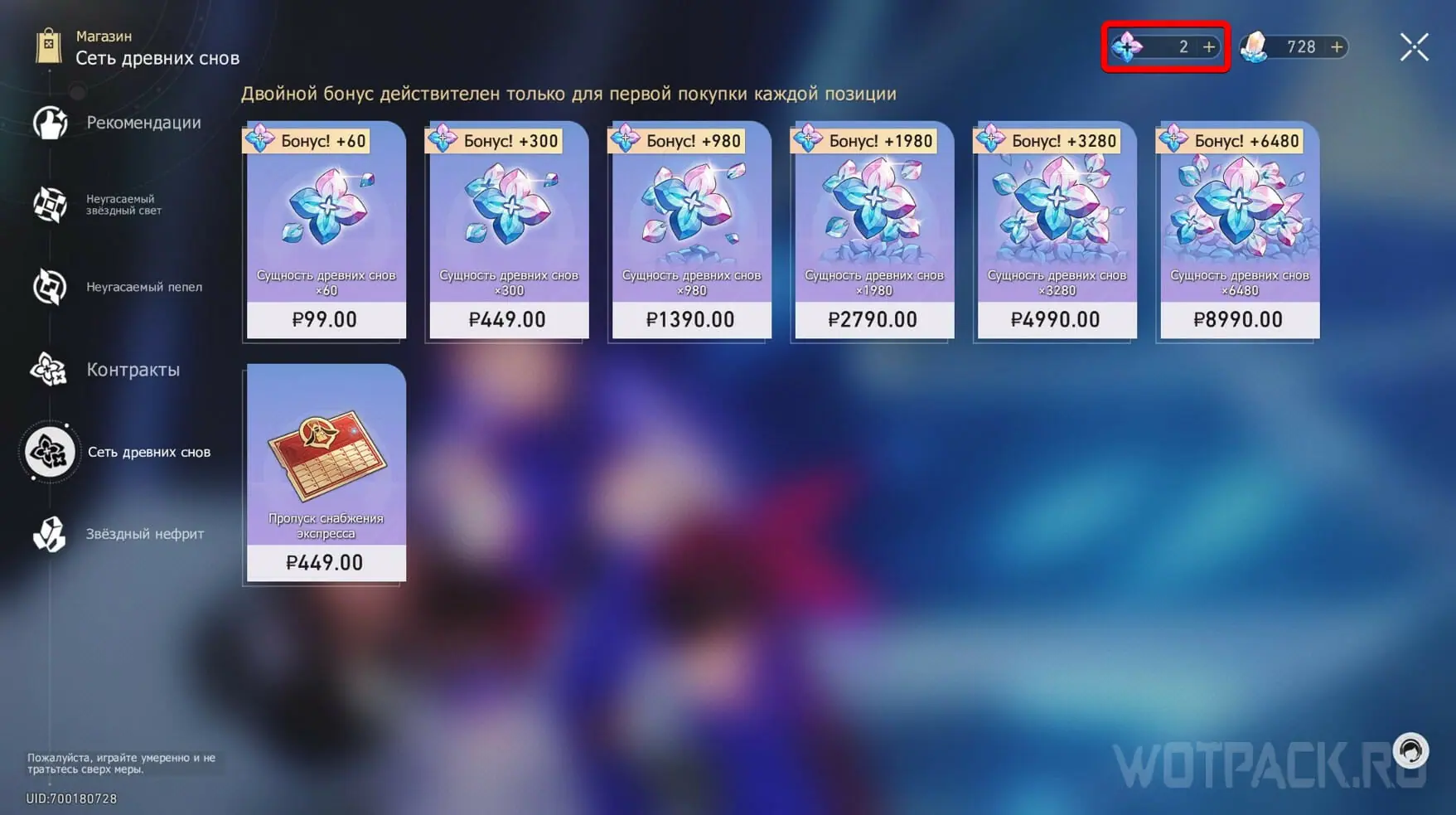
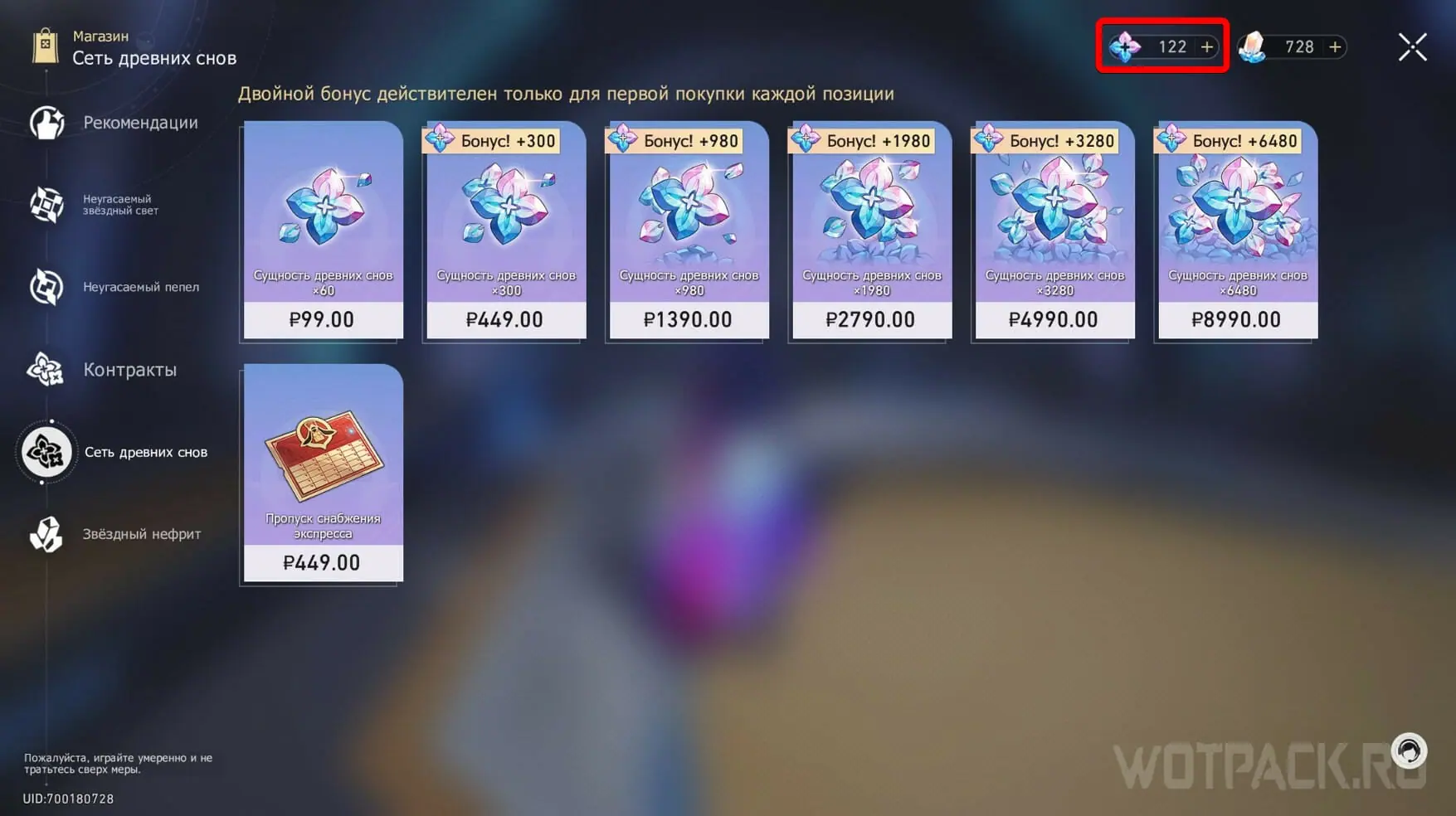
If you play on PlayStation, you must log into your account on another platform (phone or PC) and exchange the Oneiric Shards for Stellar Jade to receive the currency.
How to Buy the Express Supply Pass
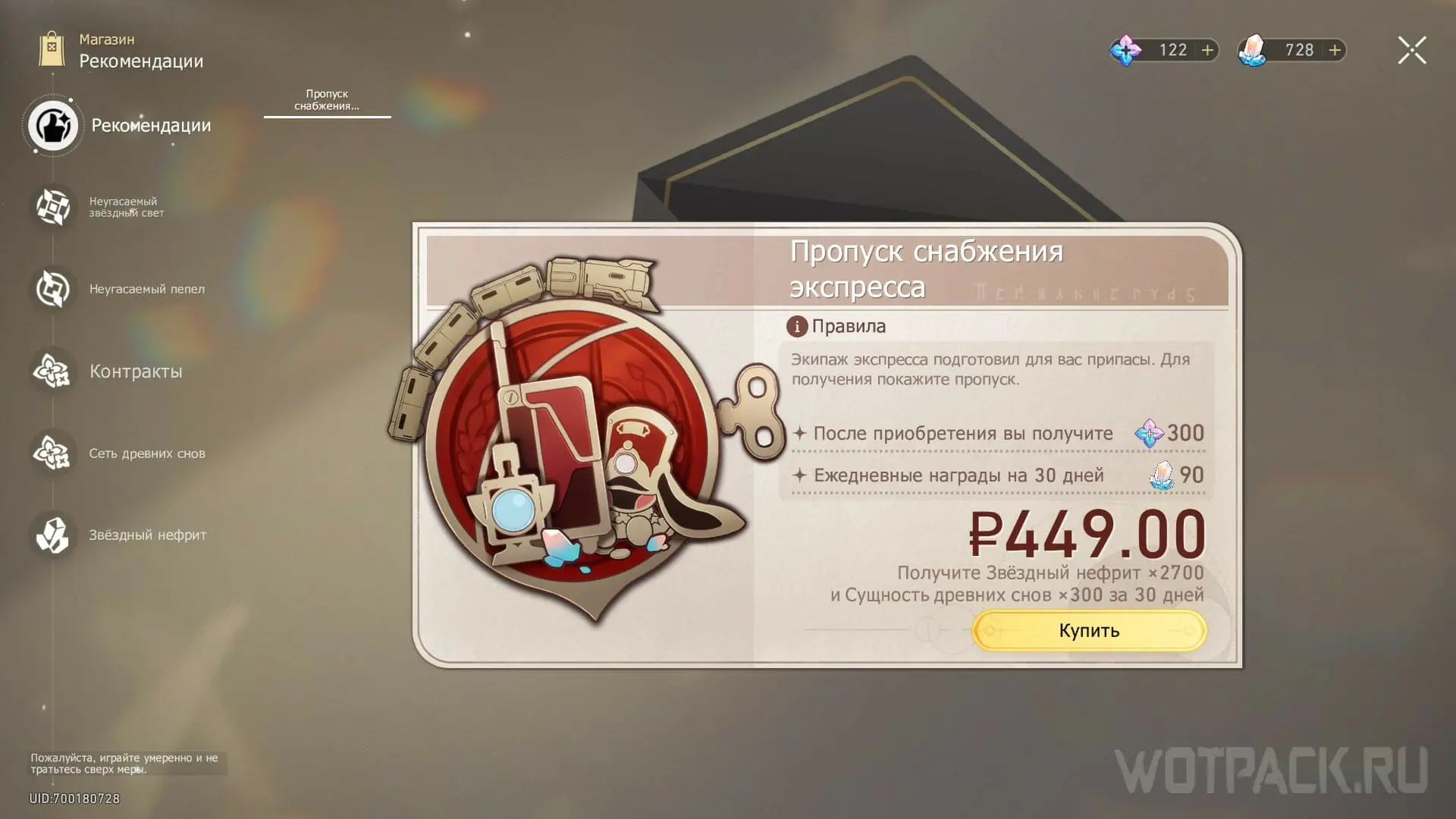
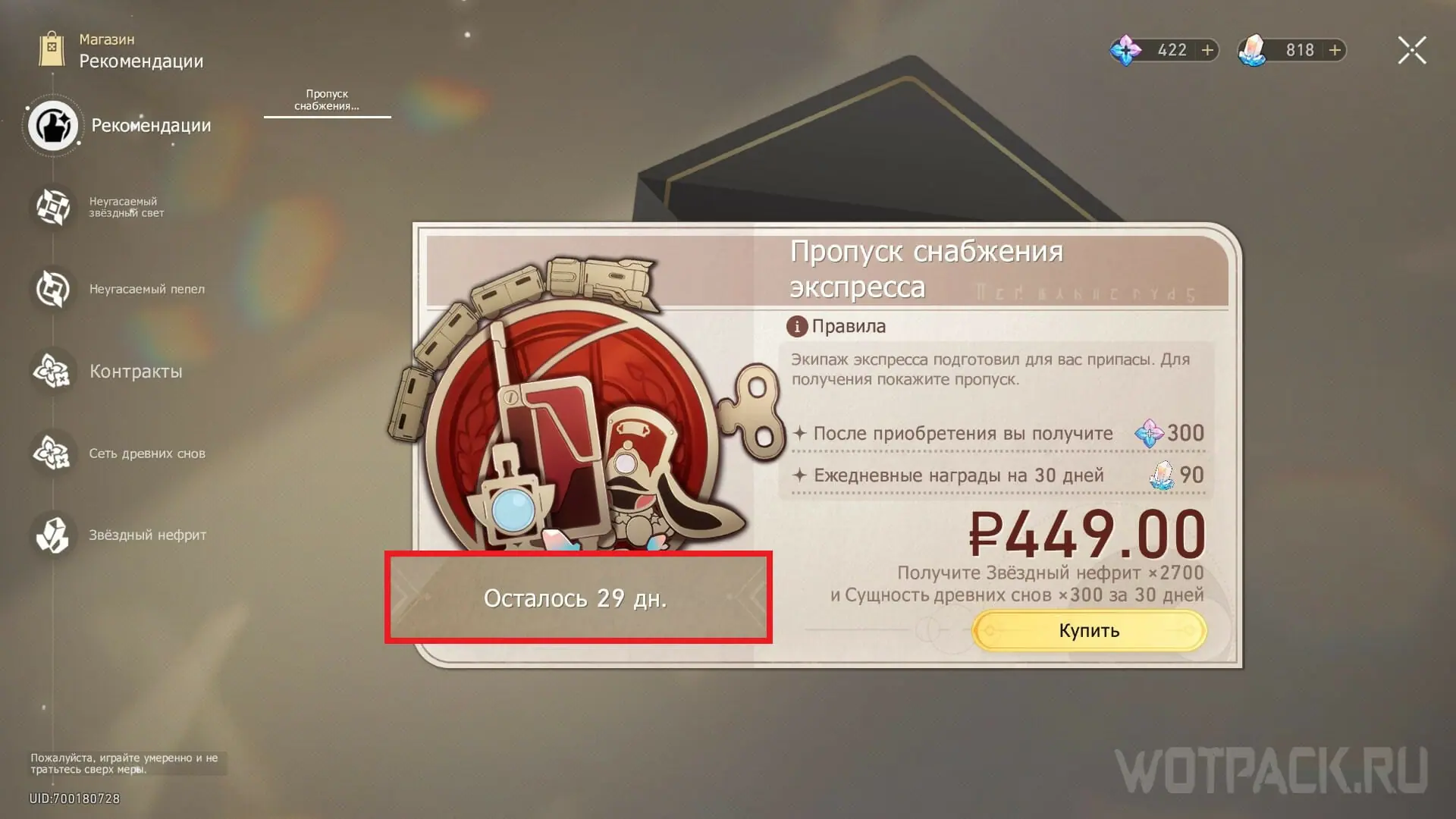
The monthly subscription provides 90 Stellar Jade every day. You also receive 300 Oneiric Shards immediately after payment.
Remember to claim the currency every day, or it will expire.
You can also purchase the pass through topami:
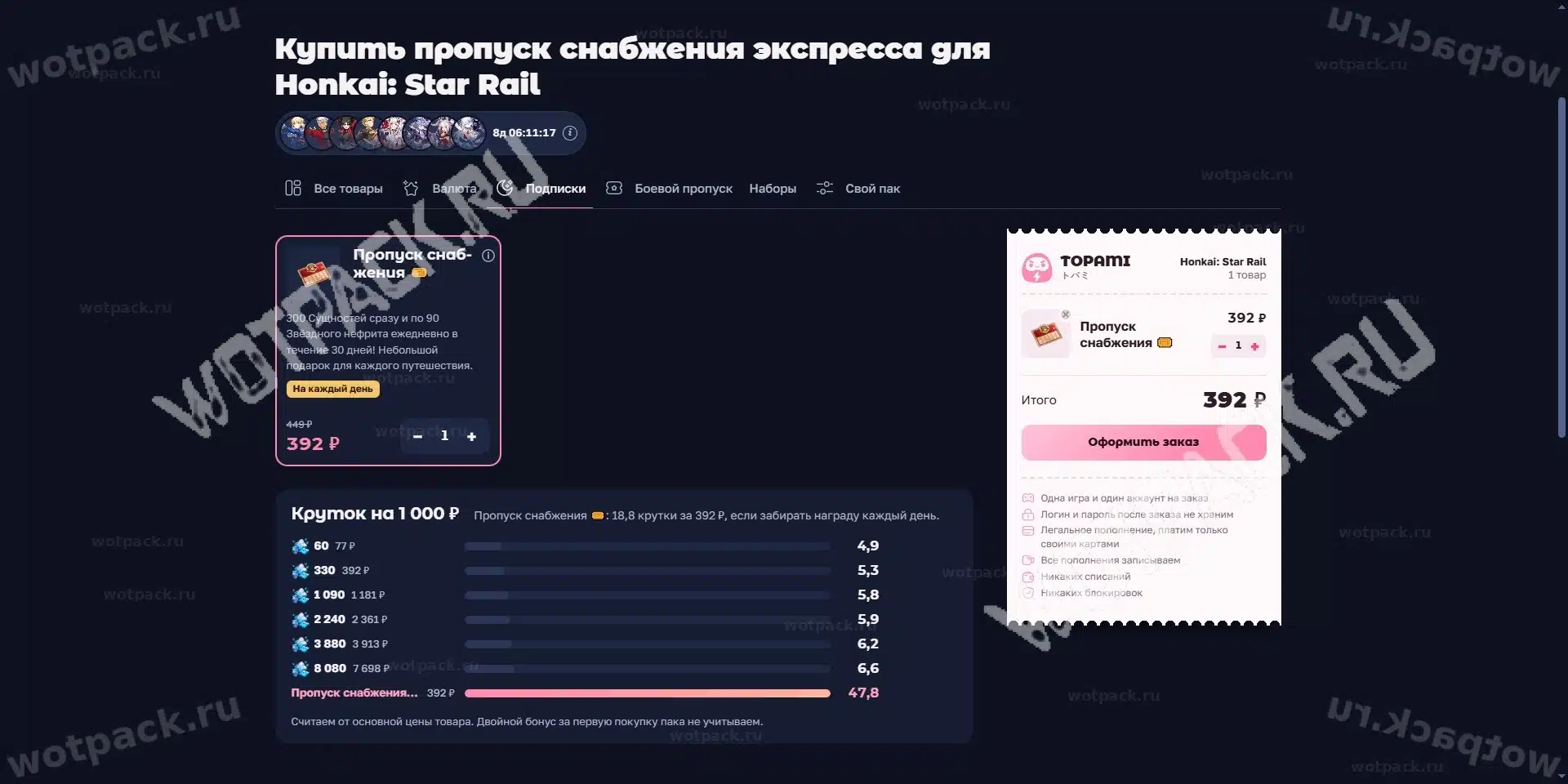
- Open the game's section on the homepage. Click “Subscriptions” and add the only item in the category to your cart.
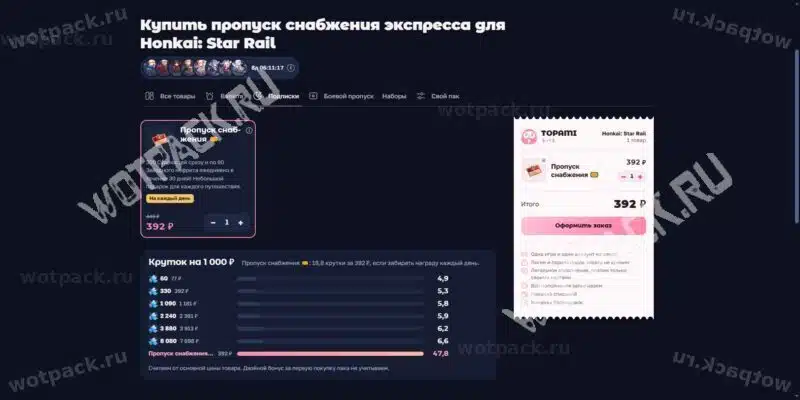
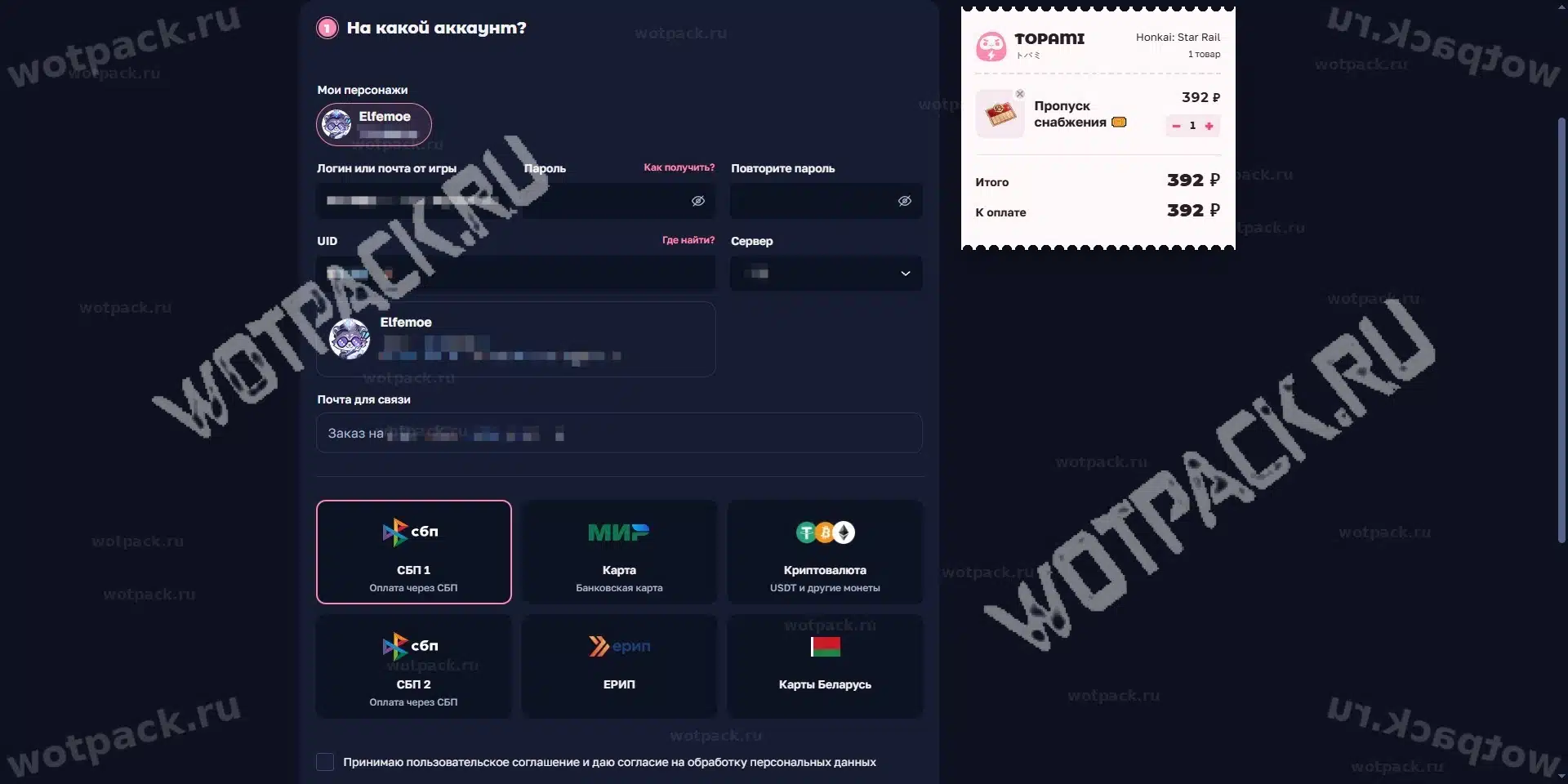
- Enter your account details. If you have used the site before, some information will be saved under the “My Characters” icon.
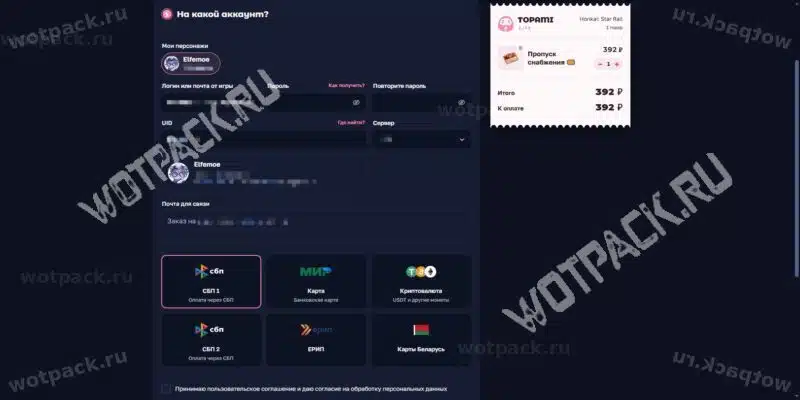
- Check the box next to the User Agreement and choose your preferred payment method. You can also apply the coupon FIRST10 (for your first purchase) or WOTPACK for a one-time discount here.
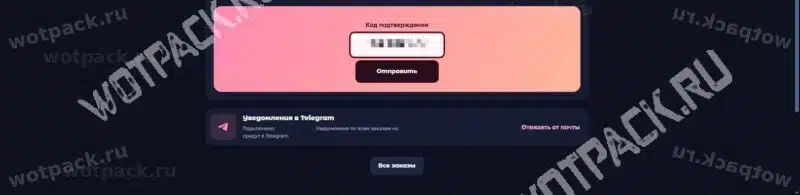
- A verification code may be needed while your order is being processed. It will be sent to your email — be sure to pass it on to the operator.
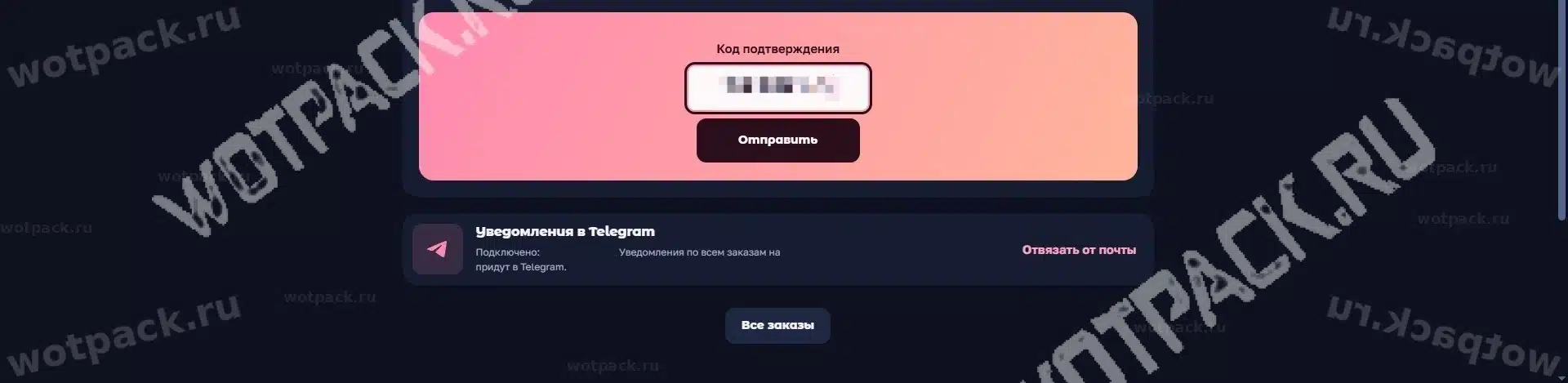
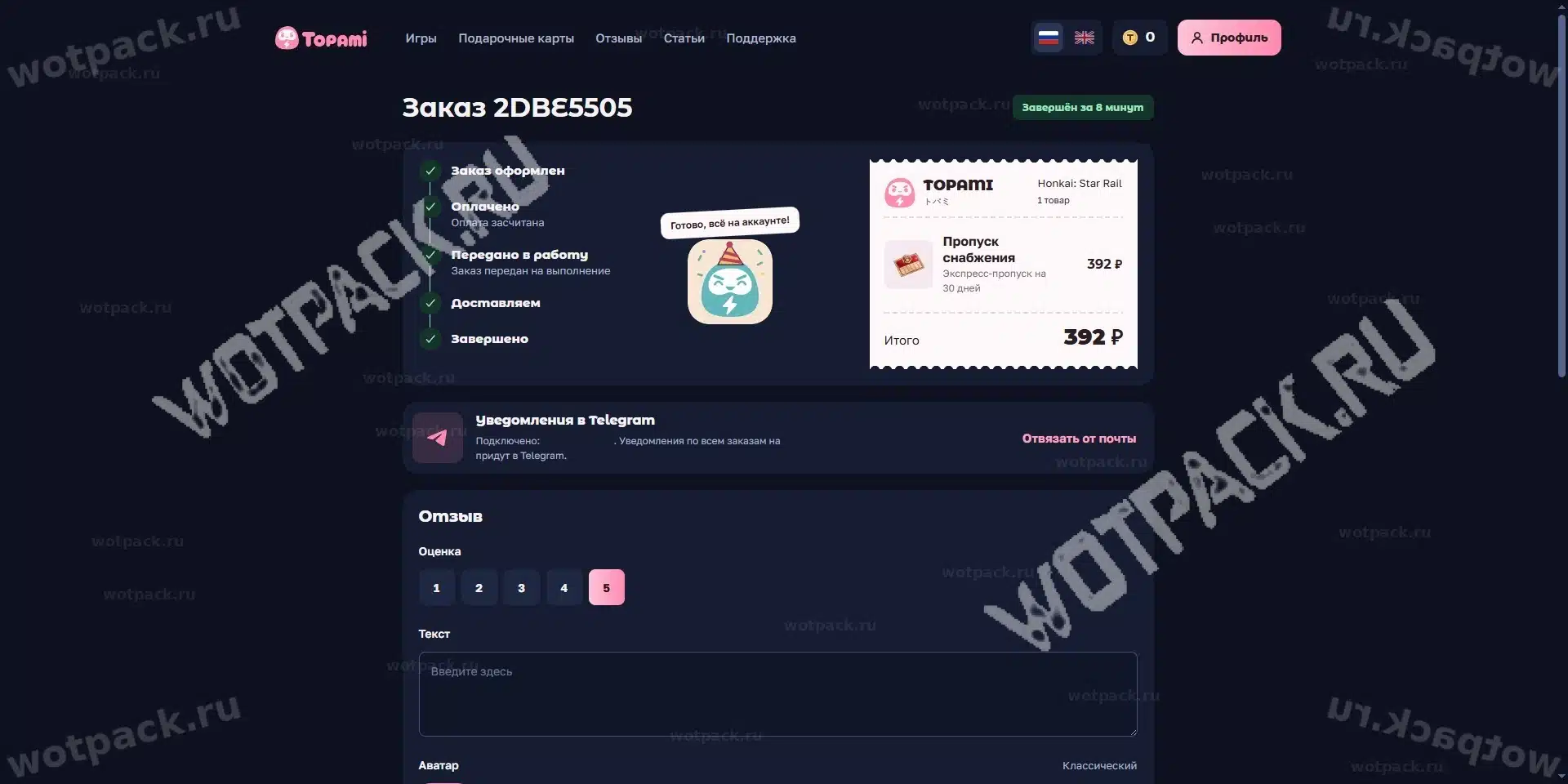
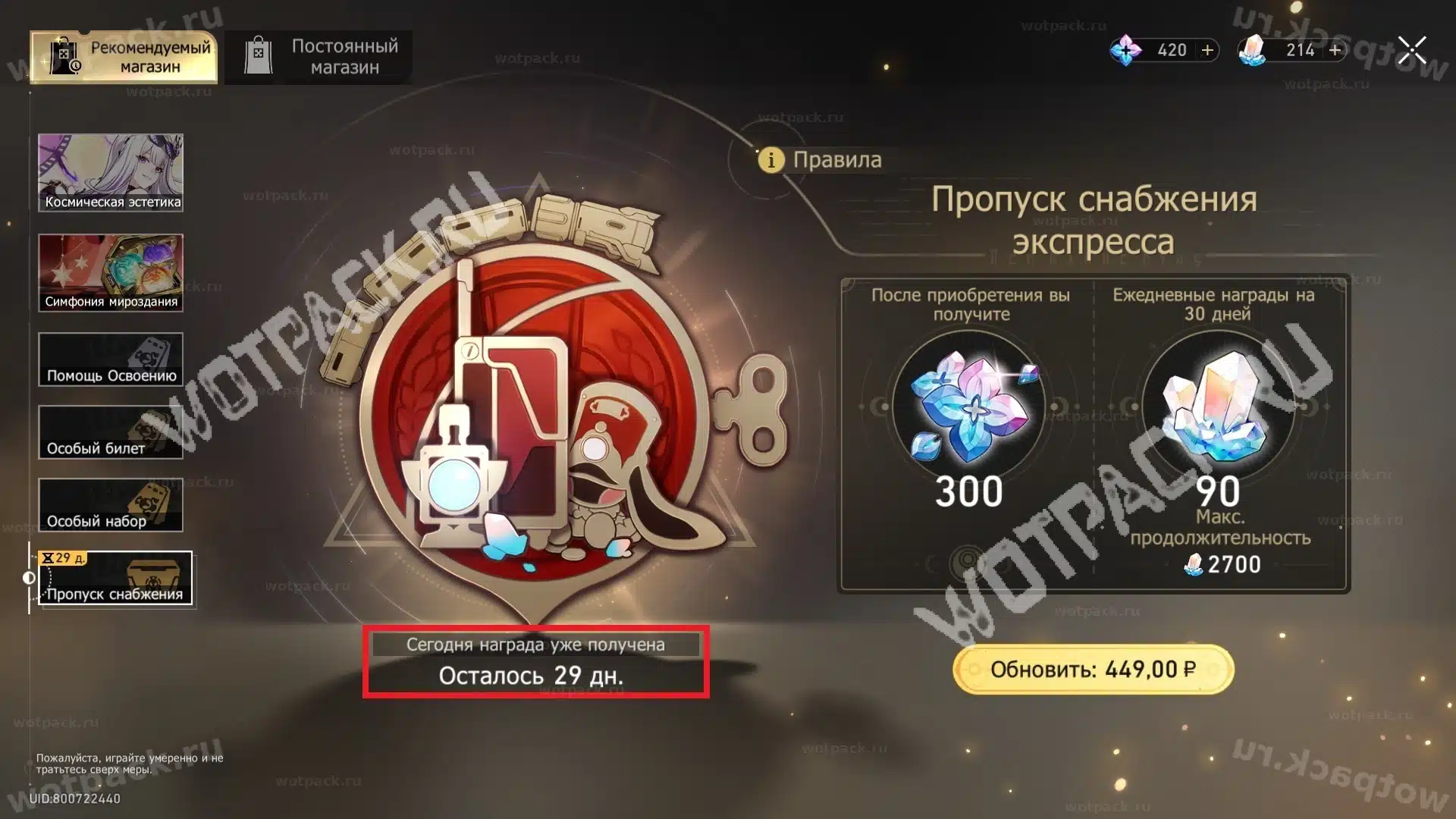
Once the order is complete, log into the game to check that everything has been purchased.
If you would prefer to avoid sharing your account details, consider this method for receiving the Express Supply Pass instantly:
- Open donatov.net. If you have not used the service before, register by clicking the “Sign In” button in the upper-right corner. Enter your email or sign in through Discord, VK, Telegram, or Google. Registering gives you a 5% discount.
- Click the game icon on the homepage to start placing your order.
- Select “Supply Pass” from the list of available items.
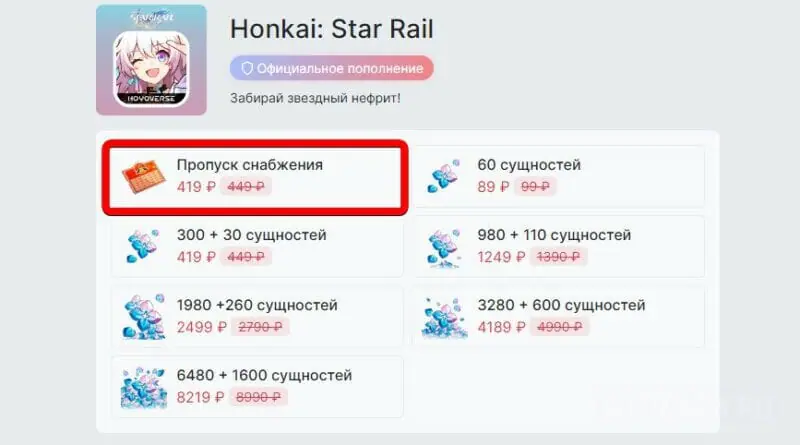
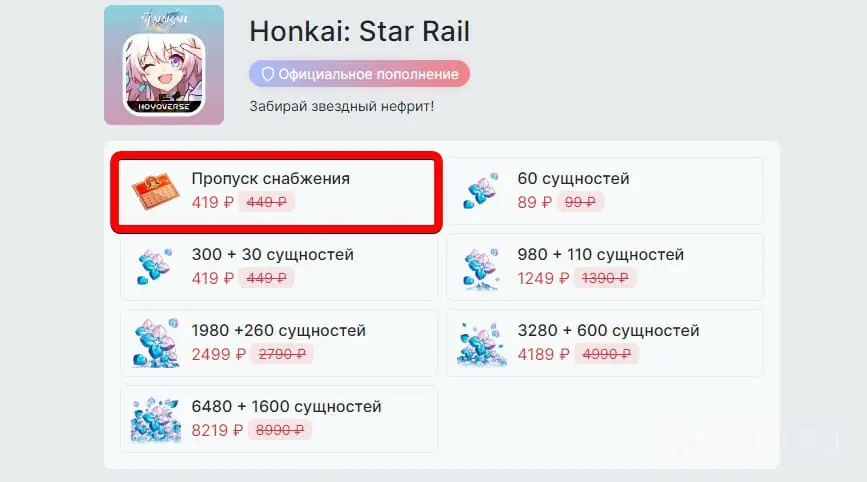
- Enter your account details: UID and the server you play on (or where you want to buy the subscription). If you have topped up through the service before, a template with your saved details will appear below. Click it to fill in the form automatically.
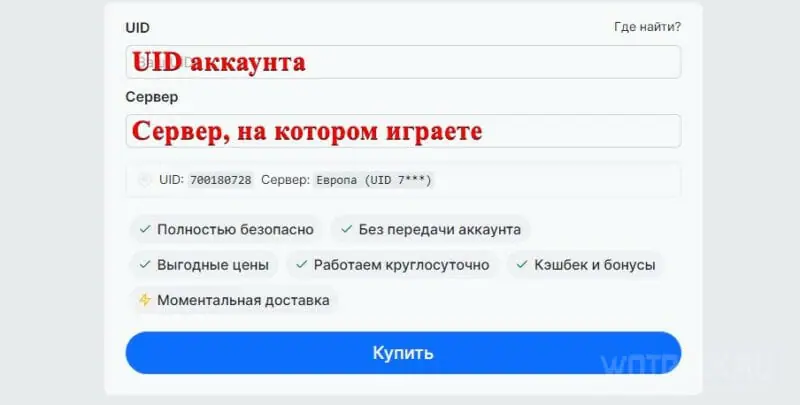
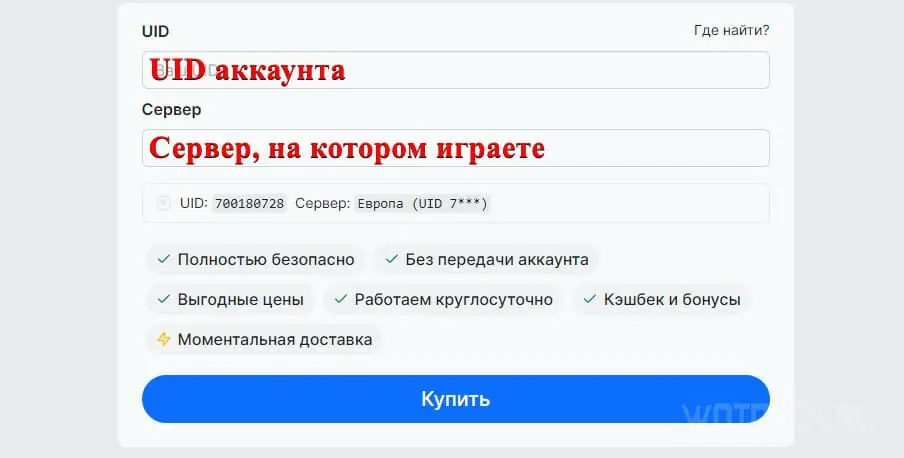
- Click “Buy” to open the payment details page. Double-check the information and choose a payment option — bank card or cryptocurrency. Please note that payment systems charge an additional fee.
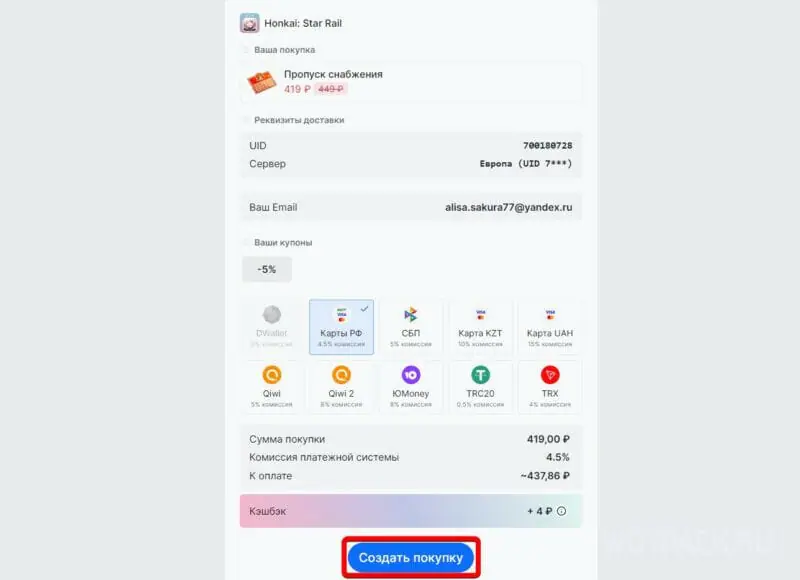
- After creating the purchase, enter your card or wallet details, depending on the method selected.
- After confirmation, a successful payment notification will appear. A page will also open with a link back to the store, where you can track your purchase status.
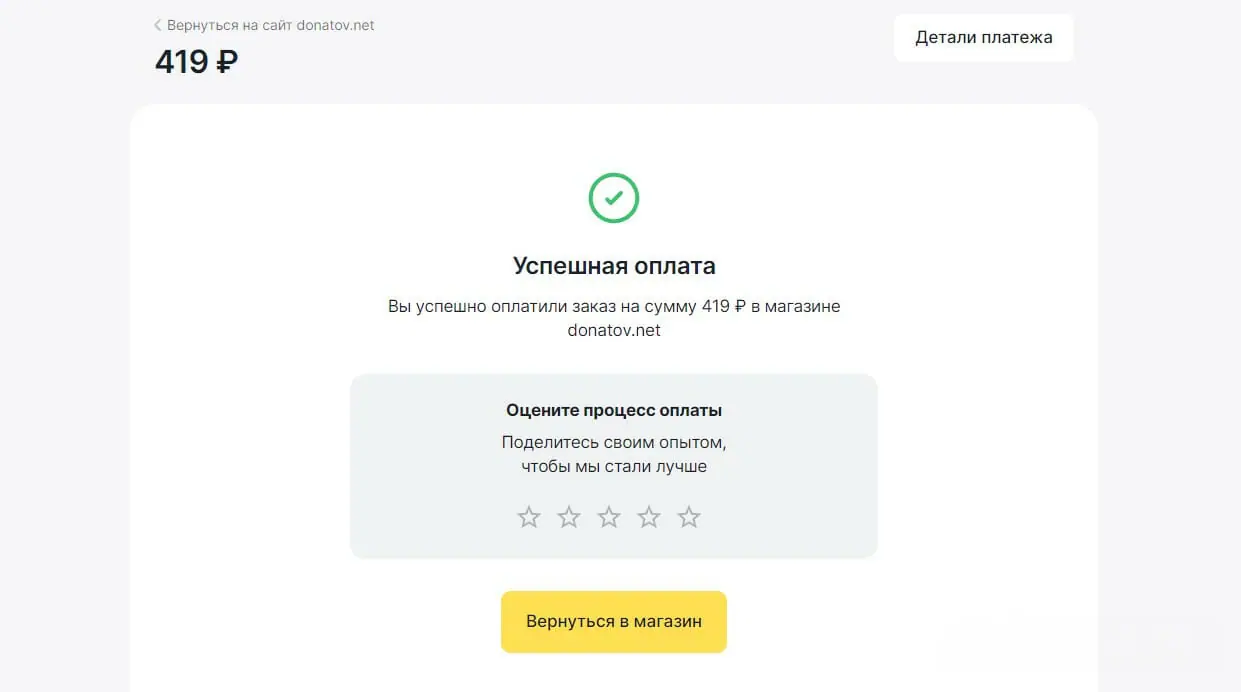
Once the status changes to “Completed”, you can launch the game and claim your subscription. A notification confirming the Oneiric Shards have been credited will appear as soon as you log in.
The Supply Pass arrives within a few seconds. For comparison, here are screenshots from before and after the purchase. We claimed the subscription’s first day:
If you have any questions, contact donatov.net support. The support team will try to help resolve the issue.
How to Buy the Battle Pass
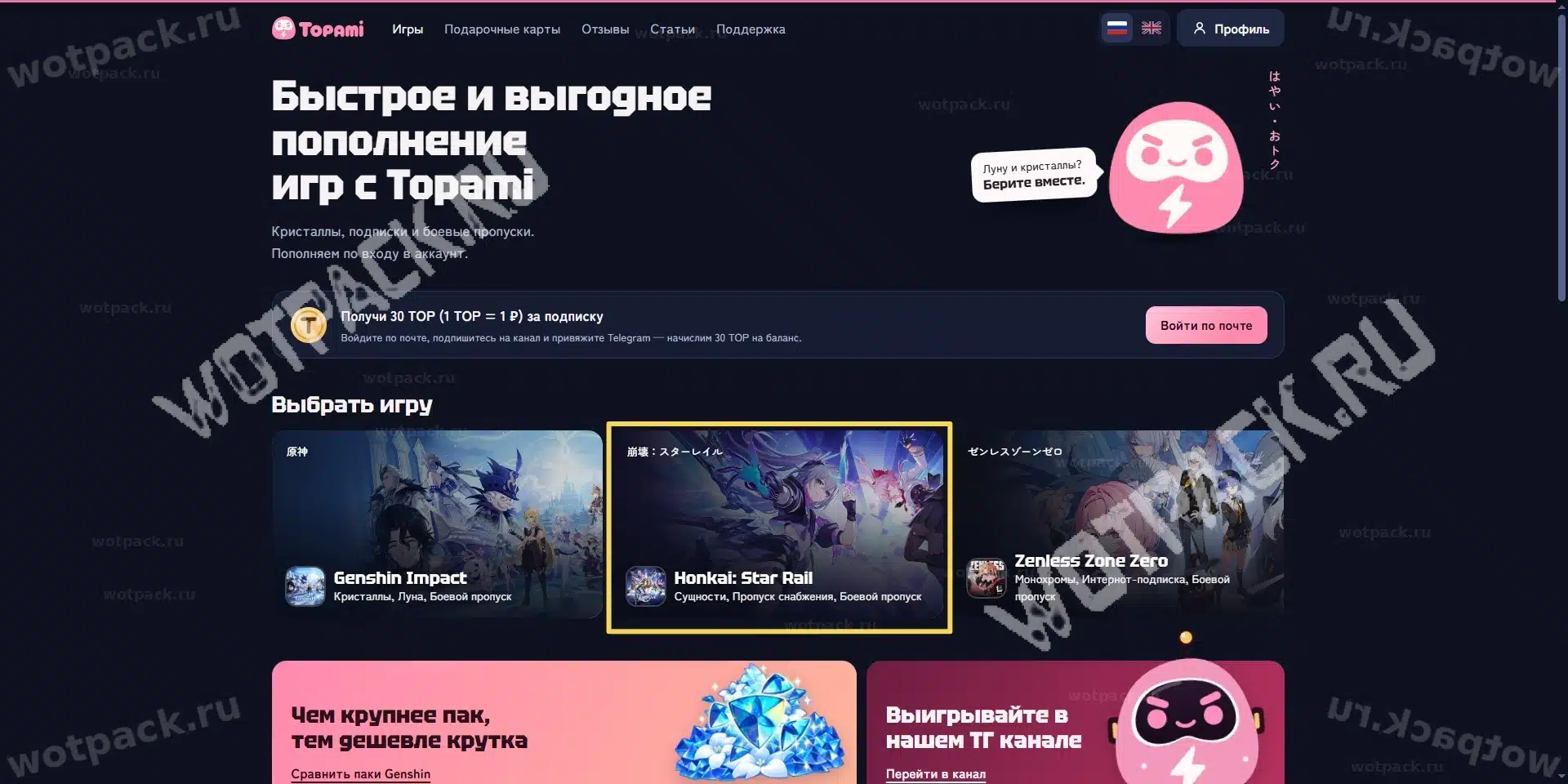
topami offers many deals, including the Battle Pass with its main upgrade options.
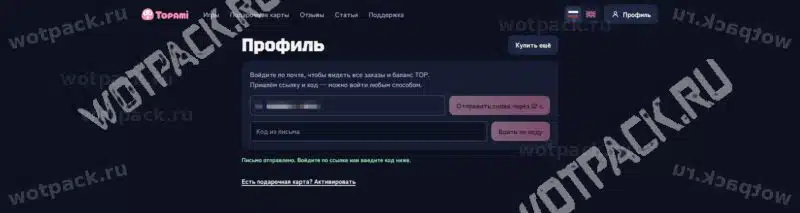
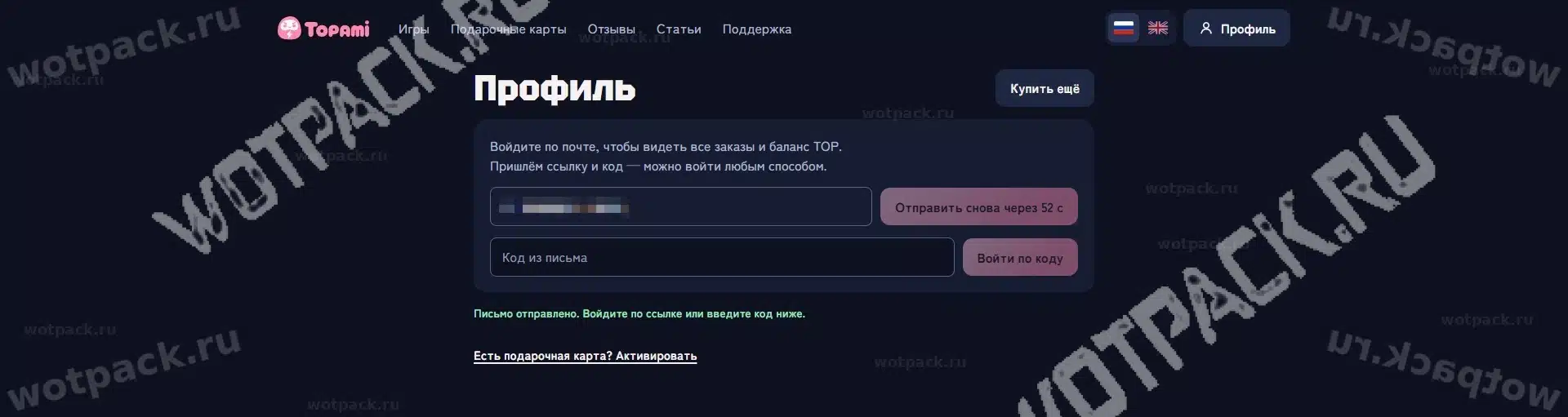
- Create a personal profile on the platform's website. After entering your email address, enter the code from the email and complete registration.
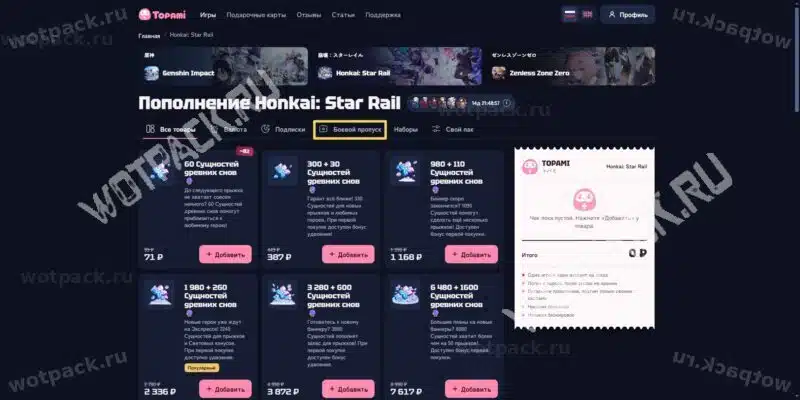
- On the homepage, expand the list of HSR services. Select “Battle Pass” in the “All Products” category.
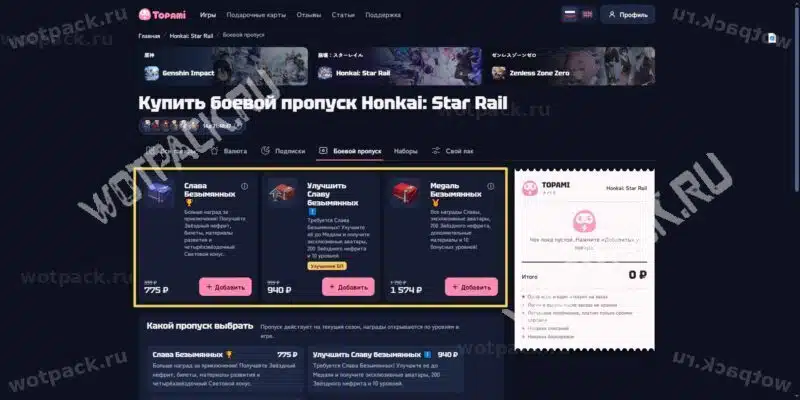
- Nameless Medal is the version with an exclusive avatar. If you have already purchased the standard Nameless Glory, use the upgrade service.
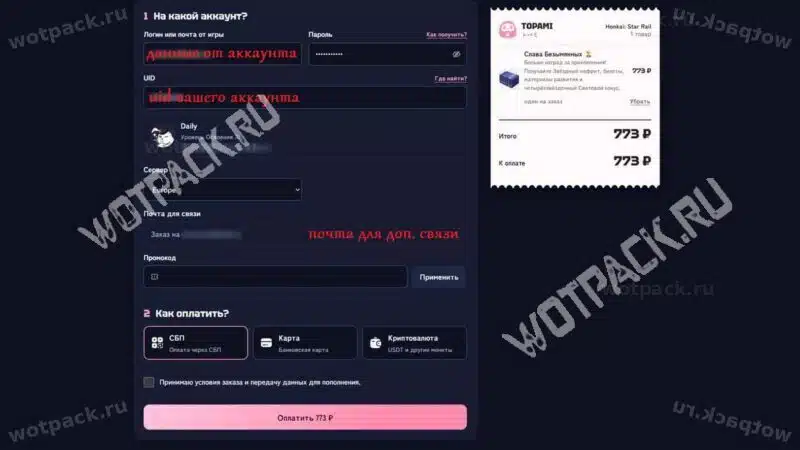
- Enter your account details: login/email, password, and UID. In the “Contact email” field, enter an email address the site’s team can use to contact you.
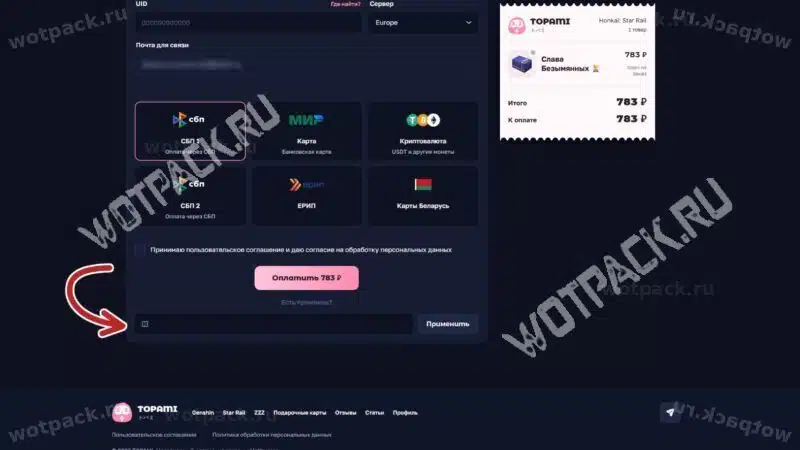
- Find the “Have a promo code?” field below the payment button and enter WOTPACK to apply the discount.
- Pay using your preferred method. We recommend disabling any apps that change your IP address, as they may prevent the Faster Payments System QR code or payment details form from appearing.
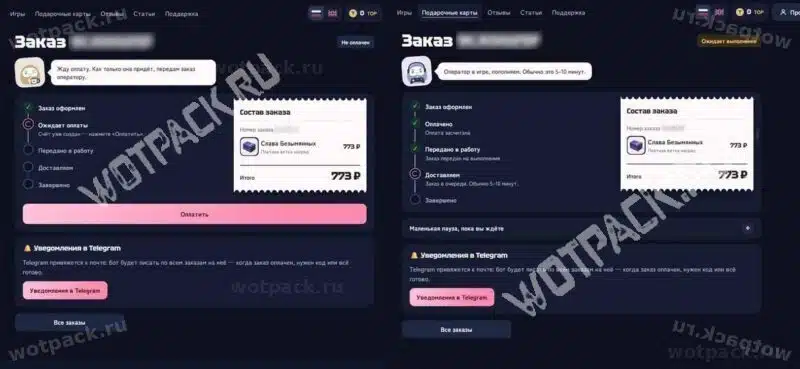
- You can track the status of the entire process on the order page.
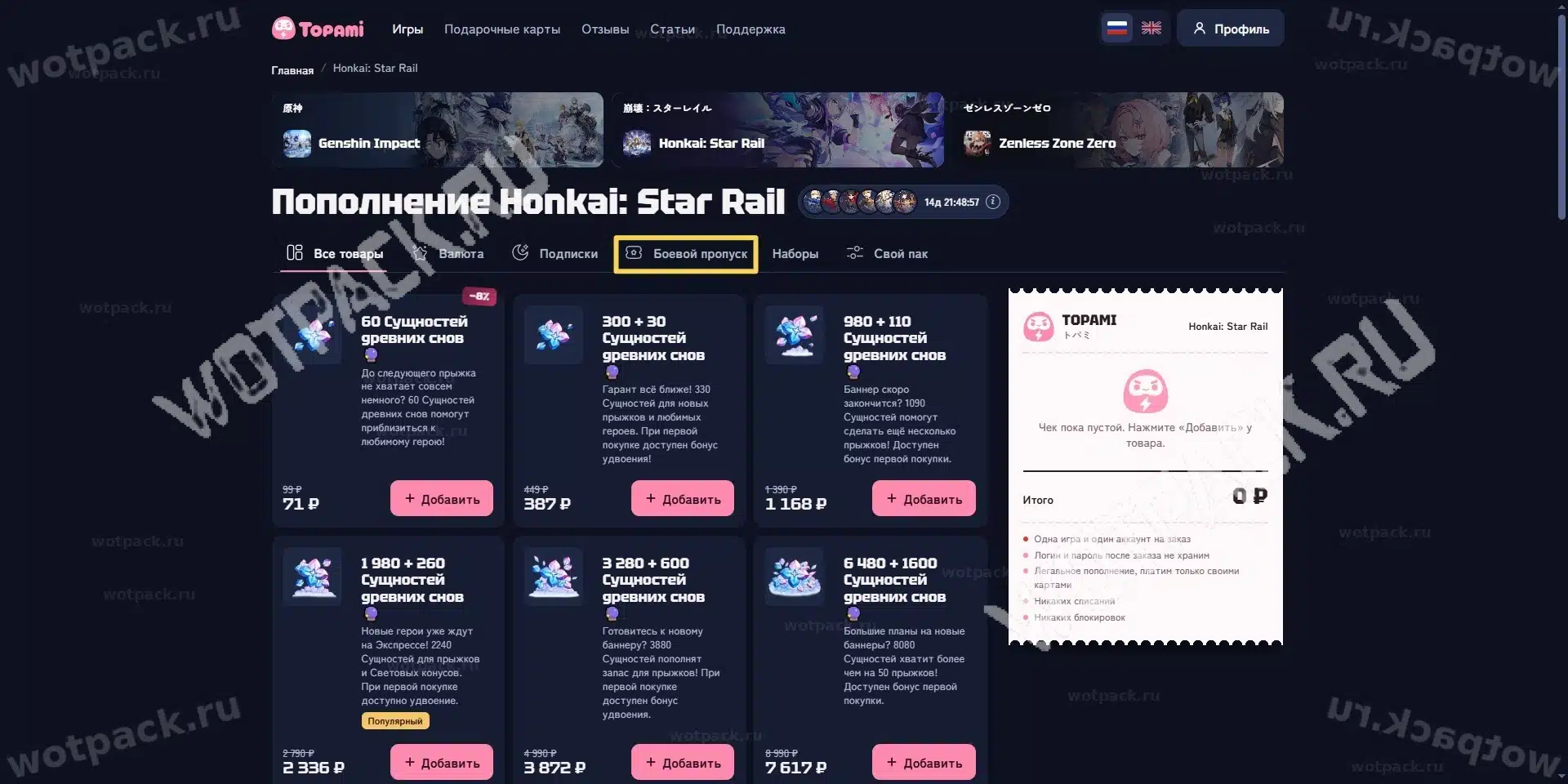
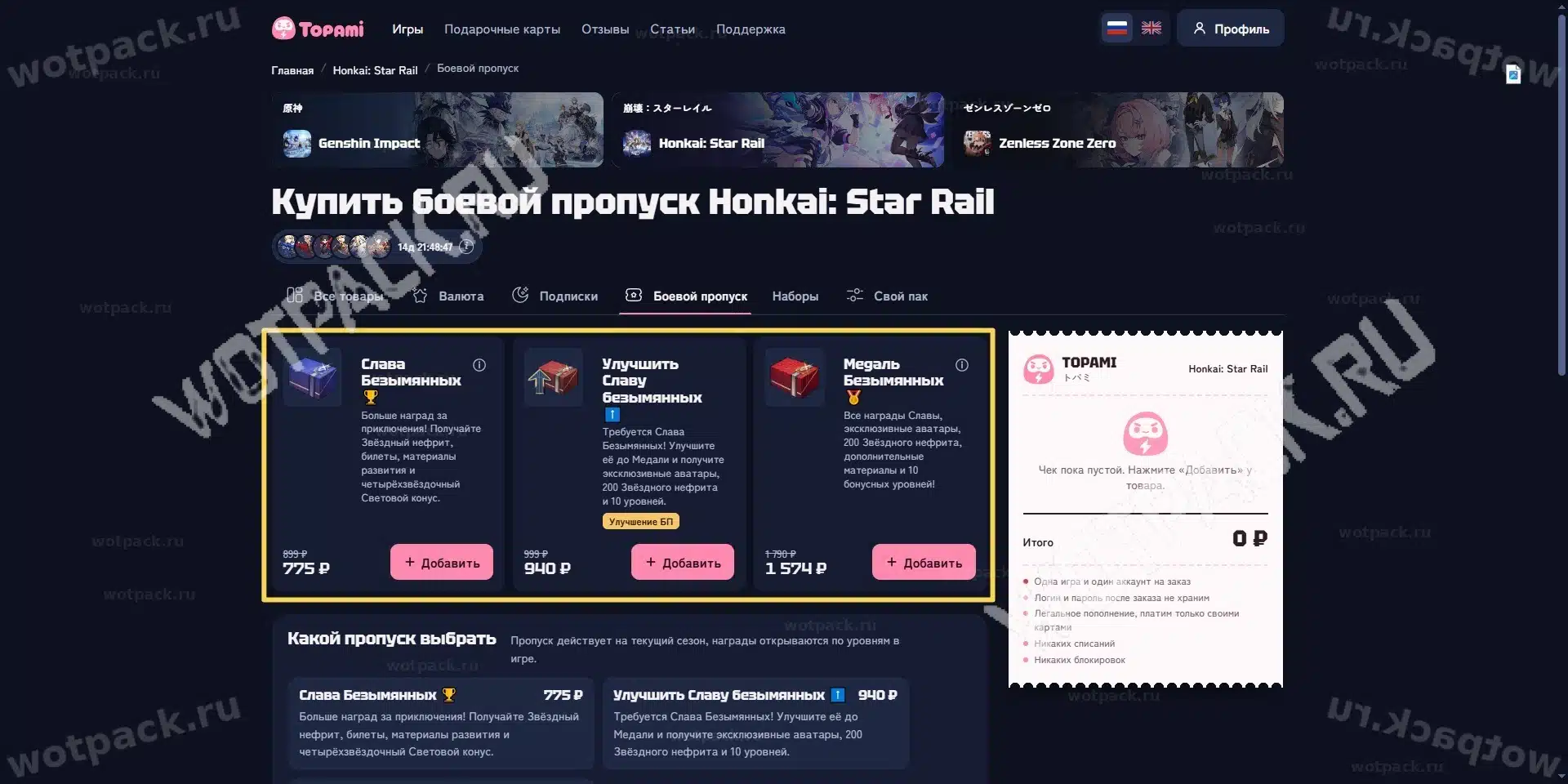
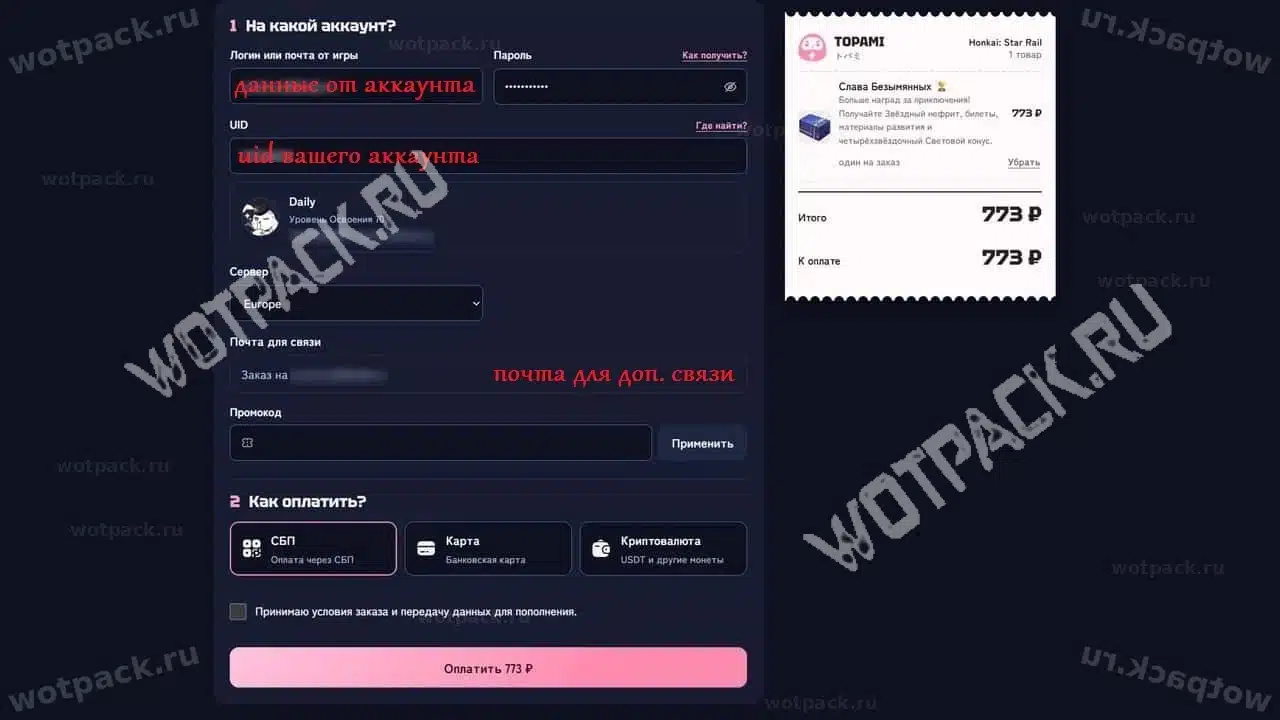
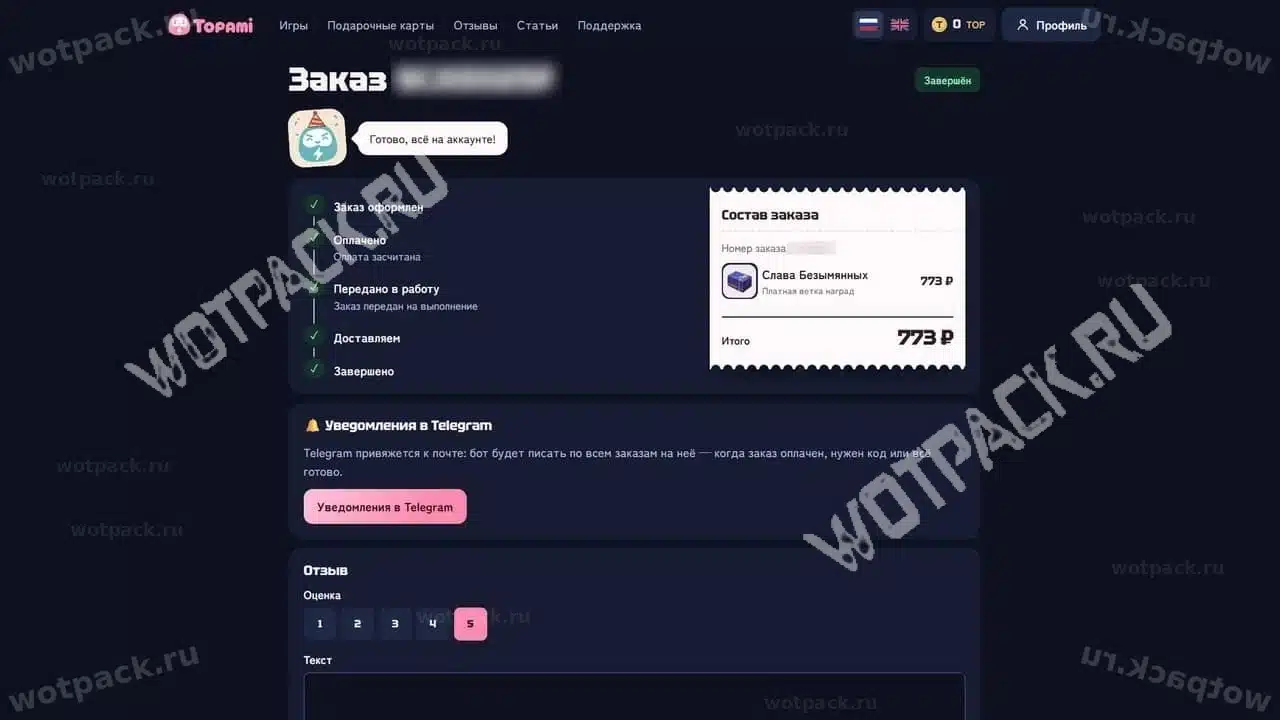
When “Delivering” changes to “Completed”, log into the game and check that your purchase has arrived. The Battle Pass will already be activated — all you need to do is claim the level rewards.
How to Top Up Honkai: Star Rail in Russia in 2026
Due to regional restrictions, users in Russia have the following options:
- official top-ups using a phone number (on the website or in-game store);
- the App Store, provided you have funds in your balance;
- third-party top-up sites.
Through the Official Website
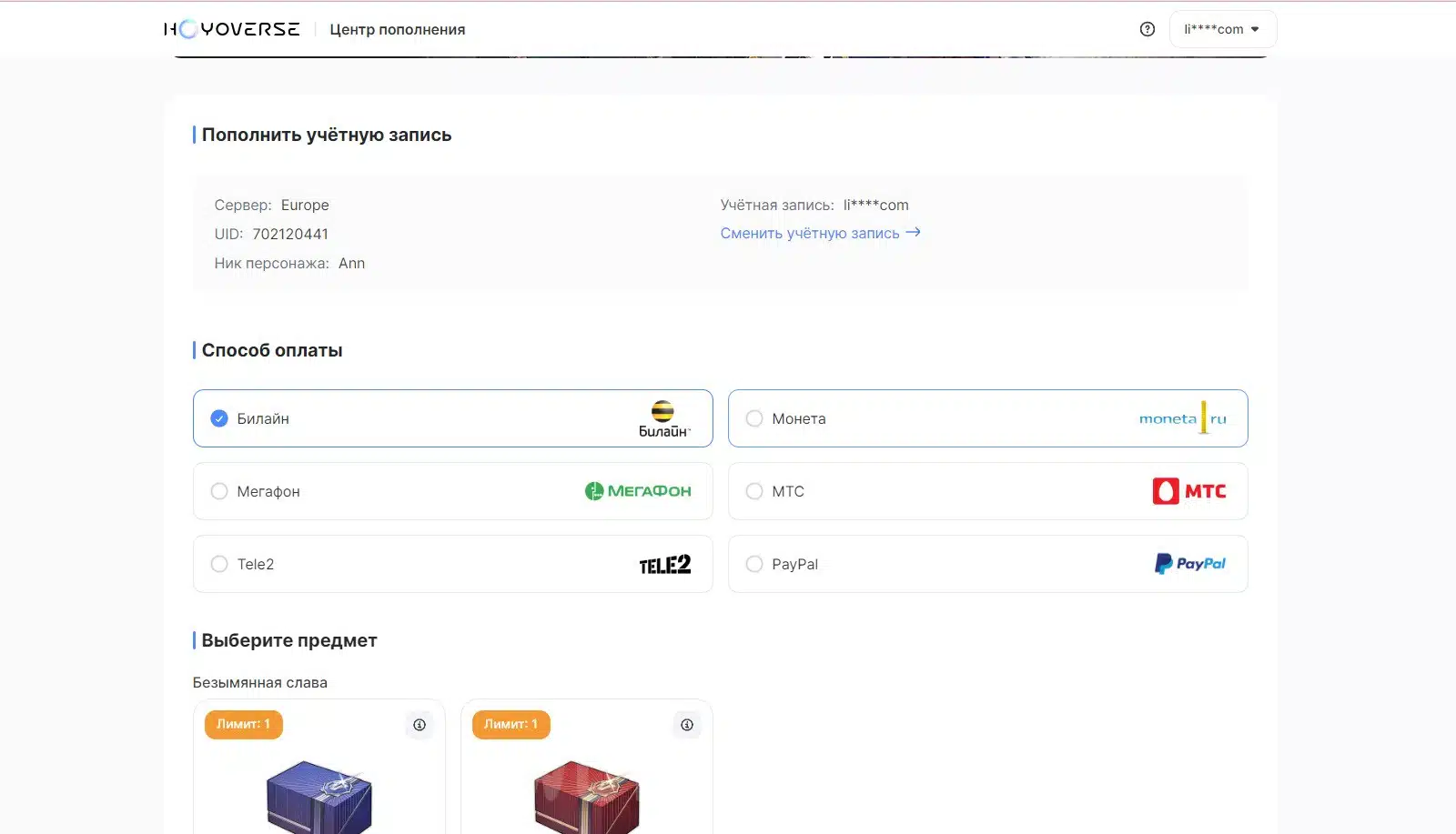
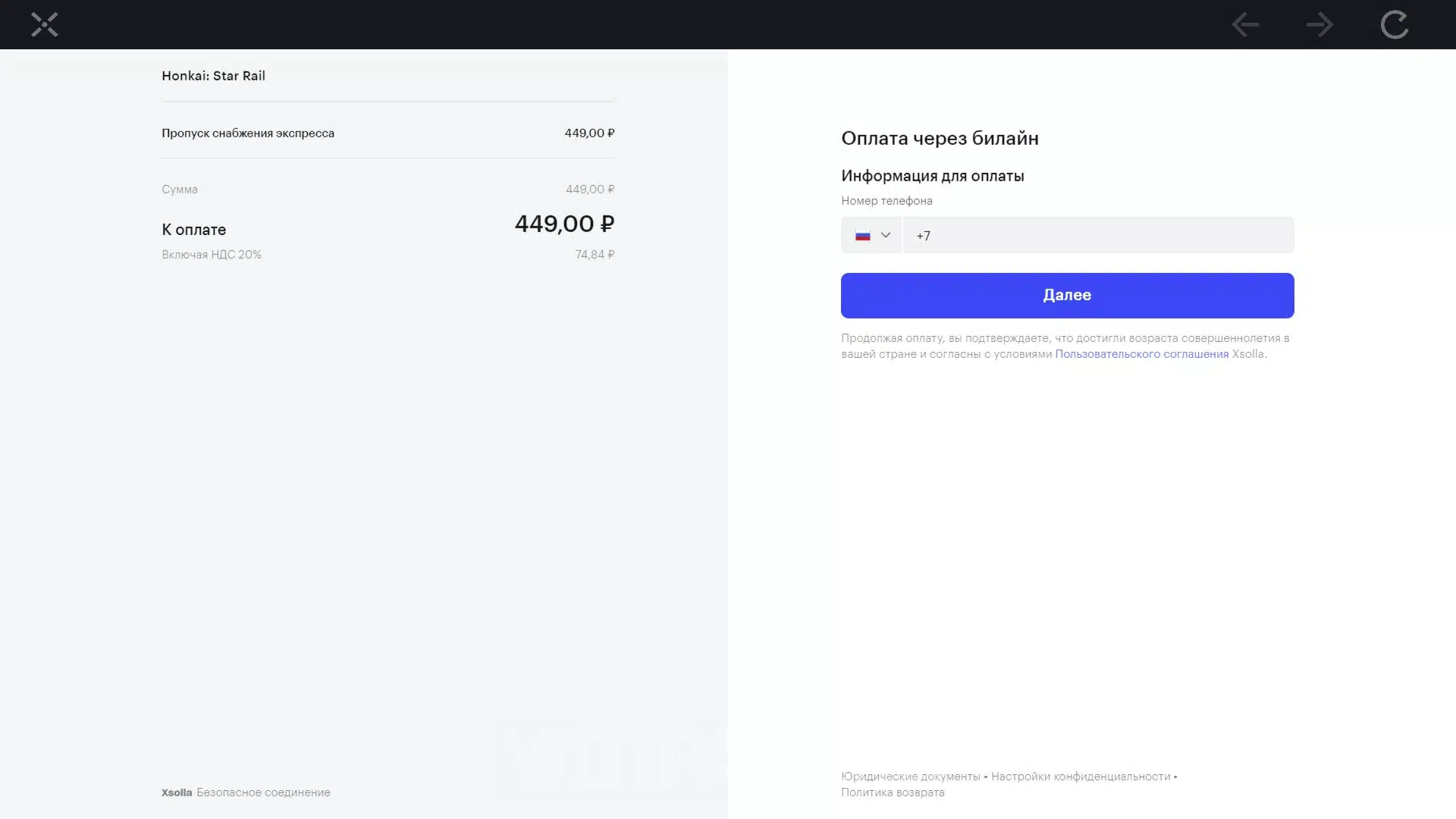
The most convenient way to buy paid in-game items is through the official website or directly in the game using a mobile phone. Payments are accepted from SIM card balances with Beeline, MTS, MegaFon, and Tele2.
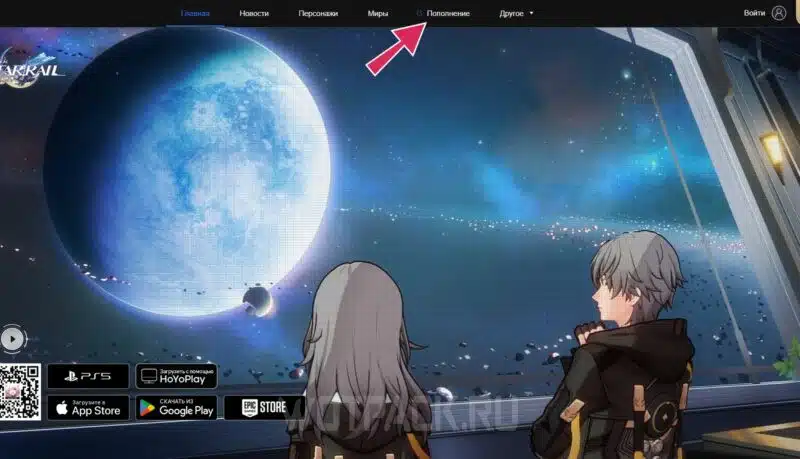
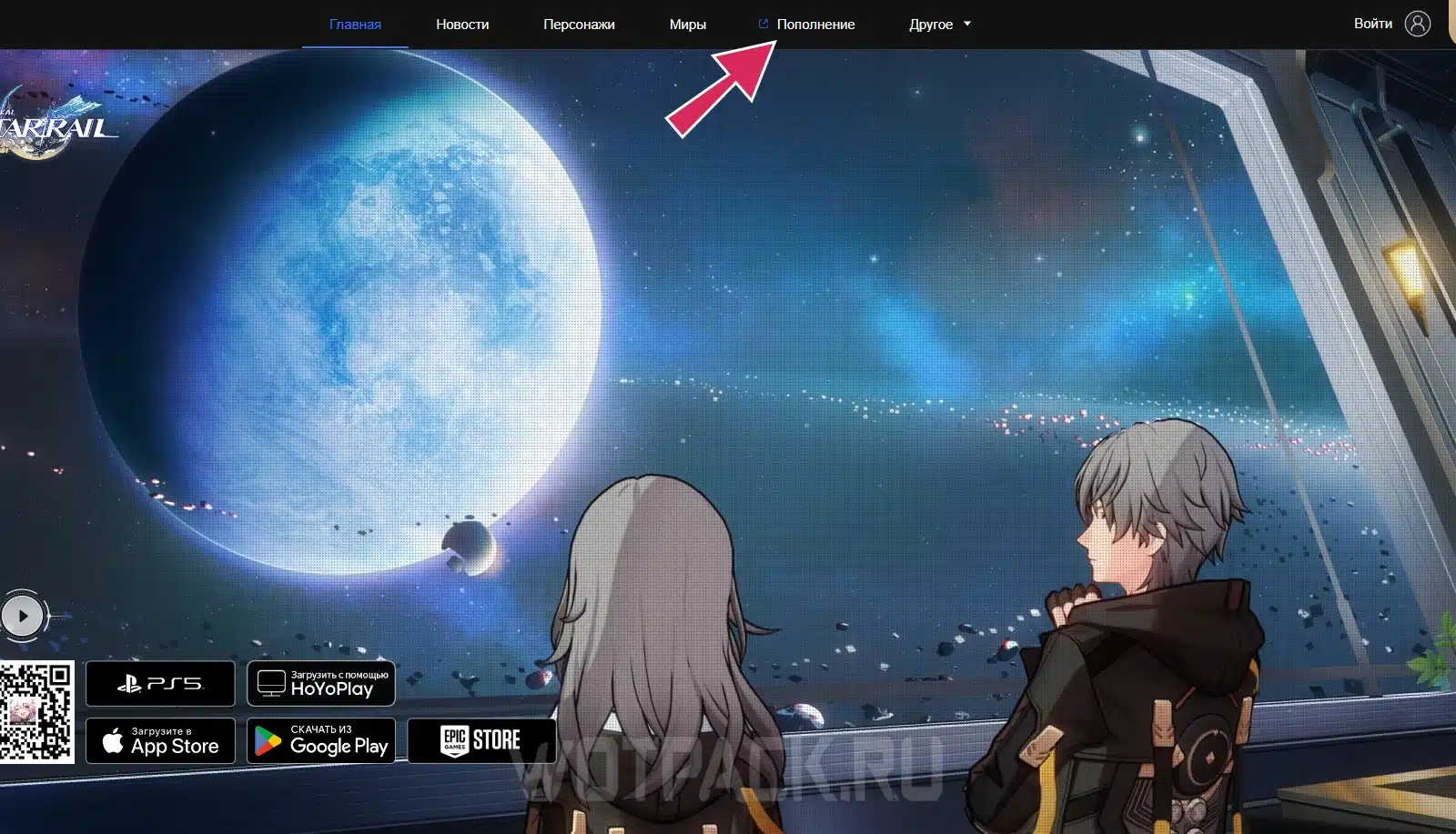
- Go to the developers’ official website and find the “Top-Up” tab in the top navigation bar.
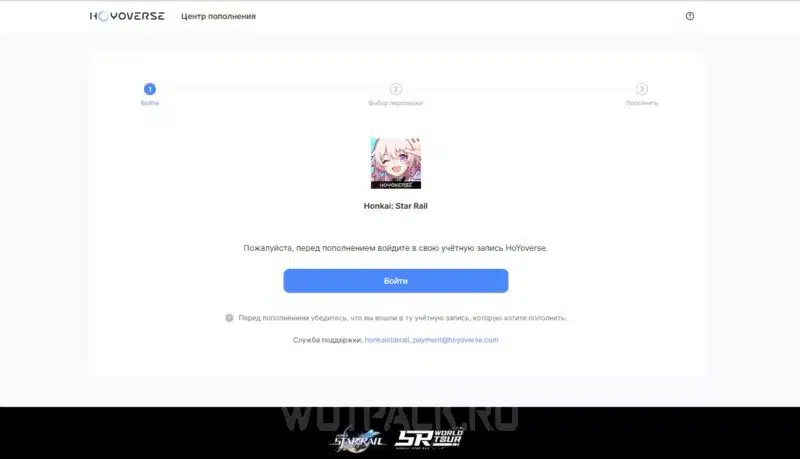
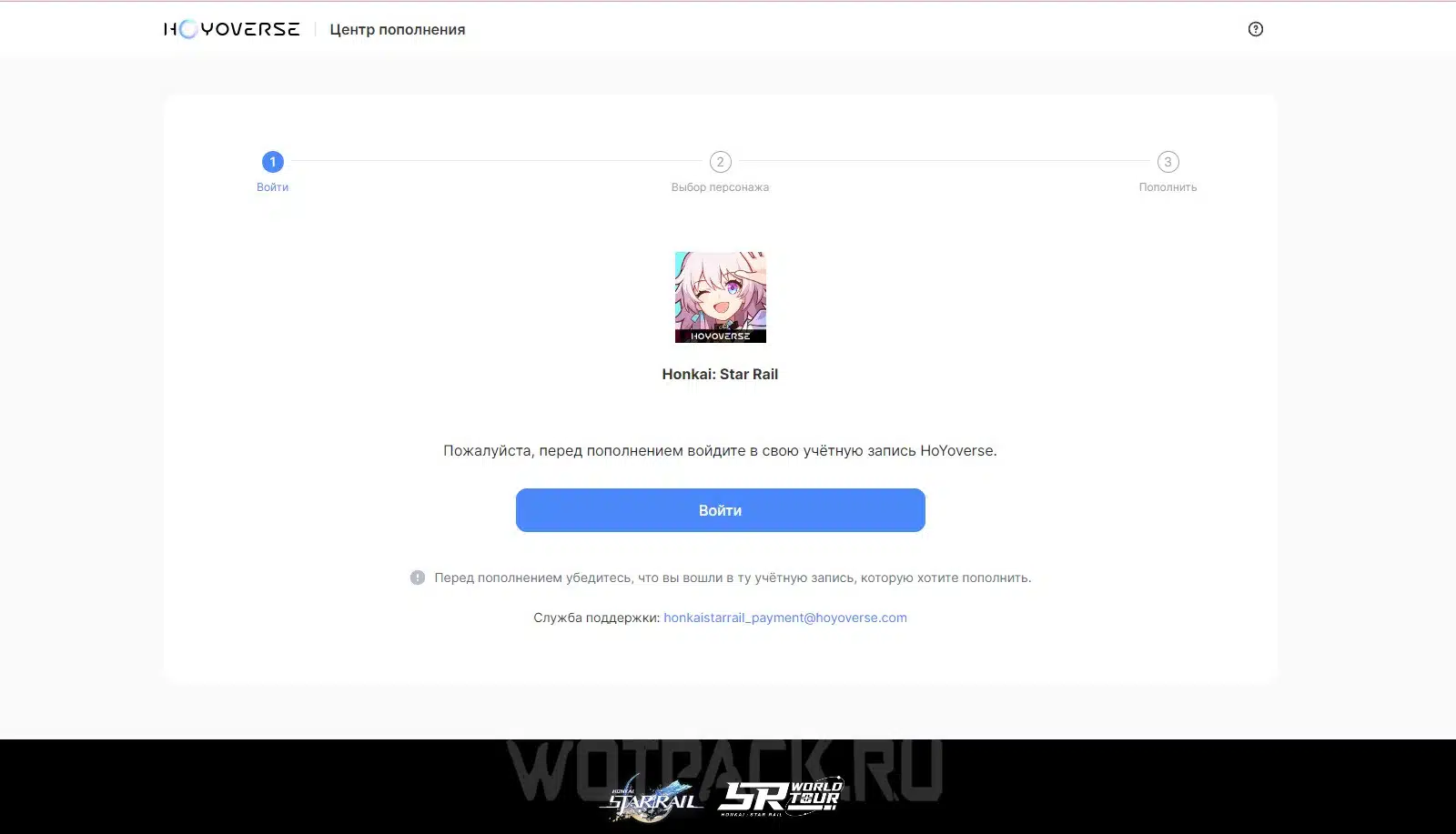
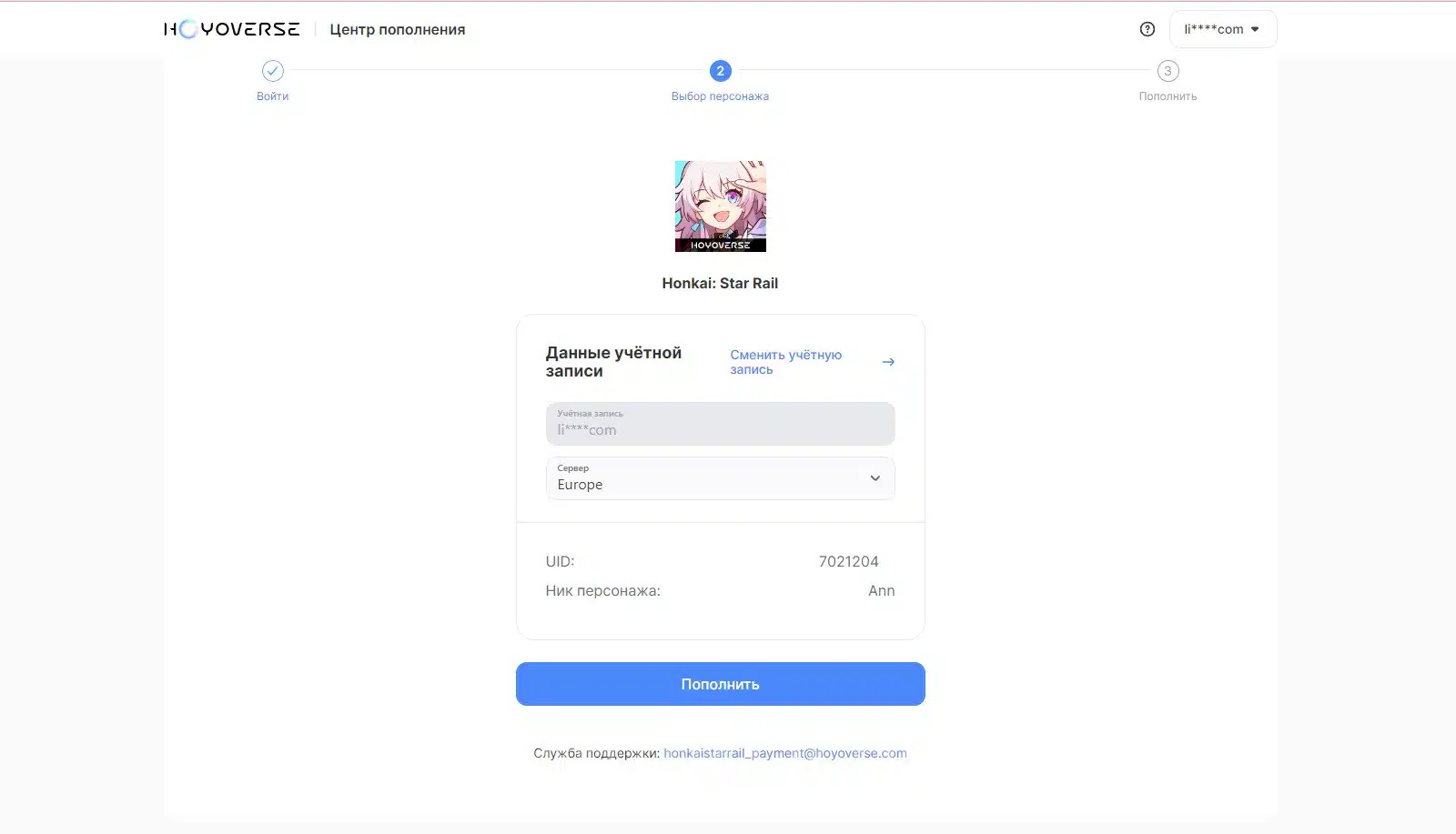
- Log into your HoYoverse account. Carefully check the details and make sure you have selected your profile.
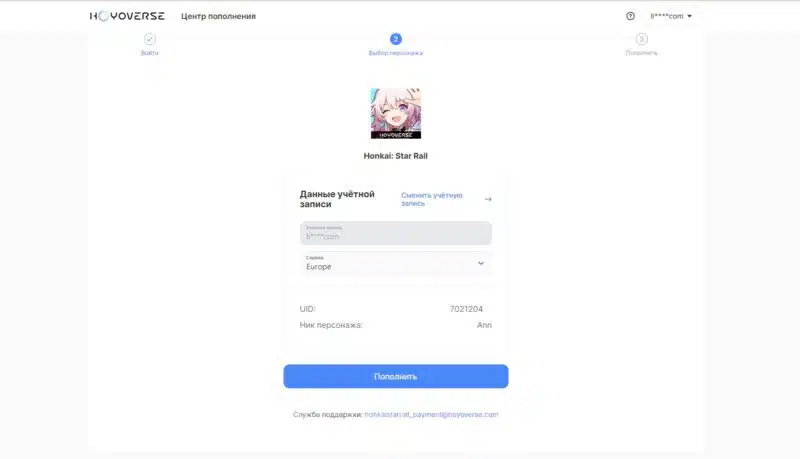
- Select your server, check your UID and account nickname, then click “Top Up”.
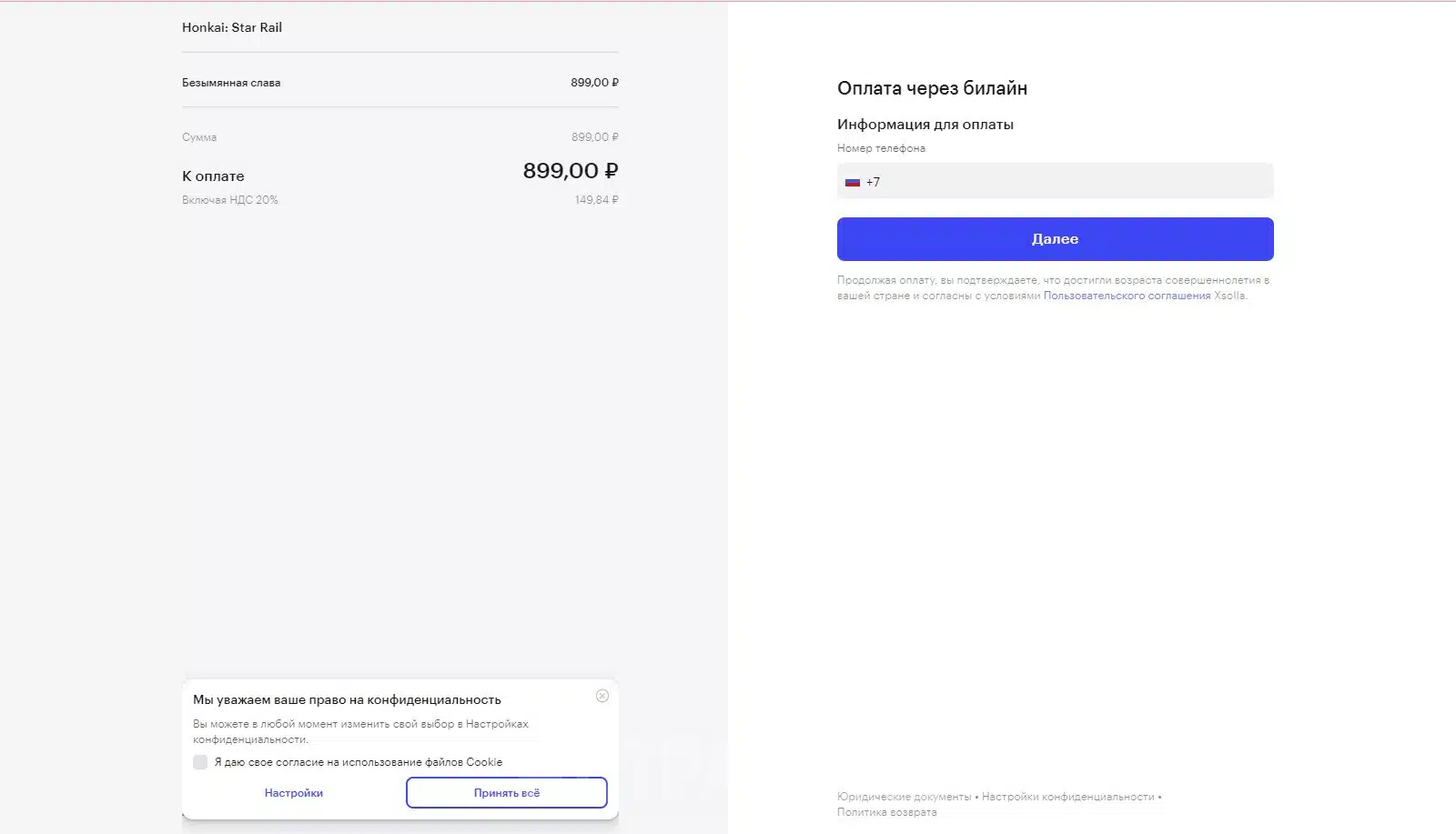
- Select the correct mobile operator before entering your phone number. If you choose the wrong one, the payment will fail even if you have enough funds.
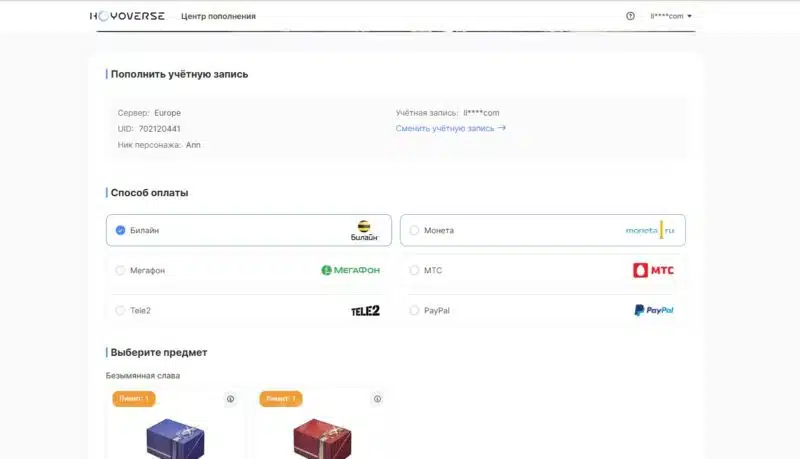
- Enter the phone number to pay with. There is no purchase fee, but the payment may fail if your phone balance would fall below 10 rubles after the purchase.
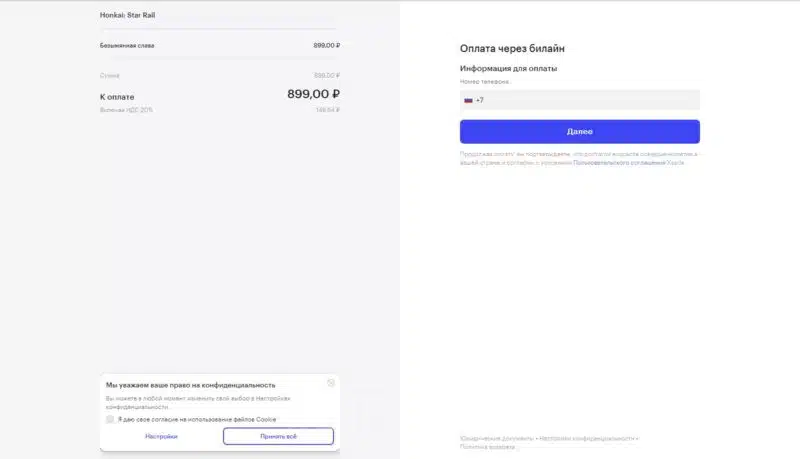
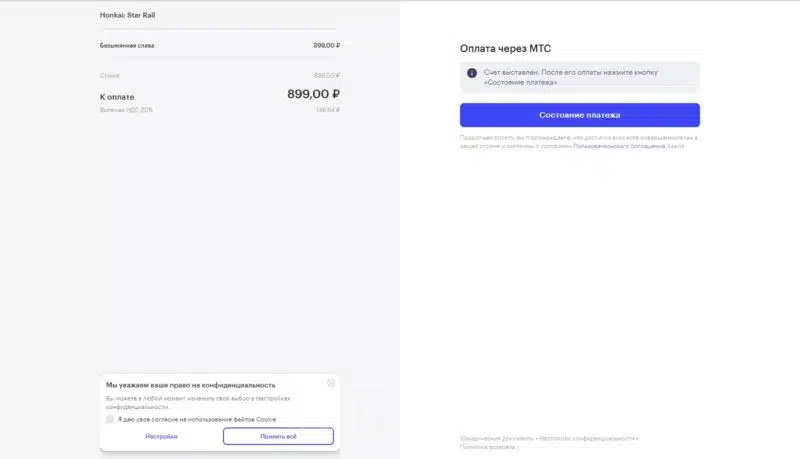
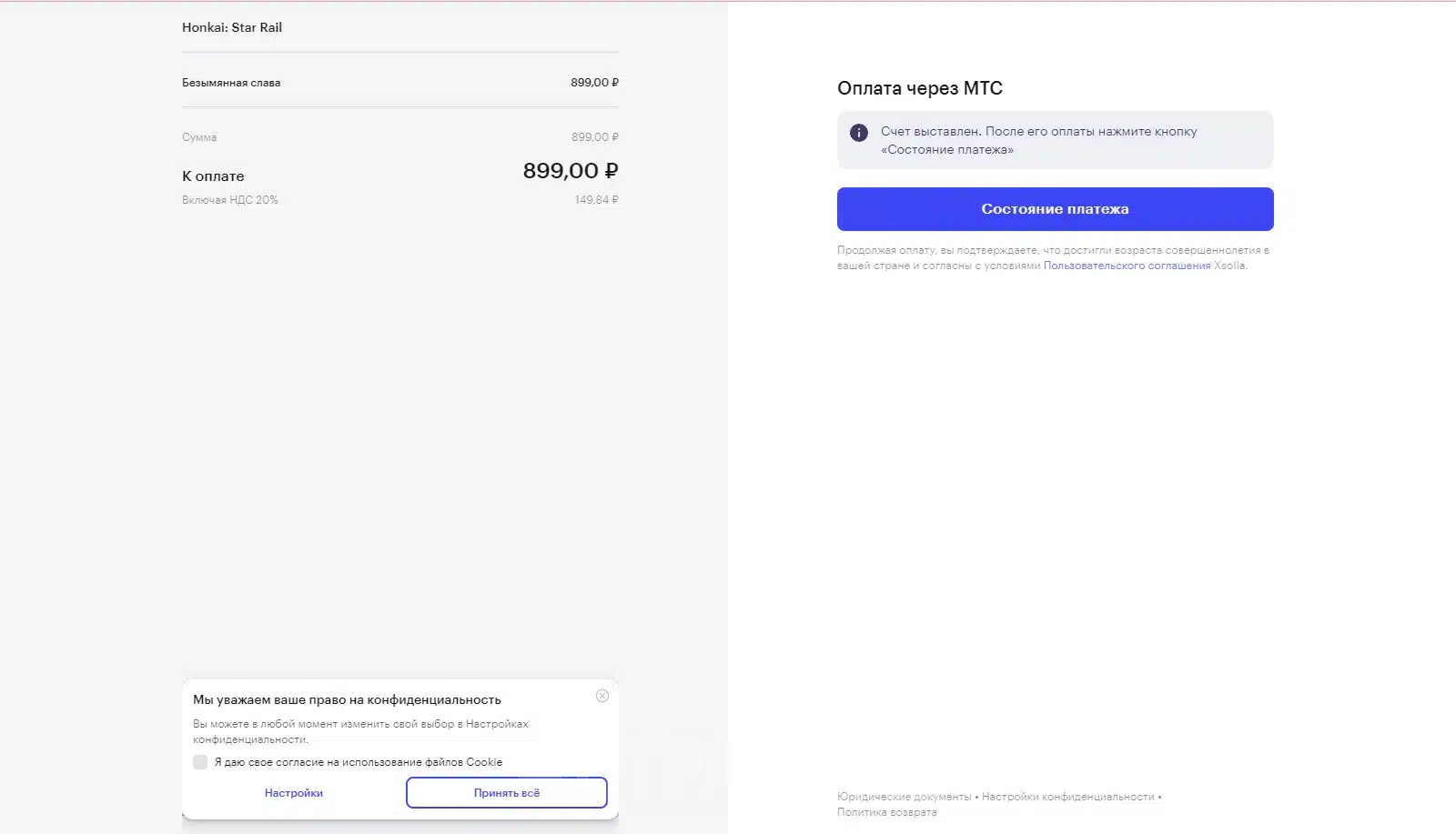
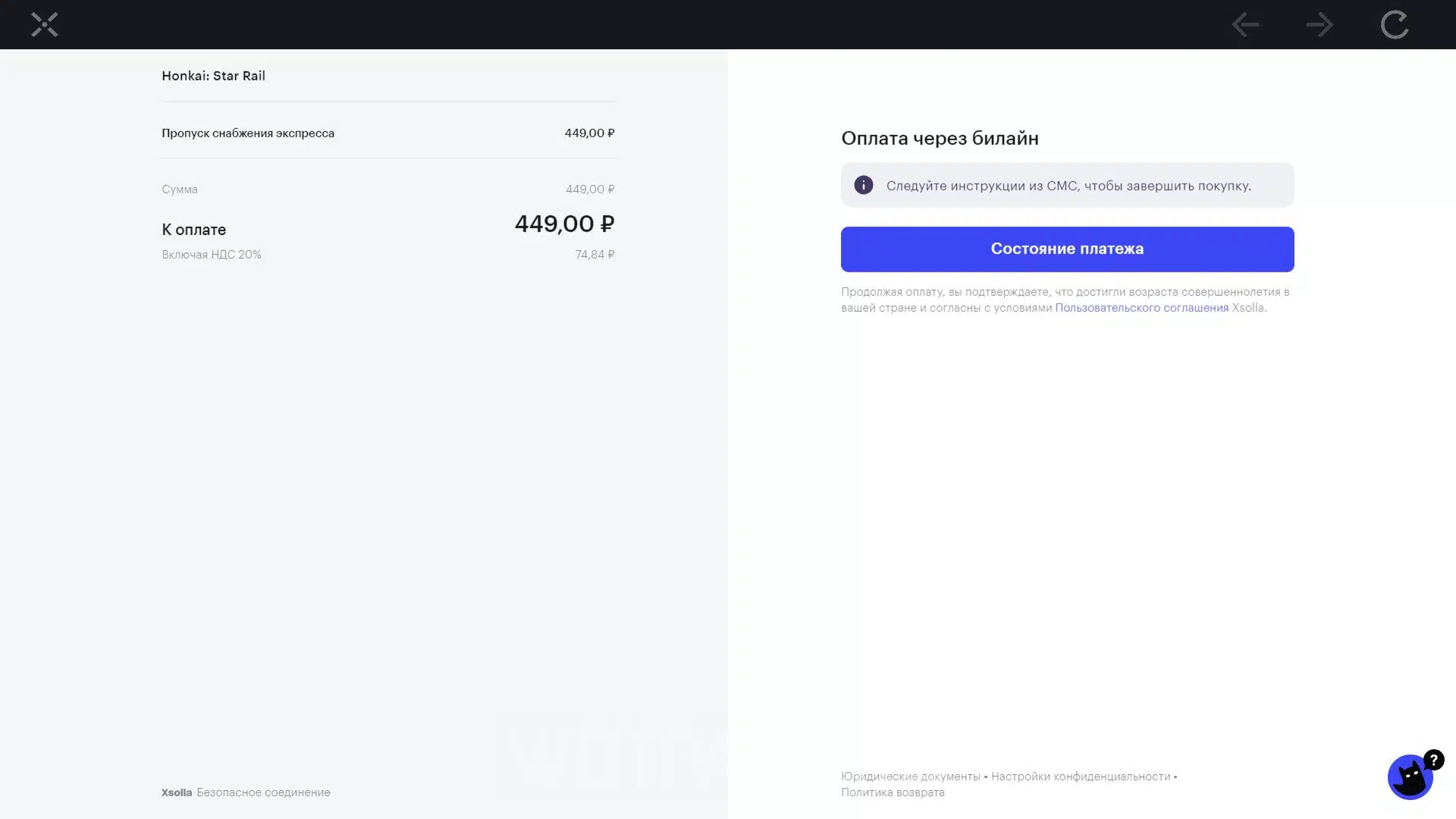
- An SMS code should arrive at the specified number — follow the instructions to confirm payment. Then click “Payment Status”: the item should be credited to your account immediately.
Paying Through the Game
To purchase Oneiric Shards or a monthly pass directly in the game:
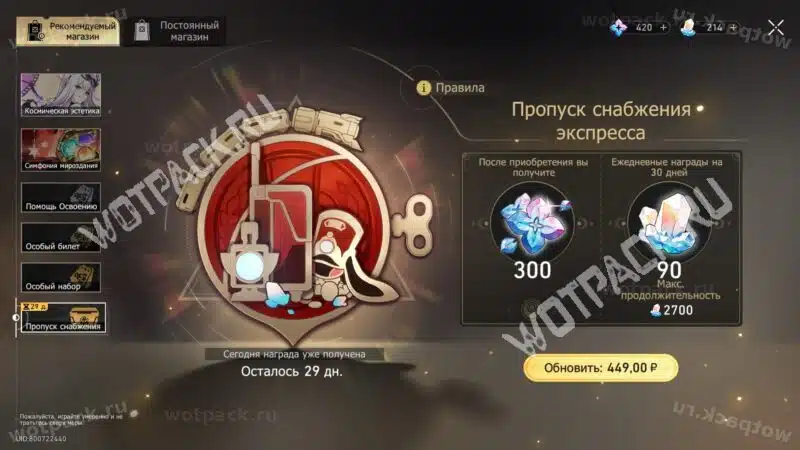
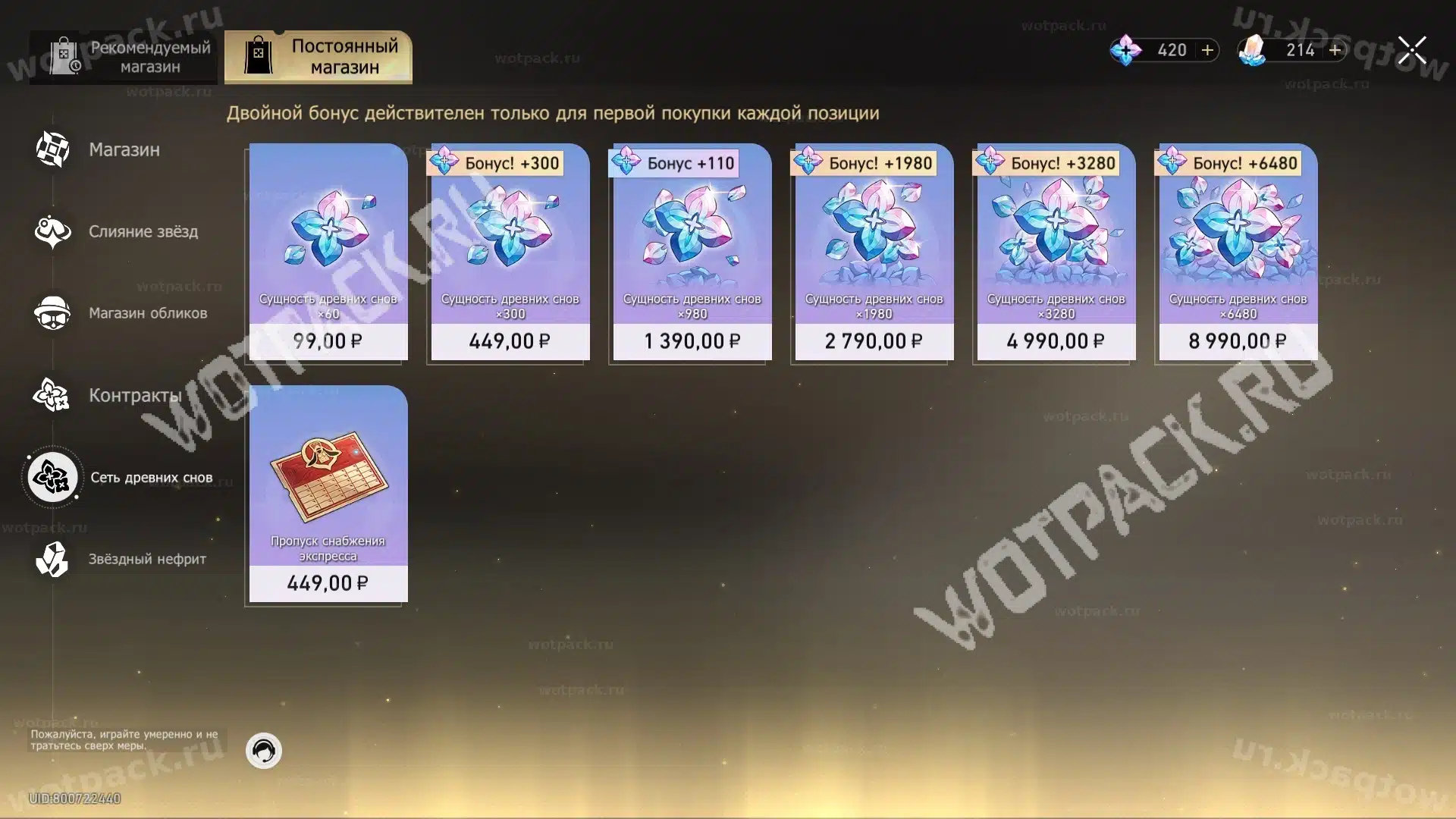
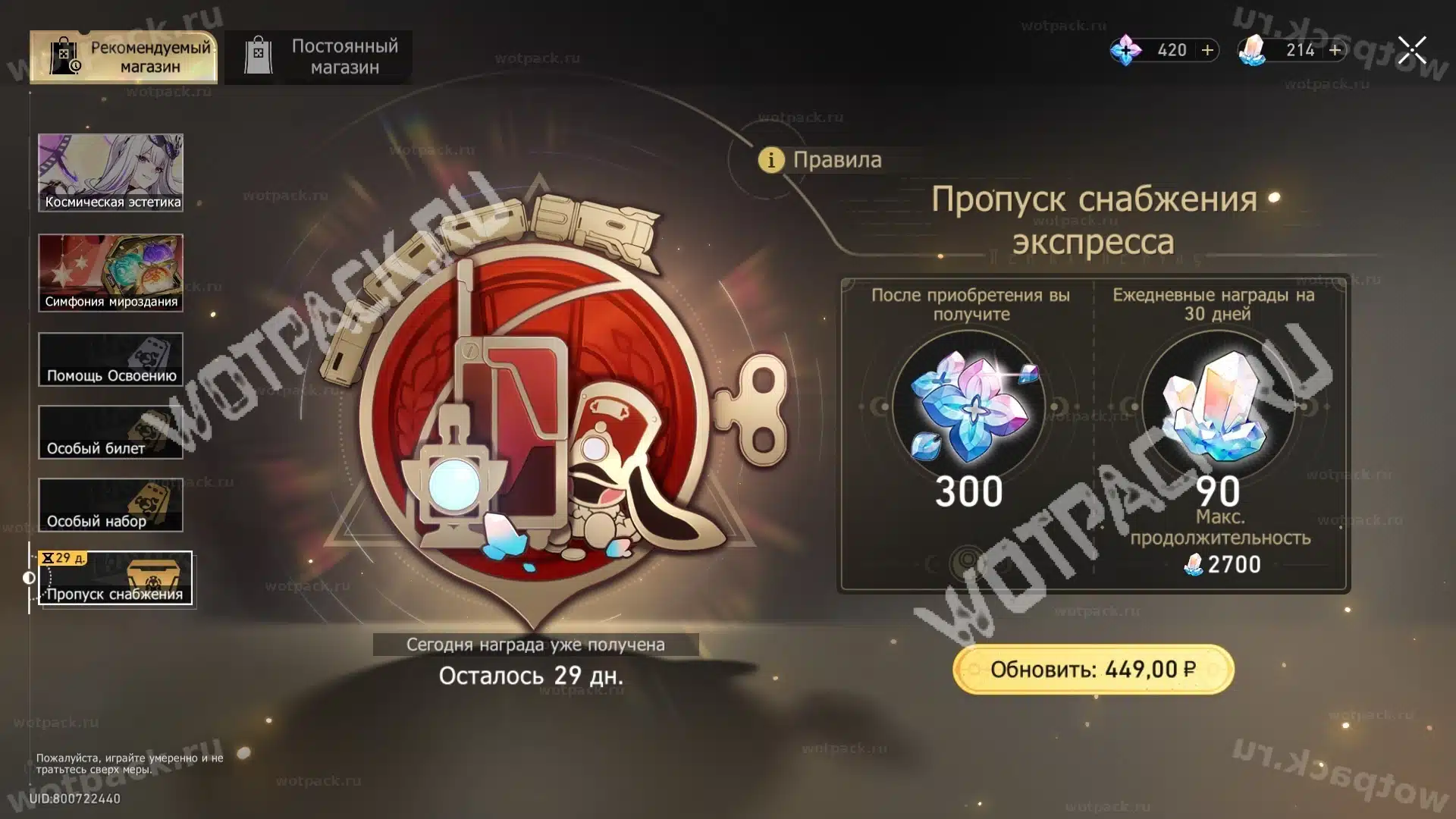
- Open the “Recommended” or “Oneiric Network” section in the in-game store and select the bundle or Express Supply Pass you want.
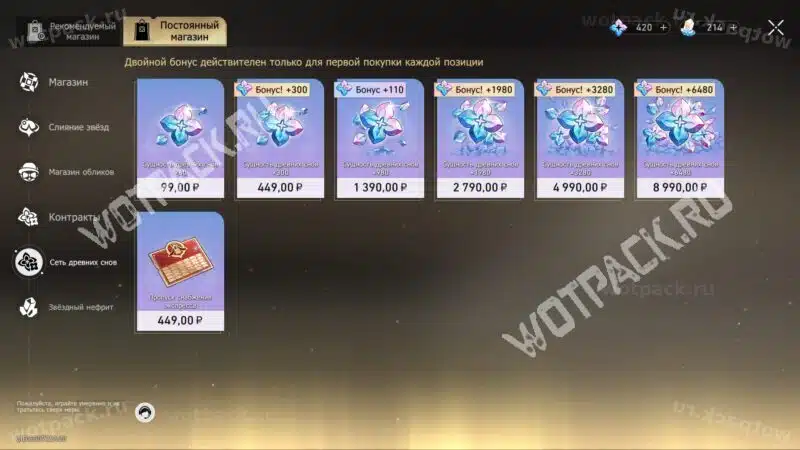
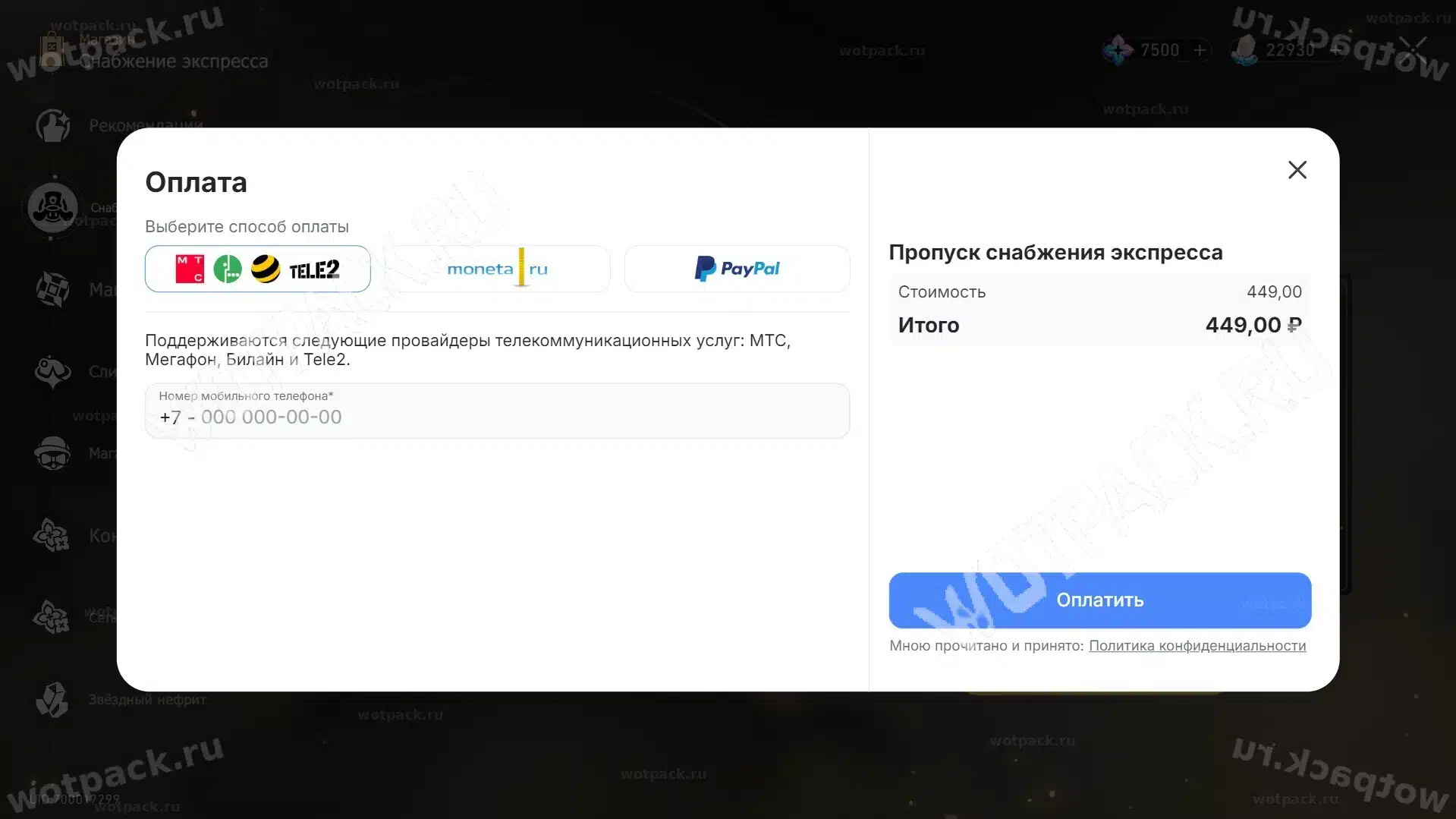
- Click the item to open the payment page. Select phone number or moneta.ru as your top-up method. For the latter, enter all the details requested in the form.

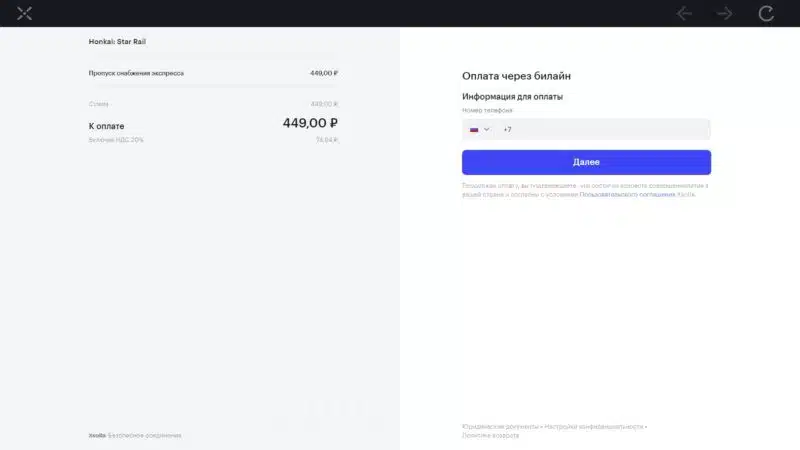
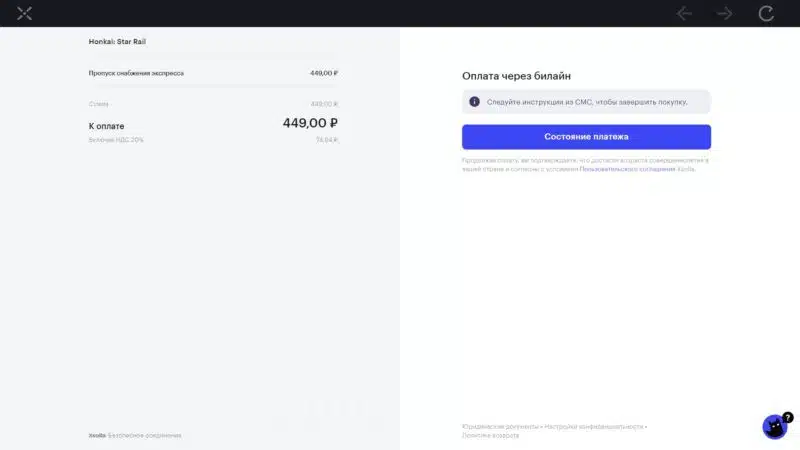
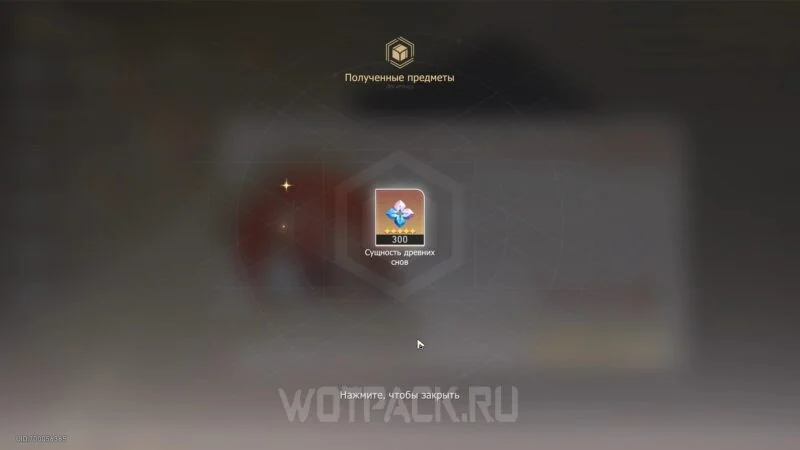
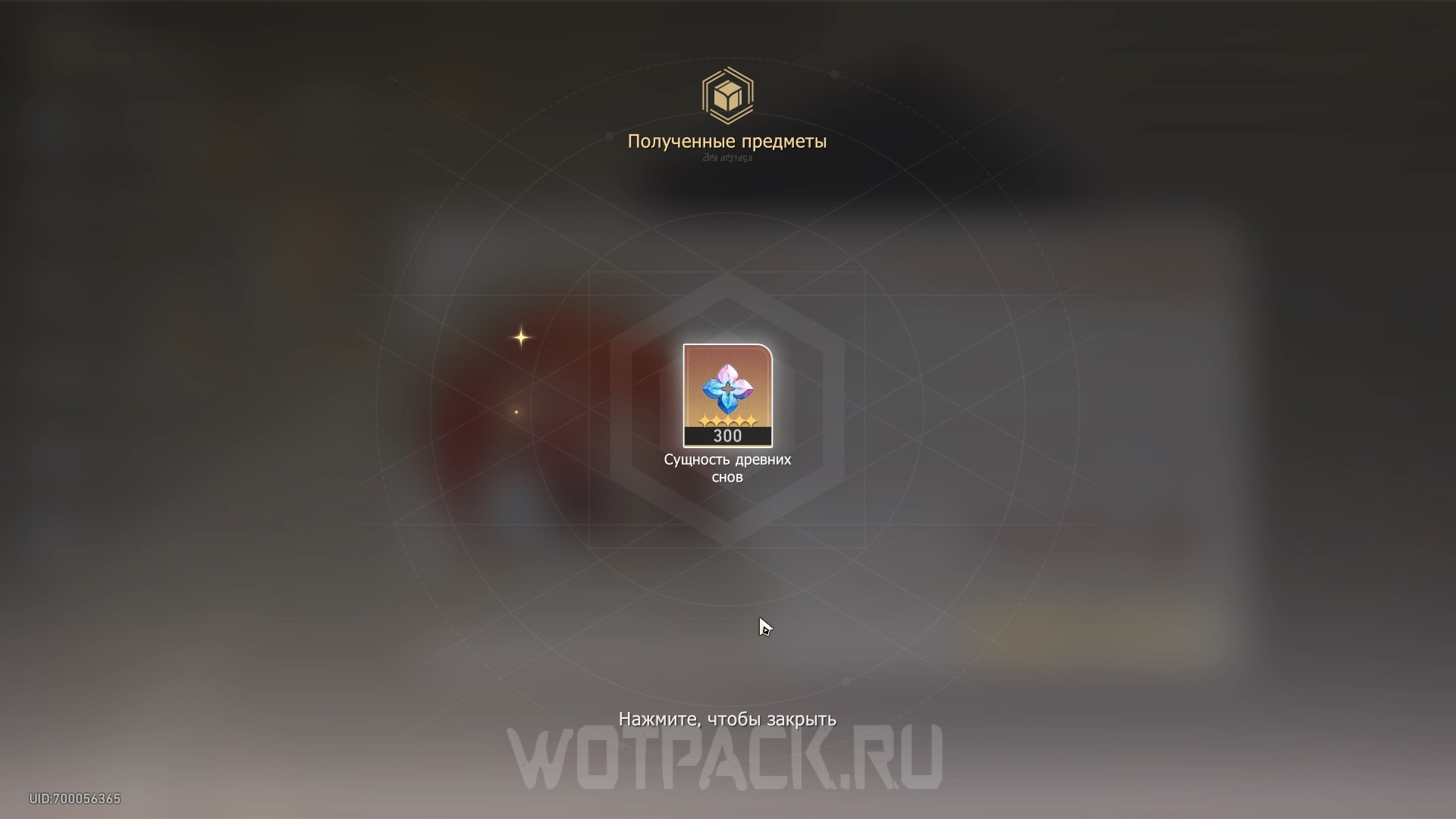
- Wait for processing. If everything is correct, a window displaying the purchased item will open immediately. If you use a phone number, you will receive a message with an activation code.
Through the App Store
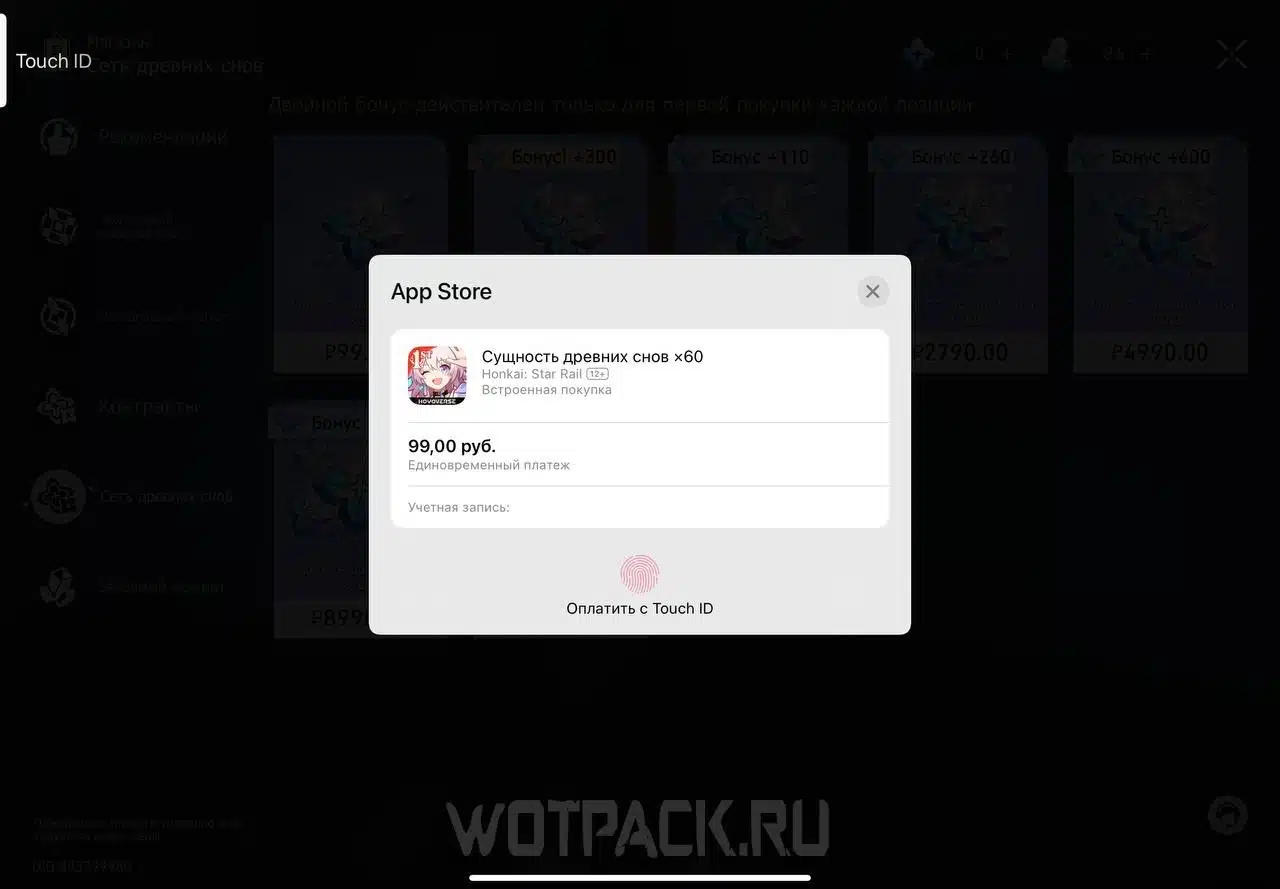
This option is only available on iOS and iPadOS devices: open the game on a compatible device and select the item you want in the in-game store. The payment will be deducted from your phone balance.
You can't pay using Beeline or MTS SIM cards—you'll need to buy App Store gift cards.
Currently unavailable
For various reasons, some top-up methods in HSR have stopped working:
| Method | When it stopped working | Reason |
| Buying the BP through donatov.net | — | Only services that require just a UID remain available. Nameless Glory requires logging into the account. |
| Topping up through Epic Games Store and Yandex Pay | September 2026 | According to Xsolla support, Mir payment cards are no longer supported. |
| Topping up through Ozon | March 2024 | The Ozon card can no longer be used. |
| Paying in the App Store through MTS and Beeline | — | Payments from your mobile phone balance are unavailable. Using a gift card to add funds remains an alternative. |






When I tried to donate through donatov.net, my bank blocked my card under Federal Law No. 161. After I called, they unblocked it, but told me there were a lot of complaints about the site and that I shouldn't try to pay anything there.
Hello! You just need to be a little more careful 🙂
The "SBP QR" payment method is not compatible with Sberbank cards (this is indicated in parentheses). You can pay for the donation with any other card or choose a different payment method.
Thank you for your feedback. We've confirmed with donatov.net support, and yes, one of the deposit methods with the minimum commission (1%) is currently unavailable for payments via Sberbank's Fast Payment System (SBP). Please select a different method for Sberbank cards.
screen
Anyone else experiencing in-game payments via EGS not working? My payment went through fine in January, then I didn't make a donation for two months, and now I'm trying to deposit money, but it's giving me a network error (according to the screen that flashes) and nothing's working. You can pay with other methods, but the cashback is gone!
It tells me that I can't add funds to my account.
Hello, do you know how to convert from dollars to another currency? I don’t know why mine is in dollars.
Are you accessing the game through a VPN?
There are a lot of strong characters coming out, there are not enough gems, and for lazy people it is even more so
This is my second time purchasing BP through Moneta. It's quite good, everything works, transfers are fast. Verification is a bit of a pain. I didn't immediately learn how to verify my profile, and the SBP transfer isn't available to me. But overall, the commission is small, and I top up my Moneta account with a card and then pay for the purchase in-game.